圖片轉圖片
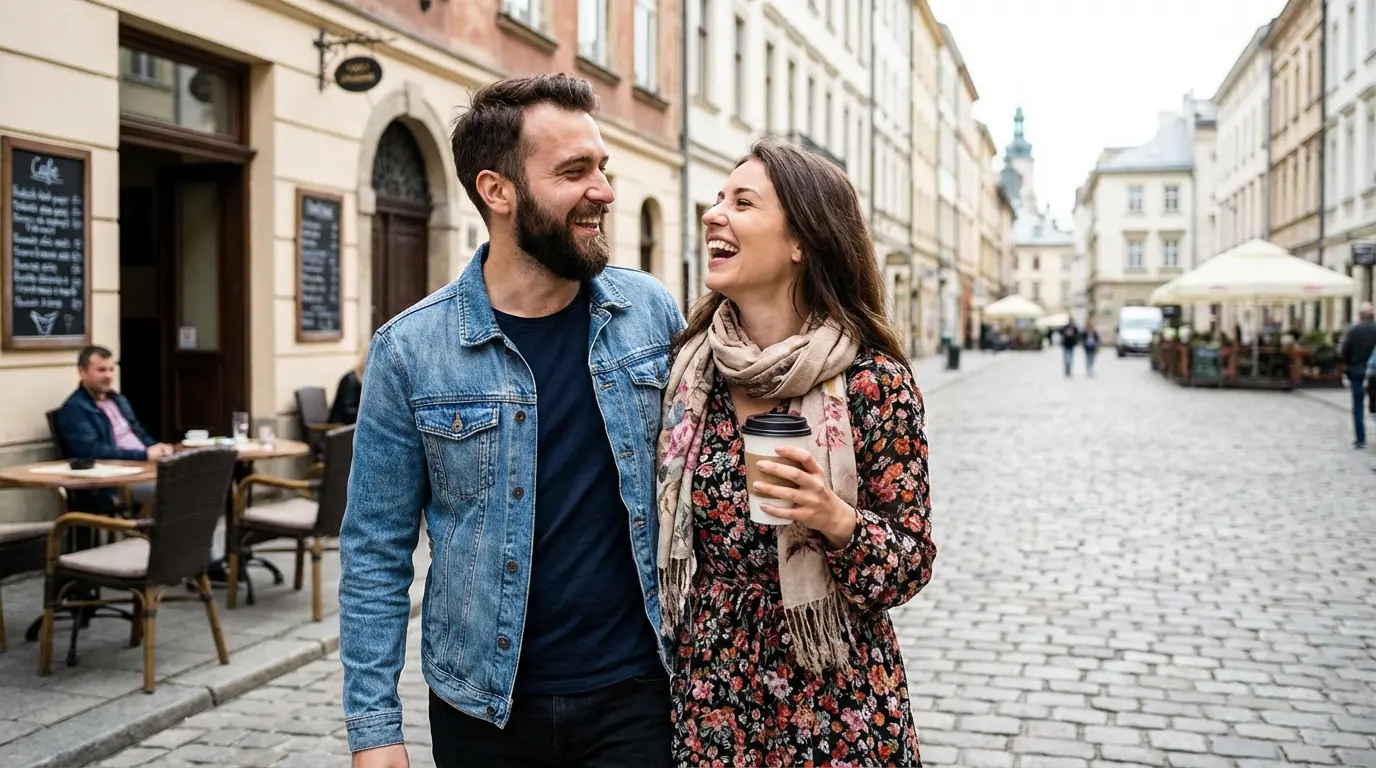
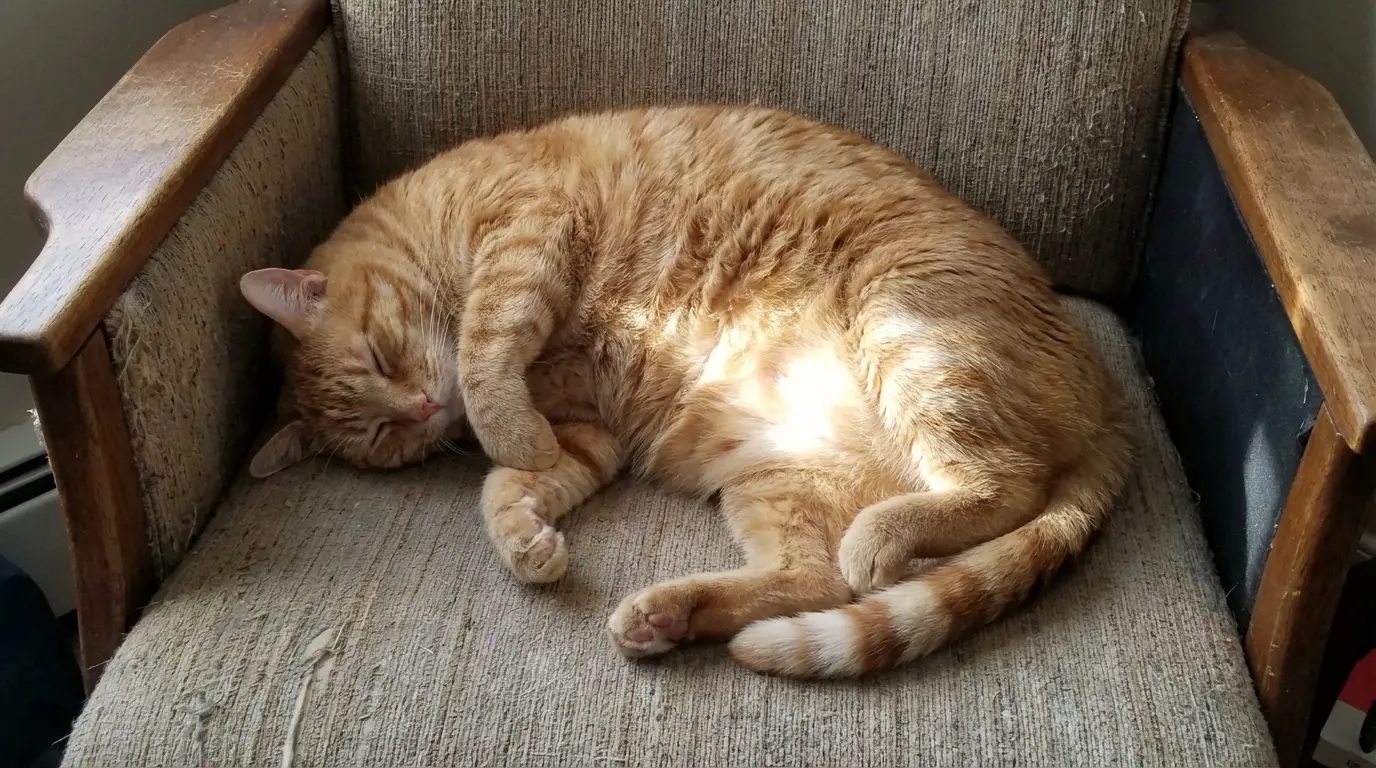
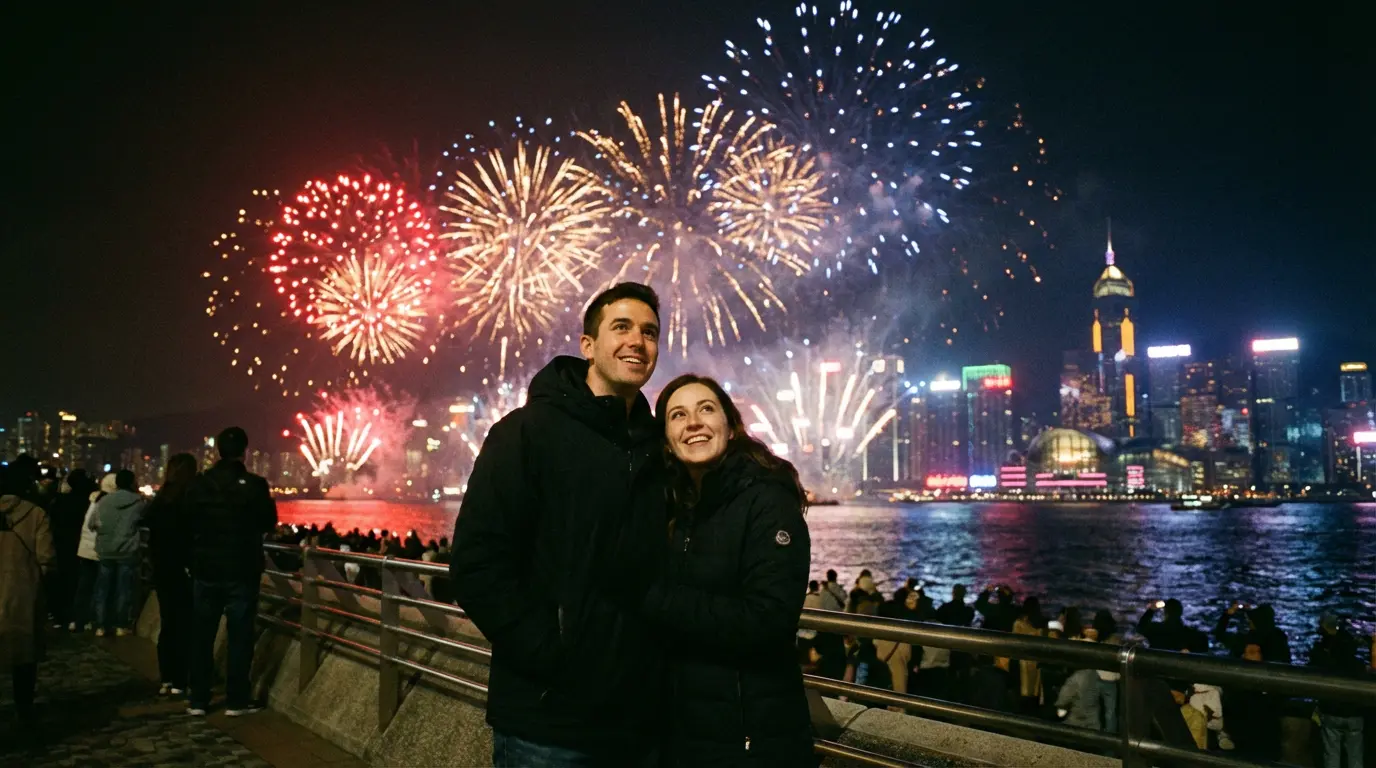
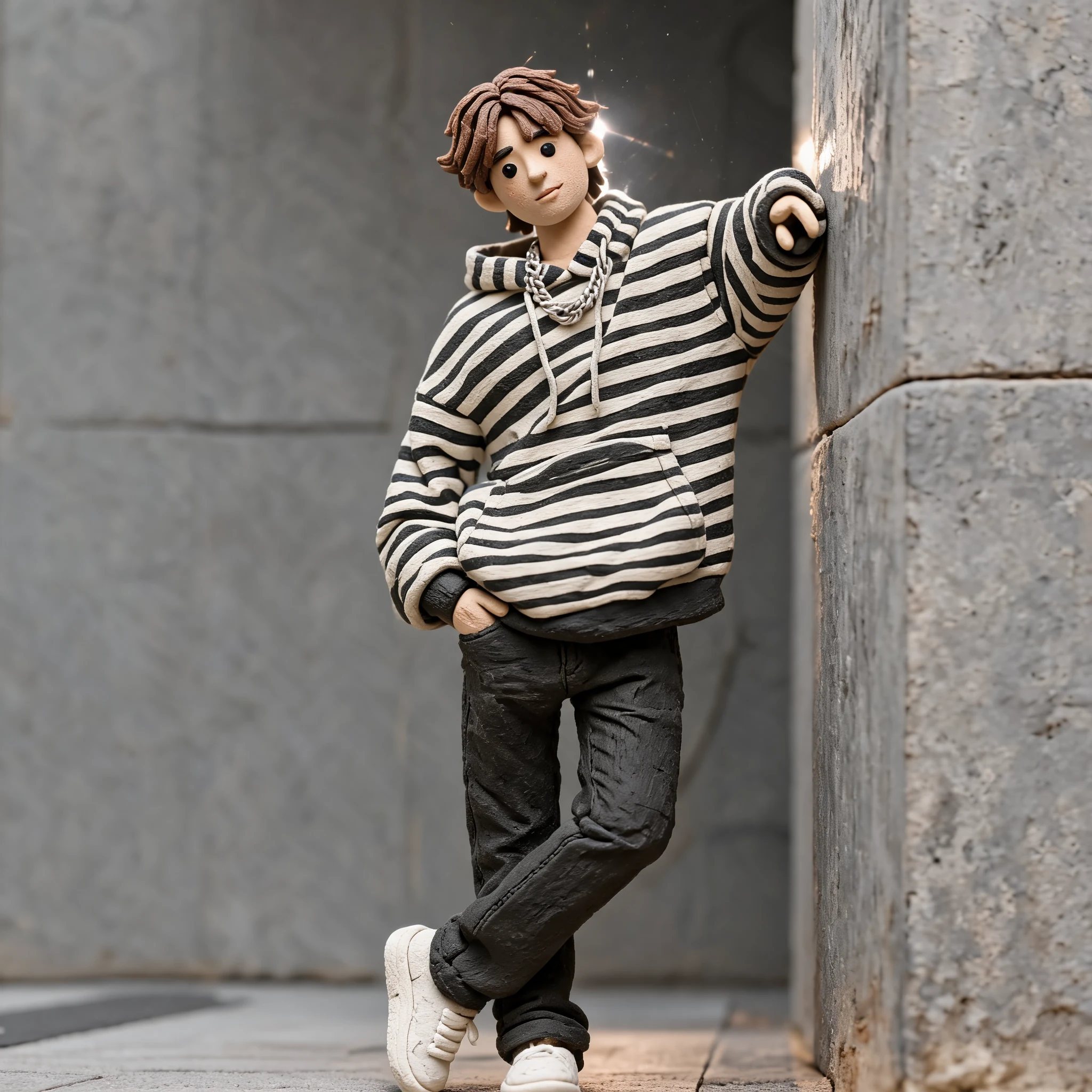
肖像轉黏土角色
手工黏土質感、圓潤特徵與微縮場景燈光。
在一個專注的 playground 中,將文字提示、上傳圖片或上傳影片轉換成手工黏土風圖片與 stop-motion 影片。
選擇模式,加入提示詞、圖片或影片,並在同一個工作區生成黏土風結果。
Upload Files
Click or drag files (0/1)
Preview Example
Example for Upload Image (click to view)
Upload the image you want to turn into a claymation-style image.
Optional: add changes, motion, emphasis, or things to avoid. The claymation base prompt is applied automatically.
創意圖庫
使用同一個 claymation 生成器製作肖像、產品、角色概念與 AI 黏土影片創意。
手工黏土質感、圓潤特徵與微縮場景燈光。
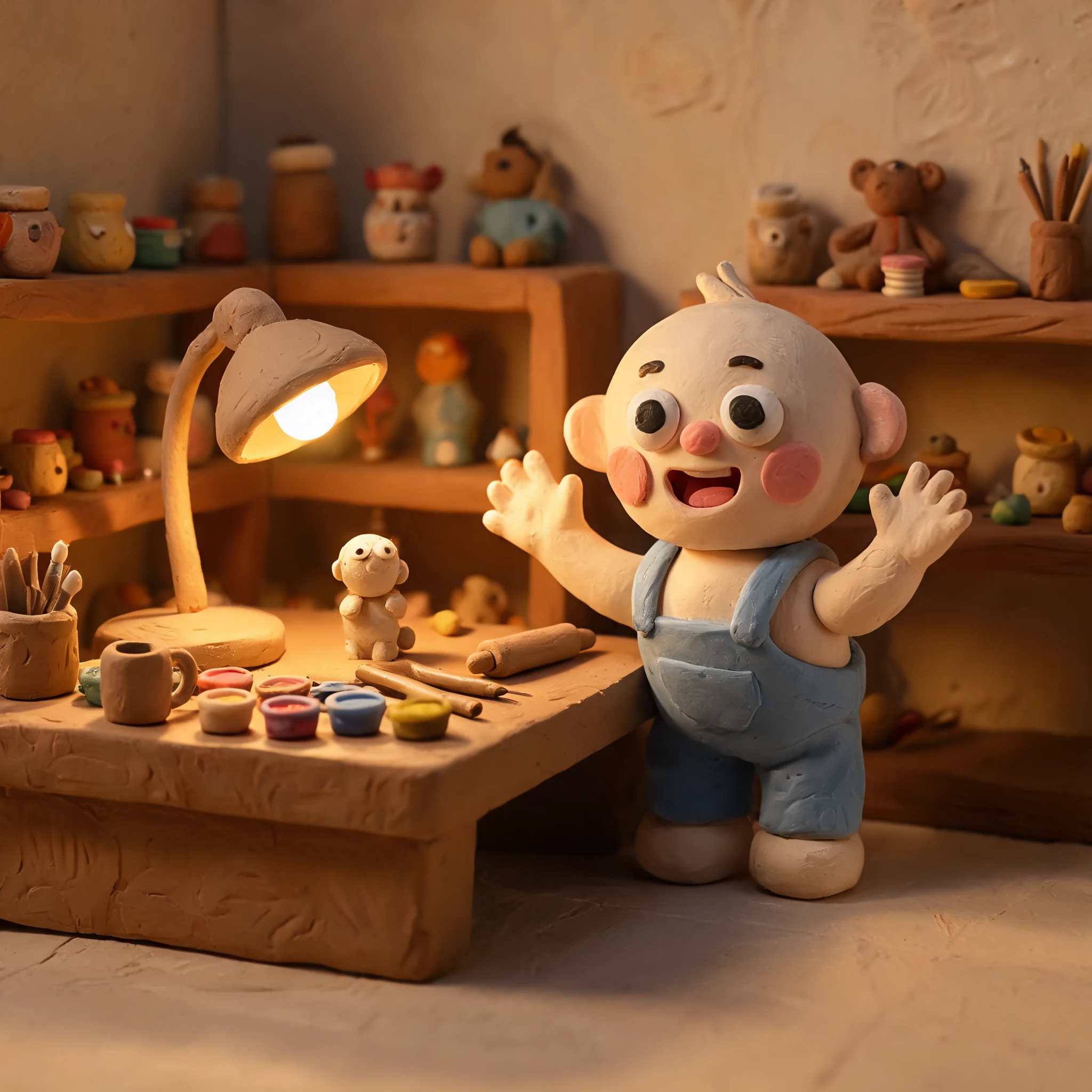
手工黏土質感、圓潤特徵與微縮場景燈光。
手工黏土質感、圓潤特徵與微縮場景燈光。
手工黏土質感、圓潤特徵與微縮場景燈光。
工作流程
在同一個 playground 中切換圖片與影片工作流程。
文字模式會使用你的提示詞。圖片與影片轉換模式則從上傳檔案開始。
系統會在背景套用 claymation 基礎提示詞,以維持結果一致。
建立 claymation 圖片或 AI 黏土影片,並在結果區預覽。
Claymation guides
Explore practical guides for choosing a claymation AI generator, creating clay-style images, and turning videos into claymation.
Compare claymation AI generator workflows for images and videos, with real examples for text, image, and video-based claymation generation.
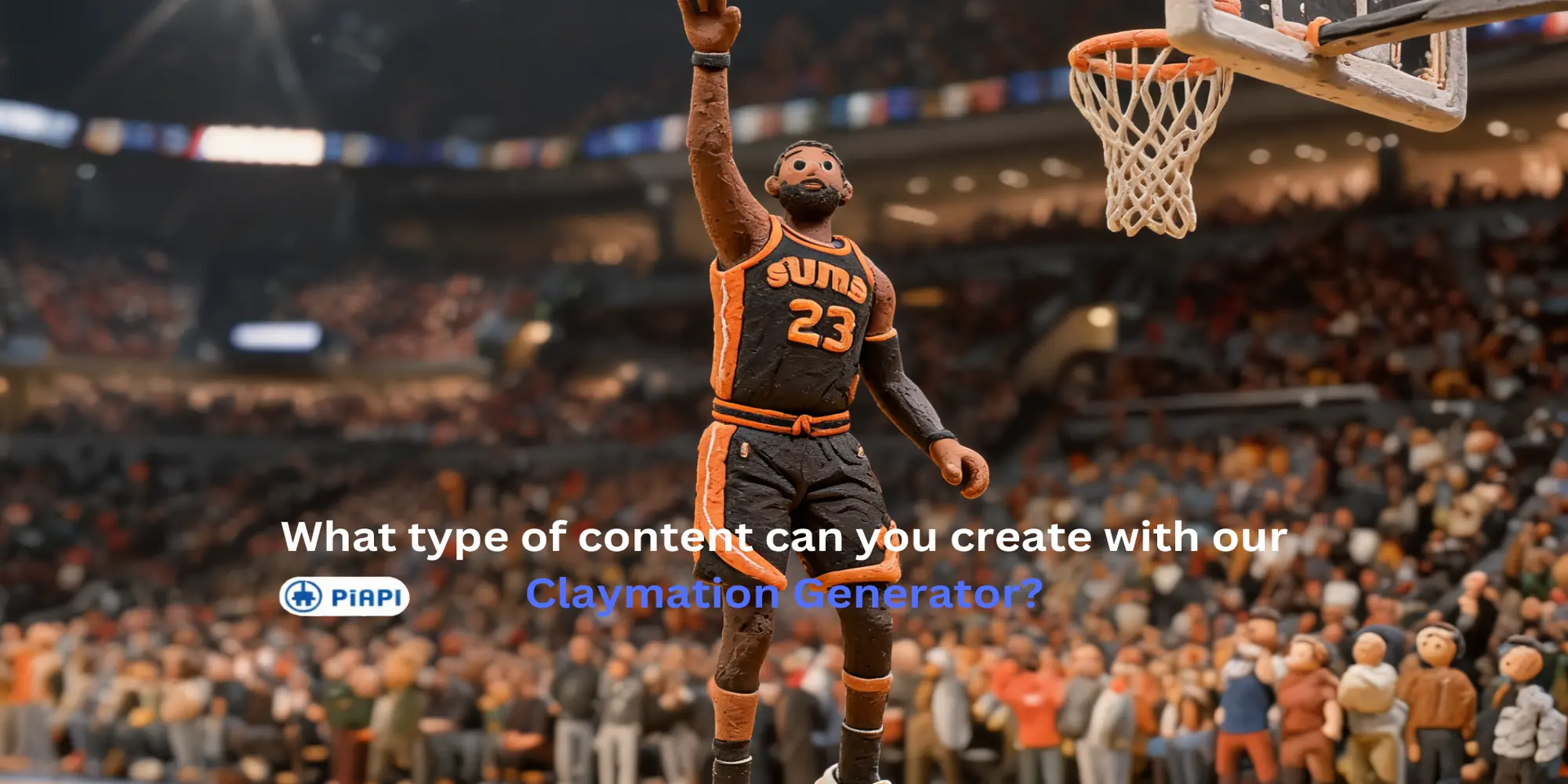
Learn how to use an AI clay animation maker for Image to Image, Text to Image, Text to Video, and Video to Video clay-style workflows.
常見問題
Claymation AI 生成器可以把提示詞、上傳圖片或上傳影片轉換成看起來像手工黏土模型、微縮場景與 stop-motion 動畫影格的視覺內容。
可以。video-to-video 模式可上傳一支影片,自動套用 claymation 基礎提示詞,並可加入選填的風格或動作說明。
不需要。image-to-image 與 video-to-video 預設會在後端使用 claymation 基礎提示詞。畫面上的提示詞欄位只用於加入細節、動作、強調點或需要避免的內容。
此頁面為使用者統一模型選擇。圖片模式使用 Seedream 5 Lite,text-to-video 使用 Kling 3.0,video-to-video 使用 Seedance 2.0 Fast video edit。
會。Claymation 是此頁面的預設風格,但 playground 架構未來可以支援更多風格,不需要建立獨立工具。