图片转图片
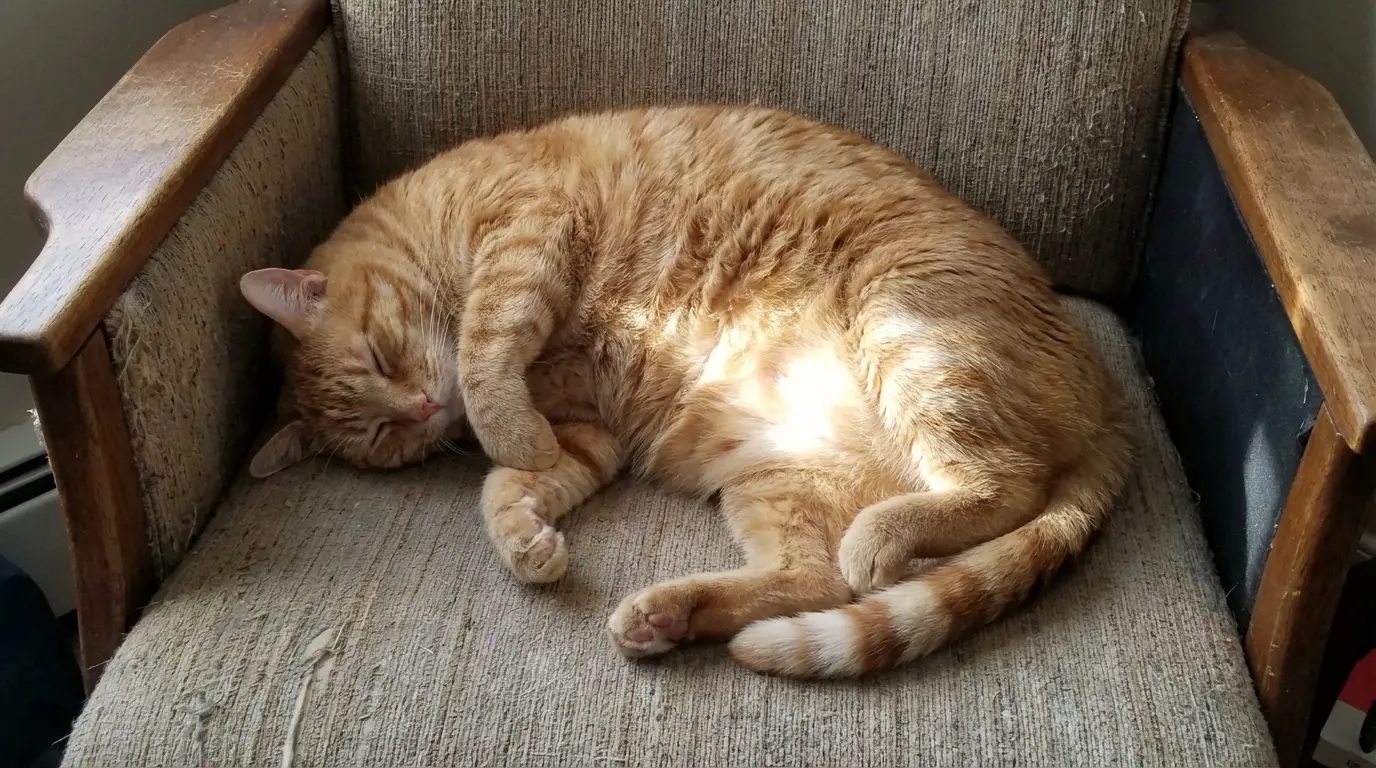
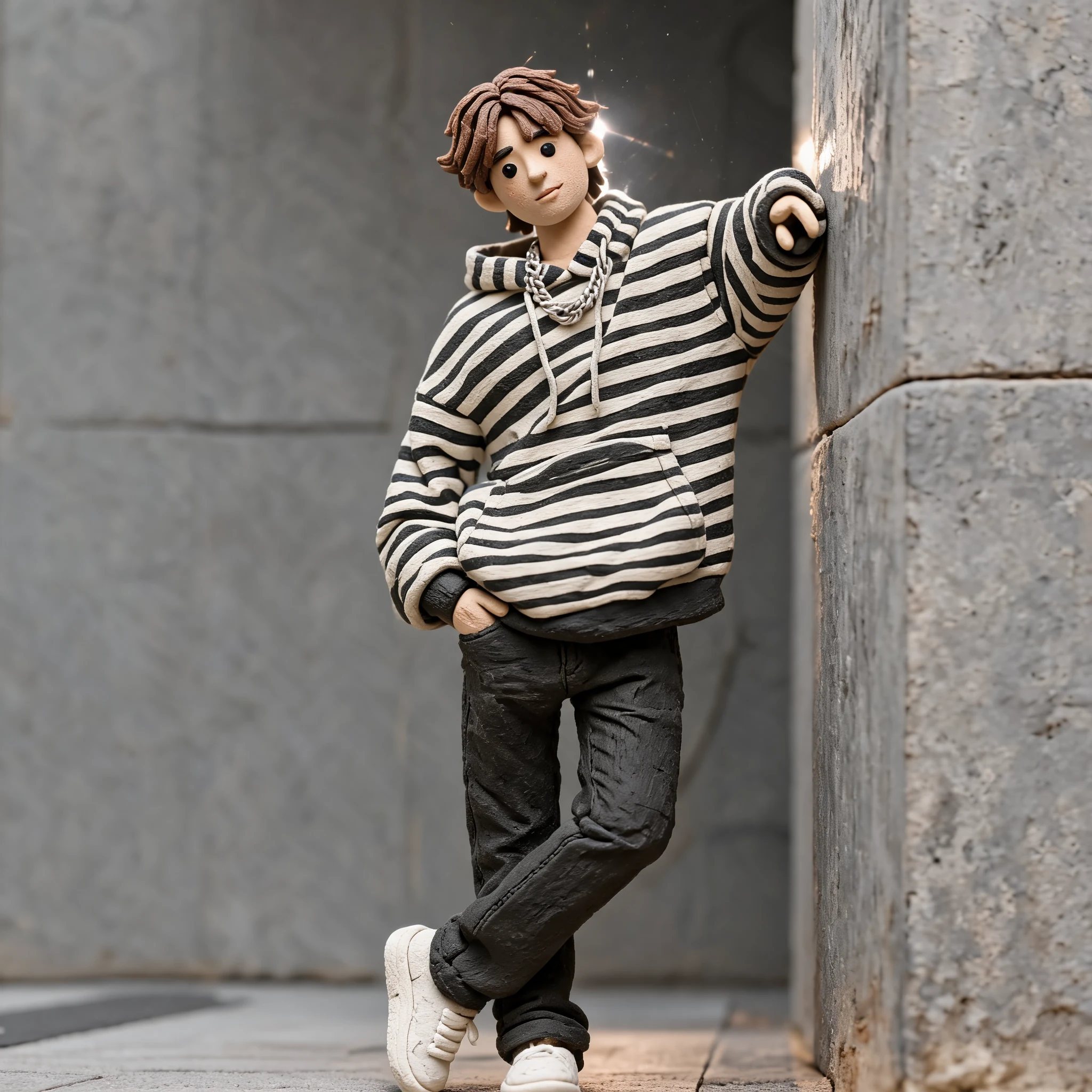
肖像转黏土角色
手工黏土质感、圆润特征和微缩场景灯光。
在一个专注的 playground 中,将文本提示词、上传图片或上传视频转换为手工黏土风图片和 stop-motion 视频。
选择一种模式,添加提示词、图片或视频,并在一个工作区中生成黏土风结果。
Upload Files
Click or drag files (0/1)
Preview Example
Example for Upload Image (click to view)
Upload the image you want to turn into a claymation-style image.
Optional: add changes, motion, emphasis, or things to avoid. The claymation base prompt is applied automatically.
创意图库
使用同一个 claymation 生成器制作肖像、产品、角色概念和 AI 黏土视频创意。
手工黏土质感、圆润特征和微缩场景灯光。
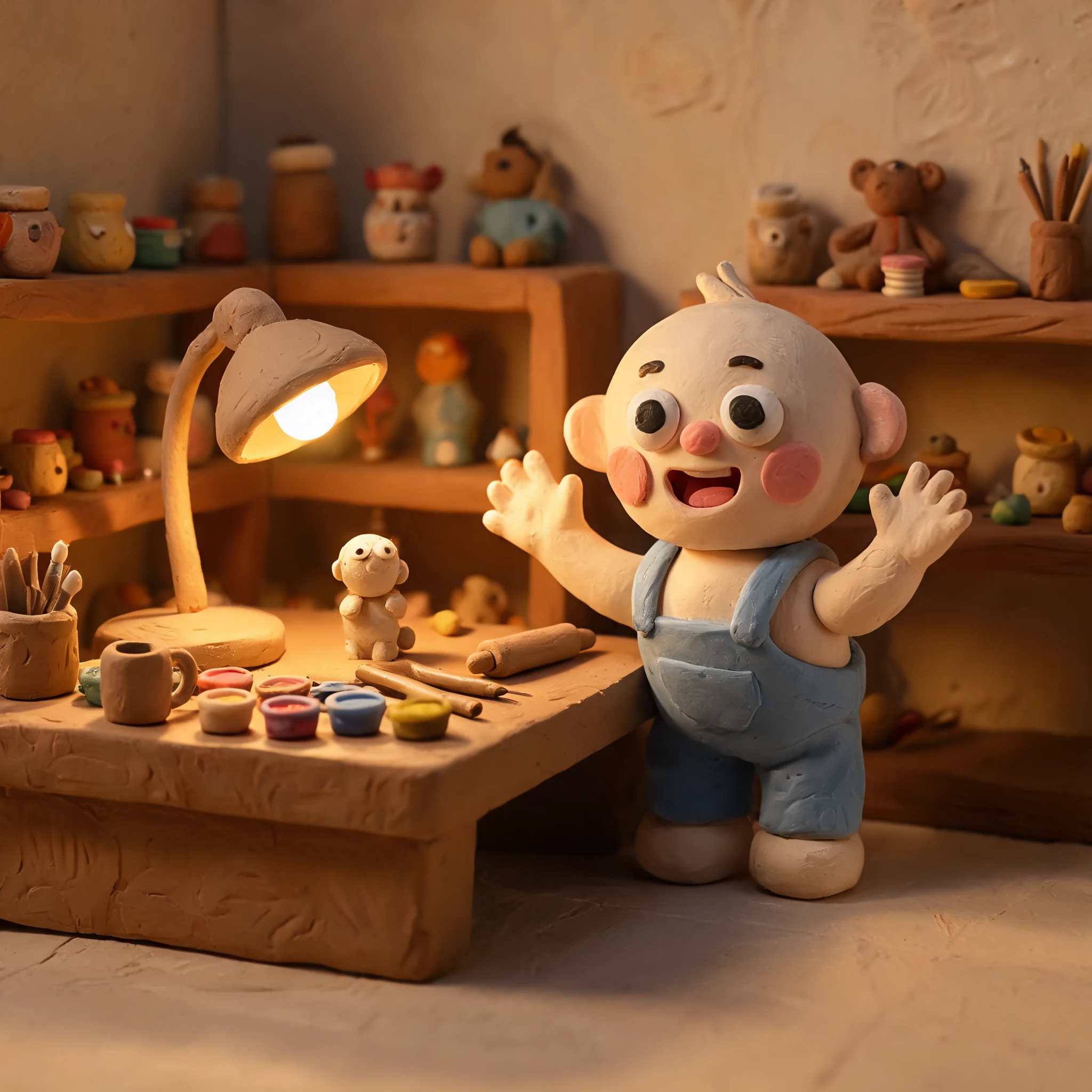
手工黏土质感、圆润特征和微缩场景灯光。
手工黏土质感、圆润特征和微缩场景灯光。
手工黏土质感、圆润特征和微缩场景灯光。
工作流程
在同一个 playground 中切换图片和视频工作流。
文本模式使用你的提示词。图片和视频转换模式从上传文件开始。
系统会在后台应用 claymation 基础提示词,以保持结果一致。
创建 claymation 图片或 AI 黏土视频,并在结果区域预览。
Claymation guides
Explore practical guides for choosing a claymation AI generator, creating clay-style images, and turning videos into claymation.
Compare claymation AI generator workflows for images and videos, with real examples for text, image, and video-based claymation generation.
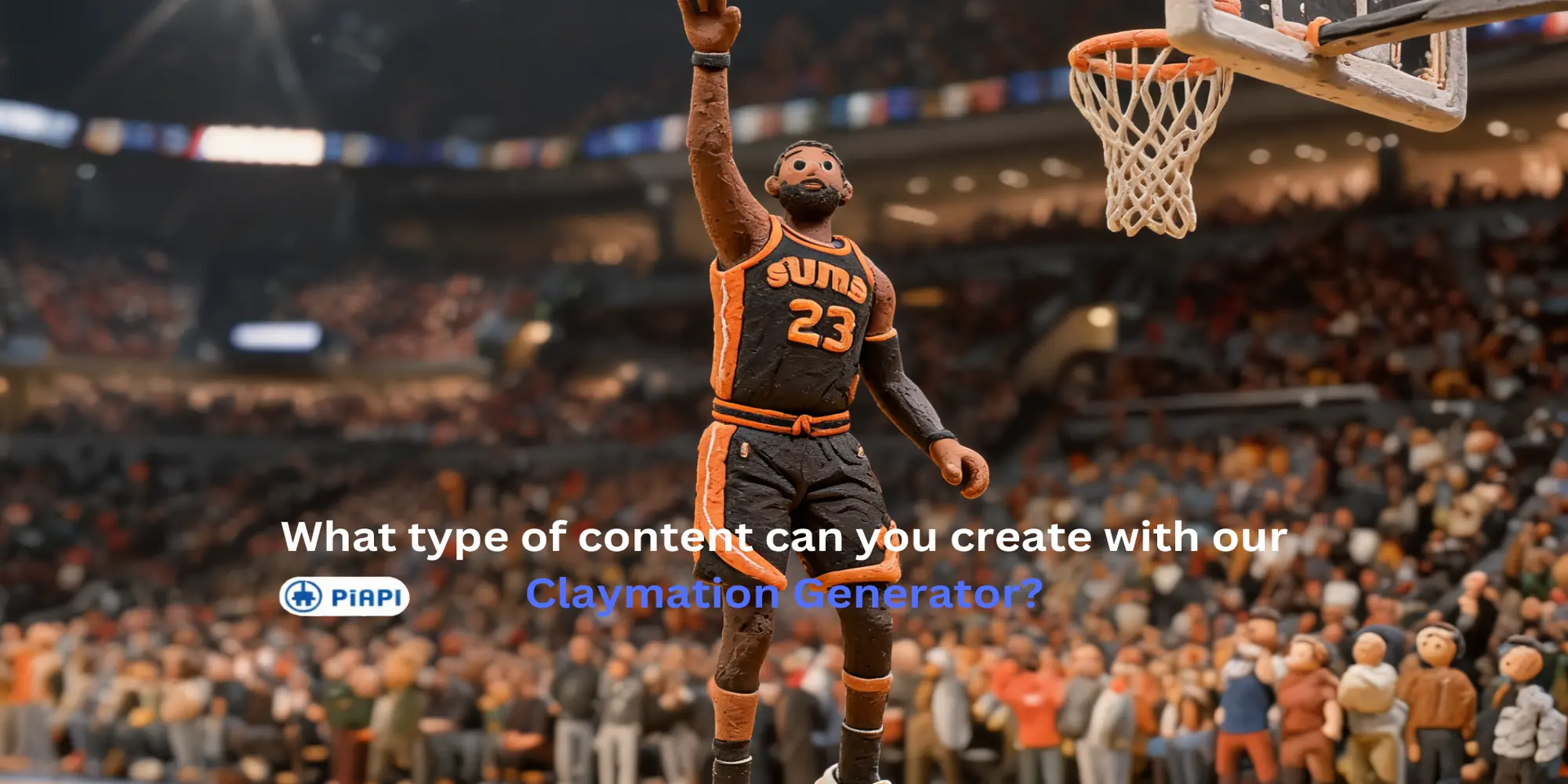
Learn how to use an AI clay animation maker for Image to Image, Text to Image, Text to Video, and Video to Video clay-style workflows.
常见问题
Claymation AI 生成器可以把提示词、上传图片或上传视频转换成看起来像手工黏土模型、微缩场景和 stop-motion 动画帧的视觉内容。
可以。video-to-video 模式支持上传一个视频,自动应用 claymation 基础提示词,并允许添加可选的风格或动作说明。
不需要。image-to-image 和 video-to-video 默认会在后端使用 claymation 基础提示词。可见提示词只用于添加细节、动作、强调点或需要避免的内容。
页面为用户统一了模型选择。图片模式使用 Seedream 5 Lite,text-to-video 使用 Kling 3.0,video-to-video 使用 Seedance 2.0 Fast video edit。
会。Claymation 是此页面的默认风格,但 playground 结构未来可以支持更多风格,而无需创建单独工具。