Kling 3 vs Sora 2: Which AI Video Model Should You Use?
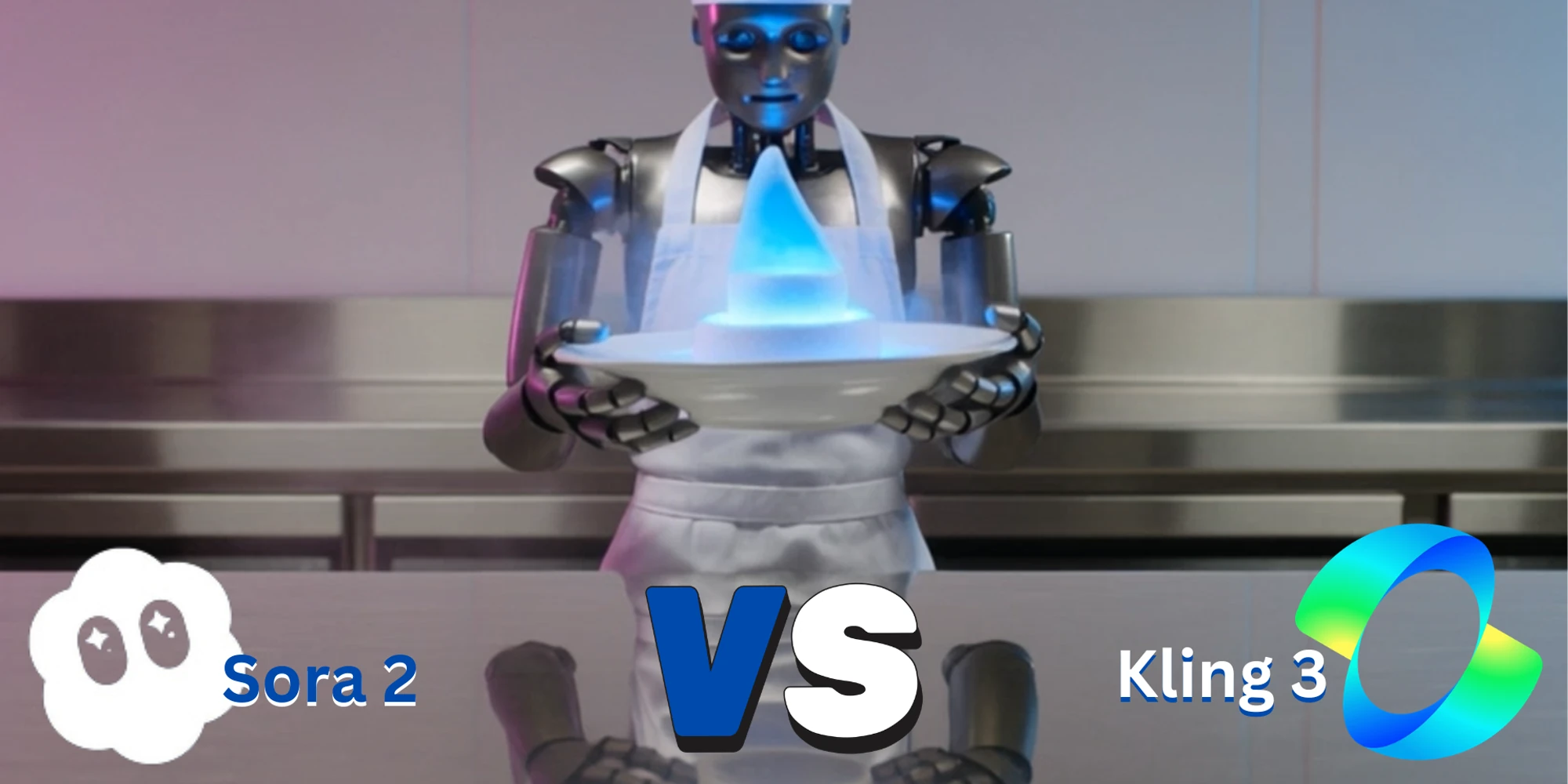
Kling 3 and Sora 2 are two of the most important AI video models for creators, developers, and product teams comparing modern text-to-video workflows. Both can turn prompts into short videos, but they are not identical. Kling 3 gives developers more configurable video-generation options through PiAPI, while Sora 2 is designed for cinematic text-to-video generation with a simple prompt-first workflow.
Quick verdict: choose Kling 3 if you want more control over API settings, duration, resolution tiers, optional audio, and advanced workflows such as multi-shot generation. Choose Sora 2 if you want a simpler text-to-video workflow for polished short-form scenes and want to test Sora video generation through a straightforward API.
This guide compares Kling 3 vs Sora 2 across video quality, motion, prompt following, audio, API access, pricing, and production use cases. You can also test both models in the embedded playground using the same text prompt.
Definition: Kling 3 vs Sora 2 is a comparison between two AI video generation models: Kling 3 is better for configurable API workflows, while Sora 2 is better for simple prompt-first text-to-video testing.
Quick Verdict: Kling 3 vs Sora 2
Kling 3 is better suited for teams that want configurable AI video generation through an API. In PiAPI, Kling 3 supports text-to-video, image-to-video, single-shot generation, multi-shot generation, flexible duration from 3 to 15 seconds, 720p and 1080p pricing tiers, and optional audio.
Sora 2 is better suited for simple text-to-video testing where the user wants to enter a prompt and generate a short video without managing many settings. In PiAPI, the Sora 2 text-to-video endpoint uses the sora2-video task type and is currently positioned around 720p short-form generation.
If you are choosing an AI video model for a product or API workflow, the best answer is not simply "Kling is better" or "Sora is better." The better model depends on the type of video you want to create, how much control you need, and whether you care more about simple prompt-based generation or configurable production workflows.
Try Kling 3 and Sora 2 With the Same Prompt
Kling 3 vs Sora 2 Comparison Table
| Category | Kling 3 | Sora 2 |
|---|---|---|
| Main use case | Configurable AI video generation through PiAPI | Simple text-to-video generation through PiAPI |
| PiAPI model | kling | sora2 |
| PiAPI task type | video_generation | sora2-video |
| Text-to-video | Yes | Yes |
| Image-to-video | Yes | Optional first-frame style input in the API/playground |
| Duration | 3-15 seconds | 4, 8, or 12 seconds in the current playground config |
| Resolution | 720p and 1080p pricing tiers | 720p currently available in the PiAPI docs |
| Advanced control | Single-shot and multi-shot support | Simpler prompt-first workflow |
API Access and Docs
Both models can be tested through PiAPI. The Kling API gives developers a production path for Kling video generation, while the Kling 3 API documentation covers the kling model, video_generation task type, single-shot and multi-shot workflows, duration, resolution, and audio options. The Sora 2 text-to-video documentation covers the sora2 model and sora2-video task type.
Pricing Comparison
| Model or setting | PiAPI pricing reference |
|---|---|
| Kling 3 720p no audio | $0.10/s |
| Kling 3 720p with audio | $0.15/s |
| Kling 3 1080p no audio | $0.15/s |
| Kling 3 1080p with audio | $0.20/s |
| Sora 2 text-to-video | $0.08/s |
Pricing can change, so confirm current pricing in the PiAPI documentation before building a production workflow.
Example 1: Creative Commercial Scene
This example uses the same prompt in Kling 3 and Sora 2 to compare character consistency, product-style lighting, reflective surfaces, steam, and camera framing.
Prompt:
Kling 3 Evaluation
Kling 3 preserved the robot chef, glowing dessert, reflective counter, and controlled studio lighting clearly. The scene stays wide and centered, which makes it useful for a product-style commercial comparison. The output is less playful than the prompt in some frames, but it keeps the subject stable and the composition readable.
Sora 2 Evaluation
Sora 2 produced a strong robot-chef scene with a glowing dessert, visible steam, and a clear futuristic kitchen setup. The character reads more friendly and expressive than the Kling 3 version, and the reflective surfaces are convincing. The main limitation is that the output returned in portrait framing even though the prompt and request specified 16:9, which makes it less ready for this specific blog layout without extra handling.
Example 2: Motion and Natural Scene
This example compares how both models handle animal motion, water interaction, handheld tracking, sunset lighting, and subject consistency.
Prompt: A golden retriever running through a shallow beach at sunset, water splashing around its paws, handheld tracking shot, warm cinematic lighting, natural motion, realistic fur movement, joyful summer mood, 16:9.
Kling 3 Evaluation
Kling 3 kept the golden retriever in a consistent side-running pose with warm sunset lighting and visible beach reflections. The framing matches the requested 16:9 format, which makes it easier to embed in a comparison article or product page. Water interaction is present and the motion reads naturally, with only minor softness around the legs during movement.
Sora 2 Evaluation
Sora 2 produced a polished beach scene with a clear golden retriever, warm sunset lighting, and strong facial detail. The output looks cinematic and friendly, but it reads more like a forward-facing approach shot than a handheld tracking shot. It also returned in portrait framing despite the 16:9 request, so it is visually strong but less aligned with the requested production format.
Which Model Should You Choose?
Choose Kling 3 if you want:
- more API configuration
- text-to-video and image-to-video options
- duration flexibility
- 720p and 1080p tiers
- optional audio
- multi-shot workflows
- a model that fits production-style video API workflows
Choose Sora 2 if you want:
- a simpler text-to-video workflow
- short-form prompt-based generation
- a straightforward API request shape
- a strong model for cinematic prompt exploration
- a clean way to test Sora video generation through PiAPI
Final Verdict
Kling 3 and Sora 2 are both useful AI video models, but they are best for different workflows. Kling 3 is the stronger fit when you want more control, more configuration, and a developer-friendly video API workflow. Sora 2 is the stronger fit when you want a simple text-to-video path and want to test Sora-style video generation with fewer settings.
For most developers comparing Kling vs Sora, the practical answer is to test both models with the same prompt. Use the embedded playground above to compare the workflow, then choose the model that best matches your product, creative style, and budget.
FAQ
What is the main difference between Kling 3 and Sora 2?
The main difference is workflow control. Kling 3 gives developers more configuration for duration, resolution, audio, and multi-shot video generation, while Sora 2 keeps the workflow simpler for prompt-first text-to-video testing.
Is Kling 3 better than Sora 2?
Kling 3 is better if you need more configurable API controls, flexible duration, optional audio settings, and advanced workflows such as multi-shot generation. Sora 2 may be better if you want a simpler text-to-video workflow for short cinematic prompts.
Does PiAPI support Kling 3 and Sora 2?
Yes. PiAPI provides API access for Kling 3 and Sora 2, so developers can compare both models without building separate integrations for each provider.
Can I test Kling 3 vs Sora 2 in the browser?
Yes. The embedded playground in this guide lets readers switch between Kling 3 and Sora 2 and test the same text prompt.
Start testing Kling 3 and Sora 2 through PiAPI today. Unlock the power of 20+ AI models with PiAPI - image, video, chat, music, and more. Sign up today and start building smarter, faster, and at scale.