
Kling 4 Omni API: Reference Video Pricing and Audio Rules
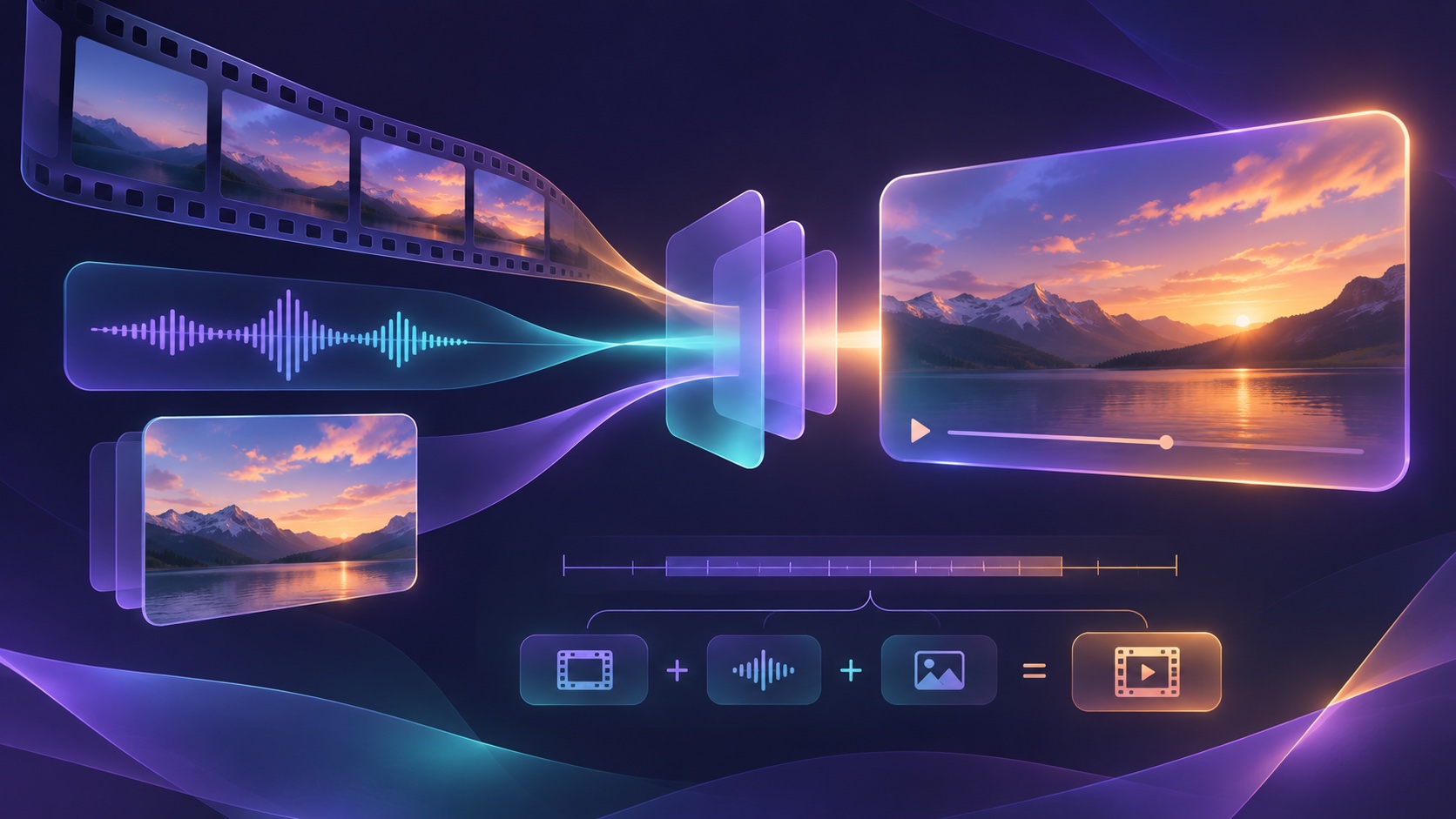
Quick answer: Kling 4 Omni is available on PiAPI with model: "kling" and task_type: "omni_video_generation". Use input.version: "4.0" for 720p or 1080p and optional audio references, or "4.0-flash" for 720p image/video references. A reference video changes the billable duration; images and audio references do not. This guide describes the published request and pricing contract, not a measured generation result.
When to use Omni instead of the regular Kling 4 video entry
Use text_to_video for a prompt-only request, image_to_video for one start image, or video_generation for first/last frames and keyframes. Choose omni_video_generation when the prompt needs Omni reference images, videos, or (on standard 4.0) audio. These entries have different field names: Omni accepts images, video or videos, and standard-only audio_urls; do not send video-entry fields such as image_url into Omni. See the current Kling Omni API reference for the complete schema.
Standard 4.0 versus 4.0 Flash reference limits
| Version | Output | Omni references | Audio references |
|---|---|---|---|
| 4.0 | 720p or 1080p; 3–30 seconds | Up to 10 images and 5 videos | Up to 3 audio URLs |
| 4.0-flash | 720p; 3–20 seconds | Up to 10 images and 5 videos | Not supported |
Both versions require a nonblank prompt and an integer output duration. The total number of image, video, and audio references must be at most 15. Send either video or videos, never both. Flash rejects audio_urls even when the array is empty. aspect_ratio: "auto" is allowed when an image or video reference is present.
Create a standard Omni task from a reference video
Set a server-side PiAPI API key and a directly readable MP4 URL, then run this request with curl and jq. The URL must point to your own valid media; the sample does not claim that a particular video has been generated. keep_original_audio: true requires a video reference and explicit enable_audio: false. Remove those two fields if you do not want to retain source audio.
: "${PIAPI_API_KEY:?Set PIAPI_API_KEY on your server}"
: "${PIAPI_REFERENCE_VIDEO_URL:?Set a readable MP4 URL}"

curl -fsS 'https://api.piapi.ai/api/v1/task' \
  -H "X-API-Key: $PIAPI_API_KEY" \
  -H 'Content-Type: application/json' \
  --data "$(jq -n --arg video "$PIAPI_REFERENCE_VIDEO_URL" '{
    model: "kling",
    task_type: "omni_video_generation",
    input: {
      version: "4.0",
      prompt: "Use @video_1 as the movement reference for a new lake scene",
      duration: 5,
      resolution: "720p",
      videos: [$video],
      enable_audio: false,
      keep_original_audio: true
    },
    config: {service_mode: "public"}
  }')"
The POST response provides data.task_id. Poll GET /api/v1/task/{task_id} until data.status is completed or failed; on completion read data.output.video. Keep the same task ID while waiting. Repeating POST creates another potentially billable task. For a full polling loop and a separate measured text-to-video output, see the Kling 4 API quickstart.
How reference video changes the quote
Without video references, the public tariff is based on output duration: standard 720p uses 10 upstream list credits per output second, standard 1080p uses 15, and Flash 720p uses 6. With Omni reference video, billable duration = output duration + max(total verified reference-video duration, output duration); the respective list-credit rates become 6, 9, and 4 per billable second. The server measures the media, preserves millisecond fractions through the list-credit calculation, and rounds the total dollar charge to cents once. Do not multiply a rounded displayed per-second USD price or round each clip separately.
billable_ms = output_ms + max(sum(reference_video_ms), output_ms)
list_credits = floor(rate * billable_ms / 1000)
cents = floor((list_credits * 100 + 30) / 60)

rate = 6 for 4.0 720p, 9 for 4.0 1080p, or 4 for 4.0-flash 720p| Version / output | 5-second output, no video reference | 5-second output + one 6.667-second video reference |
|---|---|---|
| 4.0 / 720p | $0.83 | $1.17 |
| 4.0 / 1080p | $1.25 | $1.75 |
| 4.0-flash / 720p | $0.50 | $0.77 |
For the 6.667-second input above, the billable duration is 5 + 6.667 = 11.667 seconds. Standard 720p is 70 list credits after the upstream floor, then $1.17 after cent rounding; Flash is 46 credits and $0.77. Two such references total 13.334 seconds: a five-second standard 720p output becomes 110 credits and $1.83. Image and audio references do not add this duration surcharge. The quote is fixed when the task is admitted; account-specific promotions may change the amount charged to a particular account.
Validate media and handle failure before retrying
- Reference video must be a regular MP4 with square pixels, 3–30 seconds per file (3–20 for Flash), at most 300 MiB, and a 2:5–5:2 aspect ratio. Combined video length is at most 30 seconds for standard or 20 for Flash. Fragmented MP4 is unsupported. Standard 4.0 audio references must be MP3, WAV, or FLAC, 5–30 seconds and at most 50 MiB each.
- Unsupported fields, mixed
video/videos, invalid reference counts, and media validation failures returnerror.code: 10003. Flash does not acceptaudio_urls; standard 4.0 can accept up to three. - If the service maintenance gate is closed, create returns HTTP 503 before a task is admitted. An insufficient wallet returns business code
10002. For an accepted task, poll its status and inspect safe error details on failure; Kling 4 tasks cannot be cancelled in this release. - A confirmed failed task refunds its reserved public points. If upstream acceptance is uncertain, the same task ID is retained for recovery; do not submit another task just because the initial response is slow or ambiguous.
Kling 4 Omni API FAQ
Does Kling 4 Flash support audio_urls?
No. 4.0-flash supports image and video references, but not audio_urls. Standard 4.0 accepts up to three audio-reference URLs.
Does adding a reference image increase the Kling 4 Omni price?
No duration surcharge is added for image or audio references. Reference video changes the billable duration. The final quote uses the verified media durations and task-level rounding, so check the quoted task amount rather than multiplying a displayed rounded rate.
Can I preserve the reference video's original sound?
Yes. Send a video reference with keep_original_audio: true and explicitly set enable_audio: false. This combination is supported on standard 4.0 and Flash; Flash still does not accept separate audio_urls.
Can I cancel or safely recreate a slow Kling 4 Omni task?
Kling 4 task cancellation is not supported in this release. Continue polling the admitted task ID. A new POST is a separate generation and may be billed separately.
Continue with the exact contract
Use the live Kling 4 Omni API documentation for fields and limits, compare entry points on the Kling 4 model page, and follow the text-to-video quickstart if you first need a minimal create-and-poll example. Pricing and availability can change; verify the current contract before a production batch.