
Two models, one integration
Flare is the fast everyday model, Sunburst the precision one. They share an endpoint, a request shape and a rate card, so switching between them is a one-word change.

GPT Image 2.5 API / Flare and Sunburst on one token-priced API
Generate and edit images with Flare and Sunburst. Both models use the same token prices through PiAPI.
USD per 1 million tokens. The same rates apply to Flare and Sunburst.
| Model | Text input | Image input | Image output |
|---|---|---|---|
gpt-image-2.5-flareFastestEveryday, high-quality image generation. | $3.75 | $6.00 | $22.50 |
gpt-image-2.5-sunburstStrongestImage generation and editing precision. | $3.75 | $6.00 | $22.50 |
Ready to build with GPT Image 2.5?
What you get when you call GPT Image 2.5 through the PiAPI task API.
Flare is the fast everyday model, Sunburst the precision one. They share an endpoint, a request shape and a rate card, so switching between them is a one-word change.
The quality parameter accepts auto, low, medium and high, so you trade render time against detail per request instead of per integration.
Send a prompt for text-to-image, or add reference images to edit an existing picture. Both operations run through the same asynchronous task API.
You pay per token for text input, image input and image output. No seat fee, no subscription, and the published rates are in the table above.
Submit a task, get a task id, then poll the task endpoint or wait for the webhook. Long generations never block your request thread.
Flare and Sunburst are available through the PiAPI API. See the API documentation for endpoints, authentication and request parameters.
Sign up and grab an API key from the PiAPI workspace — free credits are included on sign-up.
Add credits on the billing page when you are ready to scale beyond the free tier.
POST your first task following the API docs, then poll the task until the result is ready.
Prototype prompts and settings in the the playground above before wiring them into your product.
curl -X POST 'https://api.piapi.ai/api/v1/images/generations/async' \
  -H 'X-API-Key: YOUR_API_KEY' \
  -H 'Content-Type: application/json' \
  -d '{
  "model": "gpt-image-2.5-flare",
  "prompt": "YOUR_PROMPT",
  "size": "1024x1024",
  "quality": "low"
}'curl 'https://api.piapi.ai/api/v1/task/{task_id}' \
-H 'X-API-Key: YOUR_API_KEY'image_urls / image_url / data
curl -X POST 'https://api.piapi.ai/api/v1/images/edits/async' \
  -H 'X-API-Key: YOUR_API_KEY' \
  -H 'Content-Type: application/json' \
  -d '{
  "model": "gpt-image-2.5-flare",
  "prompt": "YOUR_PROMPT",
  "size": "1024x1024",
  "quality": "low",
  "image": [
    "YOUR_IMAGE_URL"
  ]
}'curl 'https://api.piapi.ai/api/v1/task/{task_id}' \
-H 'X-API-Key: YOUR_API_KEY'image_urls / image_url / data
curl -X POST 'https://api.piapi.ai/api/v1/images/generations/async' \
  -H 'X-API-Key: YOUR_API_KEY' \
  -H 'Content-Type: application/json' \
  -d '{
  "model": "gpt-image-2.5-sunburst",
  "prompt": "YOUR_PROMPT",
  "size": "1024x1024",
  "quality": "low"
}'curl 'https://api.piapi.ai/api/v1/task/{task_id}' \
-H 'X-API-Key: YOUR_API_KEY'image_urls / image_url / data
curl -X POST 'https://api.piapi.ai/api/v1/images/edits/async' \
  -H 'X-API-Key: YOUR_API_KEY' \
  -H 'Content-Type: application/json' \
  -d '{
  "model": "gpt-image-2.5-sunburst",
  "prompt": "YOUR_PROMPT",
  "size": "1024x1024",
  "quality": "low",
  "image": [
    "YOUR_IMAGE_URL"
  ]
}'curl 'https://api.piapi.ai/api/v1/task/{task_id}' \
-H 'X-API-Key: YOUR_API_KEY'image_urls / image_url / data
The API supports gpt-image-2.5-flare and gpt-image-2.5-sunburst for image generation and editing.
USD per 1 million tokens. The same rates apply to Flare and Sunburst.
The quality parameter accepts auto, low, medium and high. The API rejects xhigh, max and standard with HTTP 400.
More questions? See the API docs.
Guides and comparisons for the GPT Image family on the PiAPI blog.
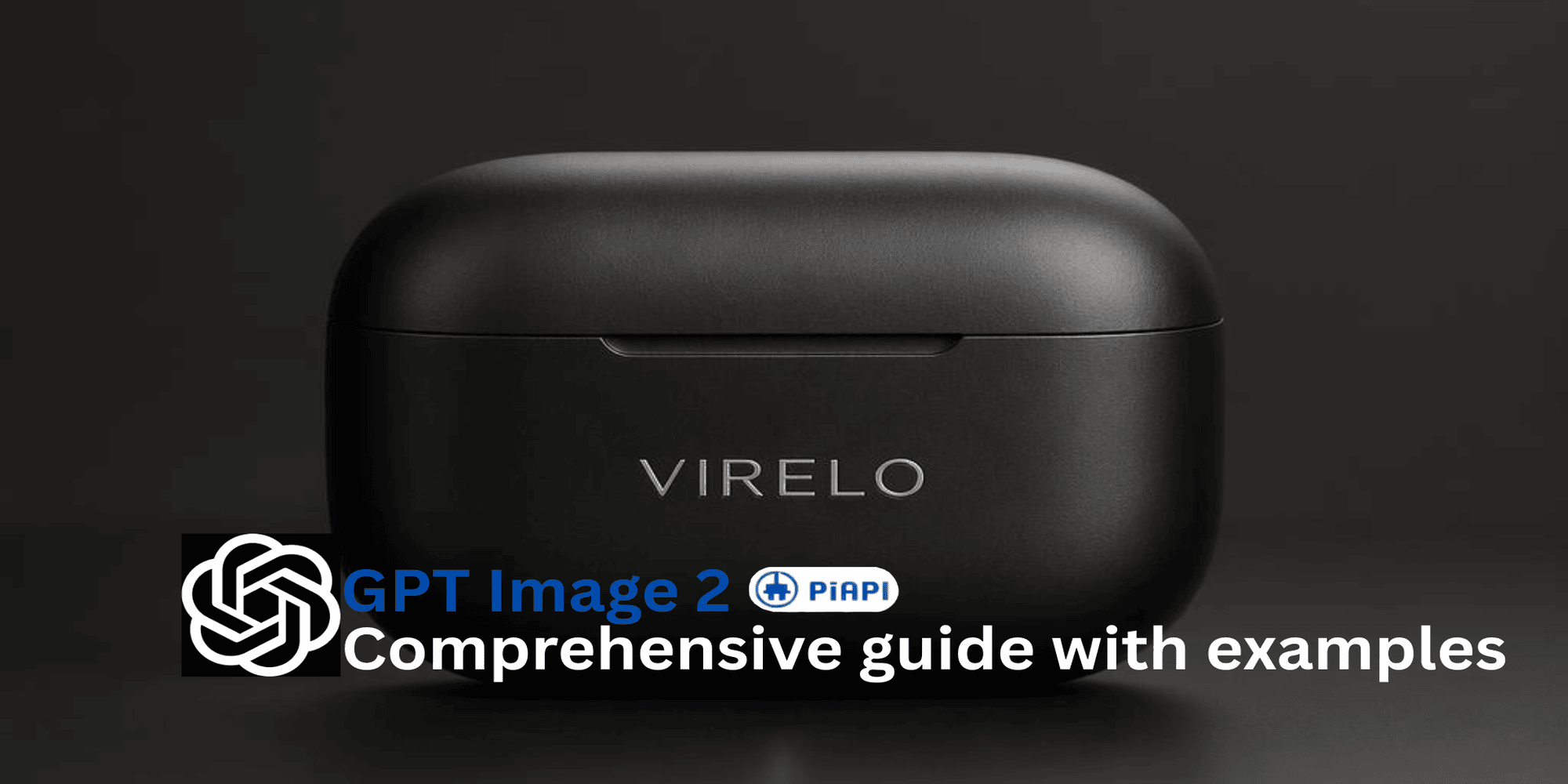
GPT Image 2.5 API
Learn how GPT Image 2 works, explore its key features, prompt tips, pricing, and real examples for production-ready AI image generation.
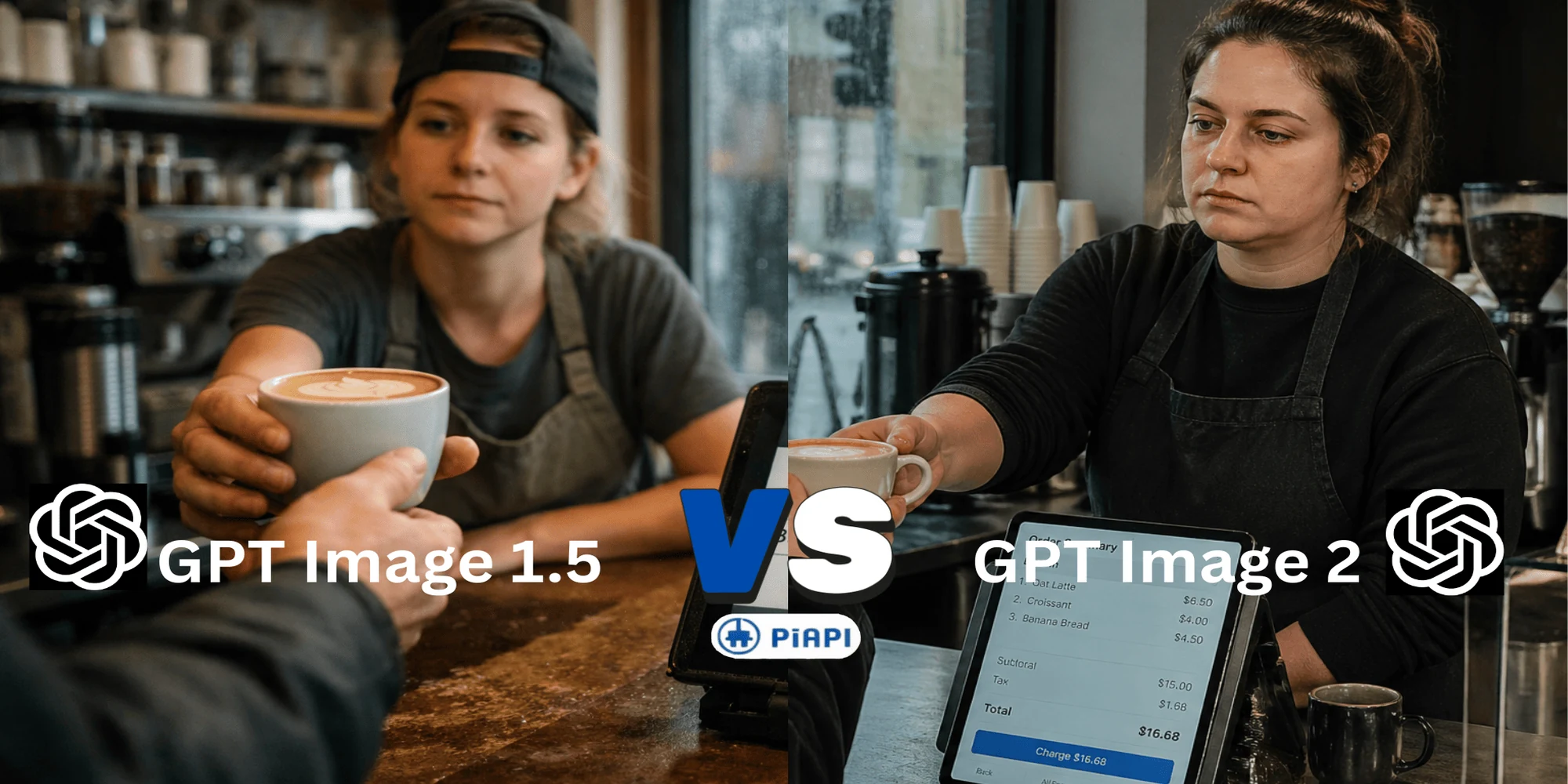
GPT Image 2.5 API
Compare GPT Image 2 vs GPT Image 1.5 API. Discover new features, image quality upgrades, pricing differences, prompt tips, and why GPT Image 2 is the latest choice for AI image generation.
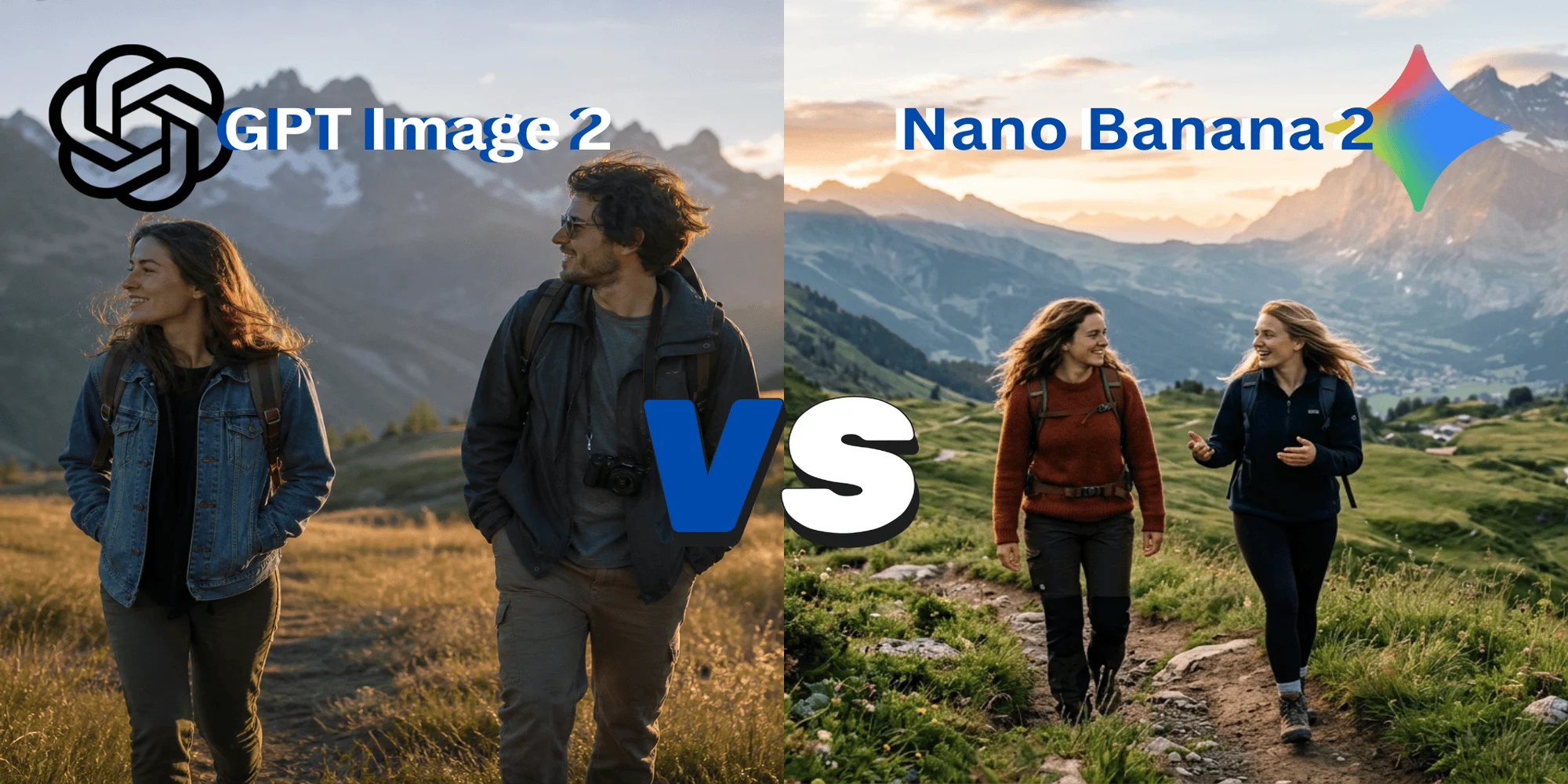
GPT Image 2.5 API
Compare Nano Banana 2.0 vs GPT Image 2 in image quality, prompt accuracy, realism, pricing, and API usage. See real examples, prompt tests, and performance comparisons.