Kling O1 API Guide: How to Use Kling AI API for Cinematic Video Generation
Kling O1 is a multimodal video generation models by Kuaishou, positioned for high-quality short-form and single-shot video creation.
For teams exploring the Kling AI API, Kling O1 is useful for cinematic short-form video generation, visual experimentation, and tighter edit-driven workflows. In this guide, we cover:
1. What is Kling O1?
2. What is Kling API?
3. How to use the Kling O1 API?
and what makes the model relevant for production-oriented video generation.
What is Kling O1?
Kling O1 Kling AI API documentation
Kling O1 API
Text-to-Video and Image-to-Video Generation
The Kling O1 API supports text-to-video and image-to-video generation, making it suitable for rapid visual ideation and production-ready short clips.
Start and End Frame Support
Kling O1 supports custom start and end frames for image-to-video generations, which helps with smoother transitions, tighter edits, and more controlled short narrative sequences.
Flexible Duration Options
Kling Video model allows developers to adapt output length to different workflows.
Director-like Memory
Kling O1 retains identity of main characters, props and settings for stability amidst dynamic camera movements.
Video Editing Capabilities
Kling O1 API supports AI video editing capabilities for workflows that require video editing.
How to Use Kling O1 API
Developers searching how to use Kling O1 API can think of the workflow in three steps.
Step 1: Get Access to the Kling API
Step 2: Choose the Kling O1 Workflow
Select the workflow that fits your use case:
1. Text-to-video
2. Image-to-video
3. Start and end frame generation
These are the capabilities are available with the Kling O1 API.
Step 3: Write a Structured Prompt
For best results, your prompt should define:
1. Subject
2. Environment
3. Action
4. Camera Movement
5. Visual Mood
Kling O1 is positioned as a cinematic video model, so detailed prompts generally help produce better short-form outputs.
Kling O1 API Pricing
1. 720p 5s: $0.39 per clip
2. 720p 10s: $0.78 per clip
3. 1080p 5s: $0.52 per clip
4. 1080p 10s: $1.04 per clip
That makes pricing one of the most practical sections for developers comparing Kling video API options.
Kling O1 Prompt Examples
Below are a few examples prompts suitable for Kling O1 AI workflow. We will do T2V generations with Examples 1 and 2, while Examples 3 and 4 are I2V generations.
Example 1: Cinematic City Shot (T2V)
Kling O1 Video Output
Prompt: A cinematic tracking shot of a man in a dark trench coat walking through a rainy city street at night, neon signs reflecting on the wet pavement, soft blue and magenta lighting, realistic motion, dramatic atmosphere.
Example 2: Product (T2V)
Kling O1 Video Output
Prompt: A premium product video of a smartwatch placed on a reflective surface, dramatic studio lighting, slow camera push-in, subtle shadows, clean commercial framing, ultra-detailed textures.
Example 3: I2V Scene

Kling O1 Video Output
Prompt: A traveler standing on a snowy ridge at sunrise, camera slowly drifting from a side profile to a front-facing cinematic reveal, warm golden light, mountain winds, highly realistic atmosphere. Use image_1 as the start frame.
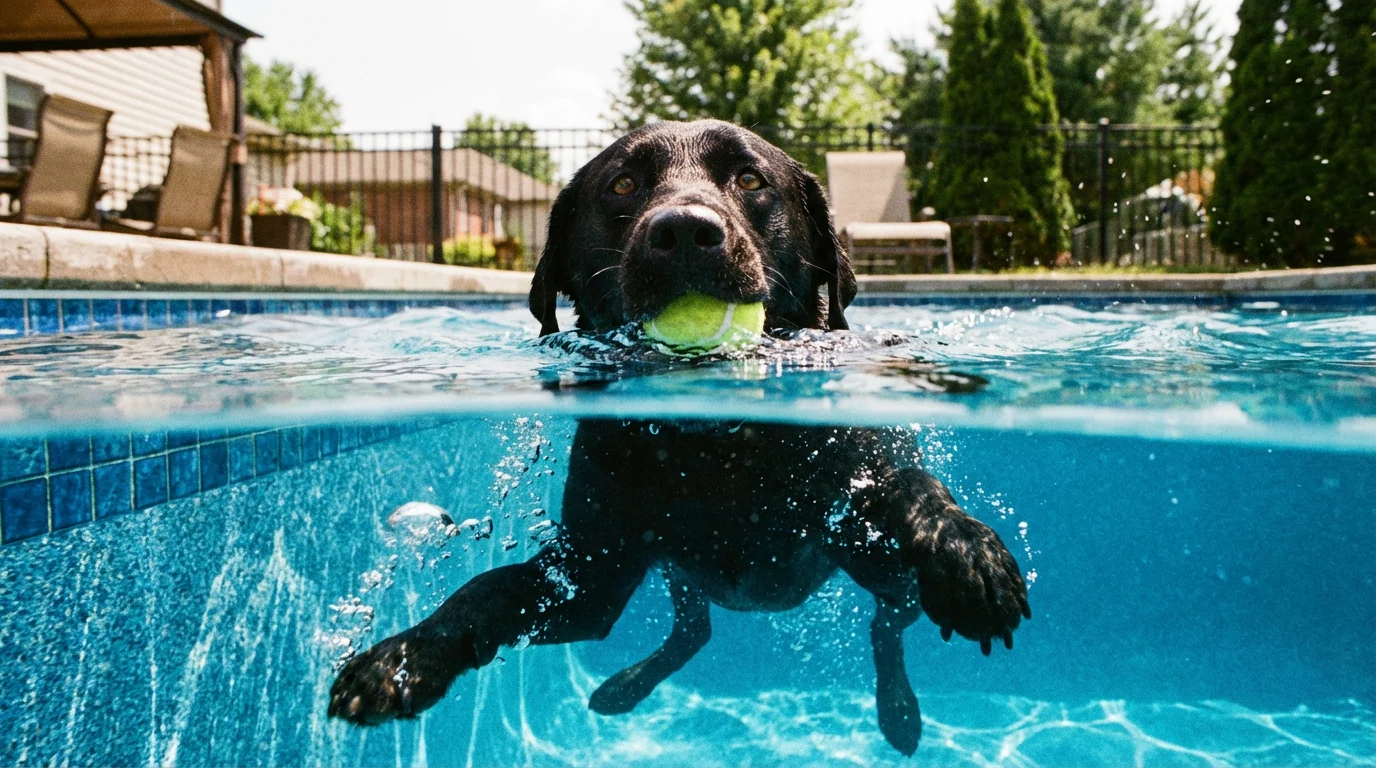
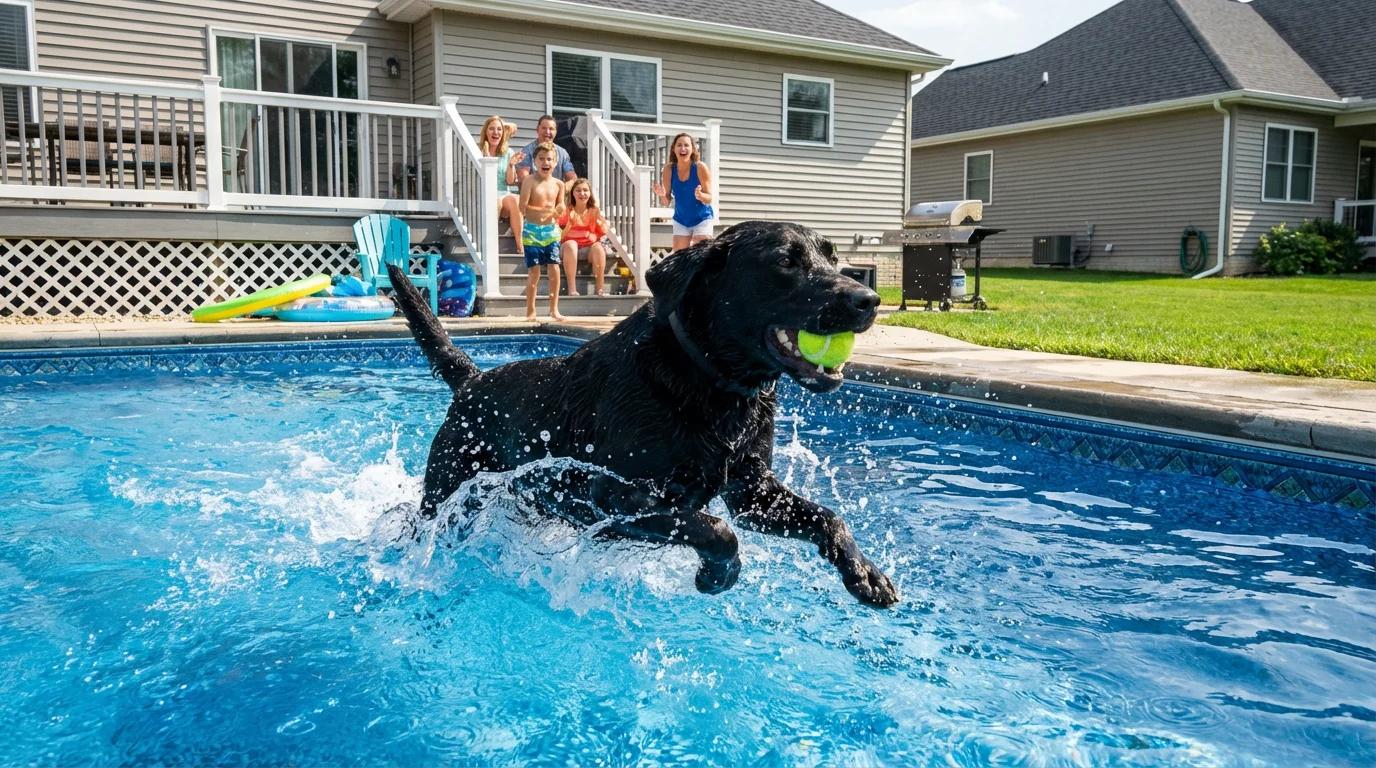
Example 4: Start & End Frame (I2V)
Kling O1 Video Output
Prompt: Use @image_2 as the starting frame, @image_2 as the end frame.
Use Cases for Kling O1 Video Model
Short-Form Marketing Videos
The model is well suited for social clips, marketing visuals, and short campaign assets. PiAPI explicitly mentions social clips and marketing assets among Kling O1's workflow fits.
Cinematic Single-Shot Scenes
Because Kling O1 is positioned around high-quality short-form and single-shot generation, it works well for moody cinematic scenes and short visual storytelling.
Final Thoughts on Kling O1 API
The Kling O1 API sits in an interesting place within the broader Kling AI API lineup. It is cinematic, short-form focused, and flexible enough to support both generation and editing-oriented tasks. Its support for text-to-video, image-to-video, start and end frame workflows, and multiple editing functions makes it a practical model for teams building short-form video pipelines.
Kling O1 API Key via PiAPI today!