Using Veo 3.1 in 2026: Complete Guide to API, Pricing, and Prompting
In 2026, video generation has become one of the most competitive areas in generative AI. Models are no longer judged purely on visual quality, but on how well they integrate into real workflows, how controllable they are, and how efficiently they can be deployed at scale.
Veo 3.1 stands out as one of the most advanced models in this space. Often referred to as Google Veo 3.1, it builds on previous iterations by improving motion consistency, multi-shot control, and prompt adherence, making it highly usable for both developers and creators.
This Veo 3.1 guide covers how the model works, how to use the Veo 3.1 API, pricing considerations, how to write effective prompts and examples.
What is Google Veo 3.1?
One of the key considerations in 2026 is speed. Veo 3.1 also features a Veo 3.1 Fast variants which is designed for rapid iteration, allowing users to generate outputs quickly for testing and prototyping.
Fast mode is useful when experimenting with prompts or building workflows that require multiple iterations. However, there may be trade-offs in quality compared to standard generation modes, which prioritize visual fidelity and consistency.
Choosing between Veo 3.1 fast and standard modes depends on your use case. For production-ready assets, standard generation is typically preferred, while fast mode is ideal for exploration and prompt tuning.
How to Use the Veo 3.1 API
A typical workflow using the Veo 3.1 API looks like this:
Veo 3.1 API documentation here!
The API supports both text-to-video and image-to-video workflows, allowing developers to either generate scenes from scratch or extend existing visuals.
Veo 3.1 API Pricing
Understanding Veo 3.1 price is critical for scaling usage. Pricing is generally based on factors such as:
1. Duration of the generated video 2. Include audio generation 3. Generation mode (fast vs standard)
Costs are calculated per second of generated video. With PiAPI, the duration of the output video can be 4, 6 or 8 seconds. When planning usage, it is important to balance iteration and cost. Using Veo 3.1 fast for experimentation and reserving full-quality runs for final outputs is a common strategy.
Veo 3.1 Prompting Guide
[Cinematography] + [Subject] + [Action] + [Context] + [Style & Ambiance]
Example: A slow cinematic tracking shot from behind, a young man walking through a neon-lit street in a crowded Tokyo nightlife district with reflections on wet pavement, moody cyberpunk lighting with soft glow and high realism.
Cinematography defines how the scene is captured. This includes camera angle, movement, framing, and shot type. Examples include slow tracking shots, close-ups, aerial views, or wide-angle cinematic shots.
Subject identifies the main focus of the scene. This could be a person, object, or environment that drives the visual narrative.
Action describes what the subject is doing over time. Since Veo 3.1 generates motion, this is critical for temporal consistency.
Context provides the surrounding environment and background details. This helps anchor the scene and improves realism.
Style and Ambiance define the overall aesthetic, including lighting, mood, color grading, and visual tone.
Veo 3.1 Prompt Examples
Examples 1 and 2, we will run T2V generations and Example 3, I2V generation task for both variants, Veo 3.1 and Veo 3.1 Fast.
Example 1: Cinematic Scene
Veo 3.1 Output
Veo 3.1 Fast Output
Prompt: A handheld shaky close-up shot a professional boxer throwing rapid punches and dodging attacks inside a dimly lit underground boxing gym with sweat and dust in the air gritty cinematic style with high contrast lighting and intense atmosphere.
Example 2: Cinematic Scene
Veo 3.1 Output
Veo 3.1 Fast Output
Prompt: A smooth aerial drone shot with slow forward motion, a tropical island coastline, waves crashing against cliffs, surrounded by lush greenery and turquoise water under a clear sky, vibrant colors with bright natural sunlight and serene ambiance.
Example 3: Product Scene
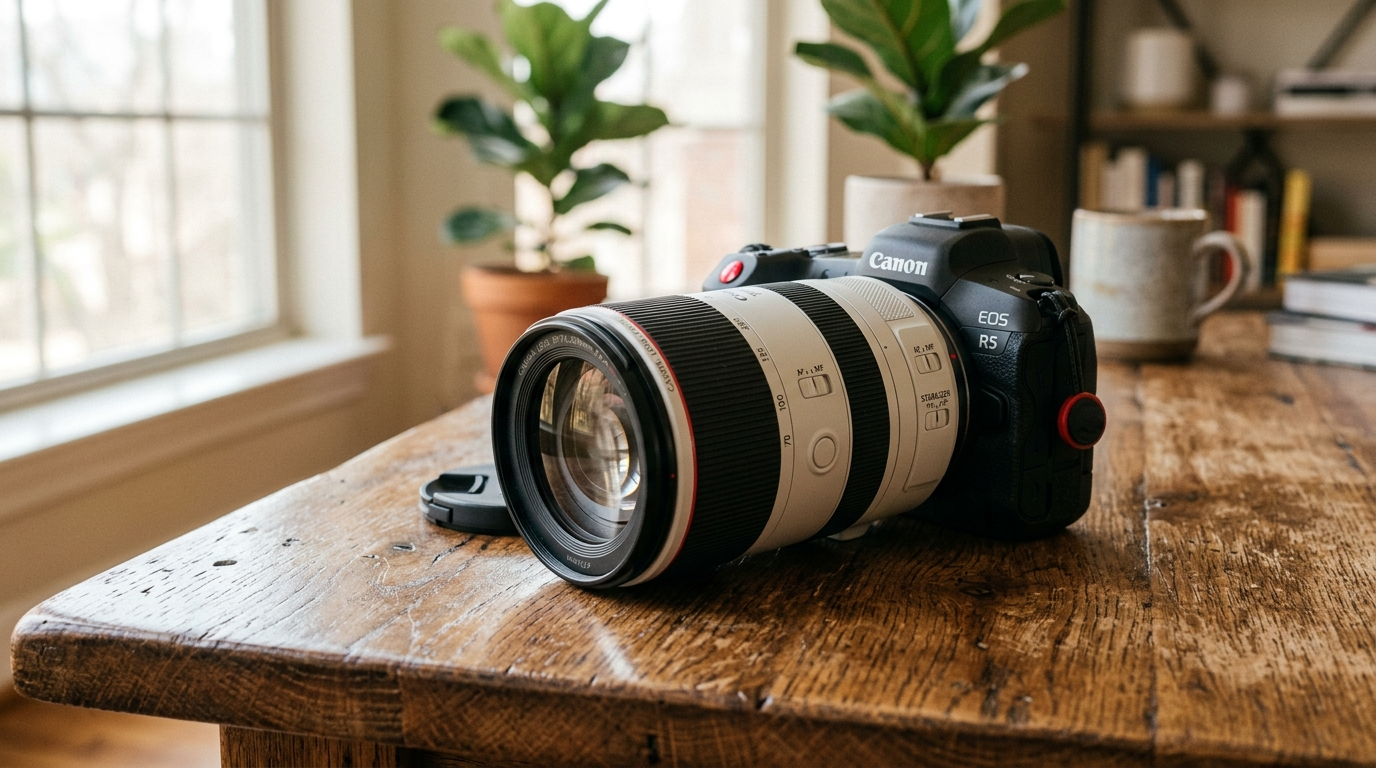
Veo 3.1 Output
Veo 3.1 Fast Output
Prompt: A slow cinematic close-up shot with gentle camera orbit, a professional DSLR camera with a large lens, rotating slightly as the focus ring turns subtly and light glides across the lens glass, placed on a wooden surface in a softly lit indoor environment with natural side lighting, warm natural aesthetic with soft shadows, detailed textures, and high-end commercial realism.
Conclusion
The team concludes that Veo 3.1 continues to stand out in 2026 as a practical and controllable video generation model, capable of producing consistent, high-quality outputs across cinematic, product, and narrative use cases. With a strong API and structured prompting approach, it fits well into real production workflows.
The Veo 3.1 fast variant adds important flexibility, enabling rapid iteration and prompt testing with surprisingly solid results. While standard mode remains better for final-quality outputs, fast mode is often good enough for early-stage content and significantly reduces time and cost.
In practice, combining both modes allows you to move quickly without sacrificing quality, making Veo 3.1 a scalable solution for modern video generation workflows.
Veo 3.1 API Key via PiAPI today!