
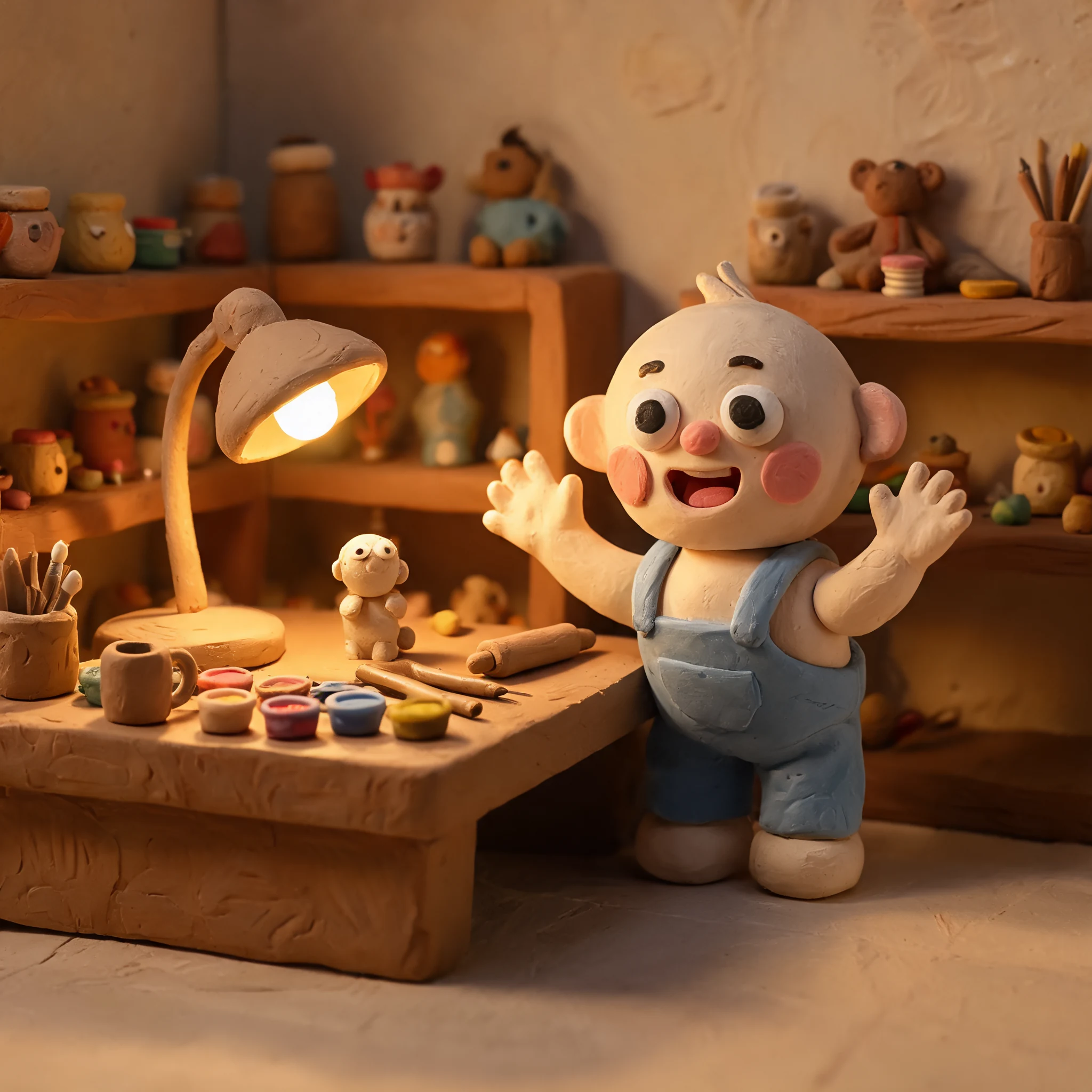
Clay character
A portrait remade as a tactile clay character.

Generated with this template
Sign up and grab an API key from the PiAPI workspace — free credits are included on sign-up.
Add credits on the billing page when you are ready to scale beyond the free tier.
POST your first task following the API docs, then poll the task until the result is ready.
Use the API docs and the request example above to iterate on prompts and settings before wiring them into your product.
A claymation AI generator turns prompts, uploaded images, or uploaded videos into visuals that look like handmade clay models, miniature sets, and stop-motion animation frames.
Yes. The video-to-video mode uploads one video, applies the claymation base prompt automatically, and lets you add optional style or motion instructions.
No. Image-to-image and video-to-video use a backend claymation prompt by default. The visible prompt is only for extra details such as motion, emphasis, or things to avoid.
The page standardizes model choice for users. Image modes use Seedream 5 Lite, text-to-video uses Kling 3.0, and video-to-video uses Seedance 2.0 Fast video edit.
Yes. Claymation is the default style for this page, but the playground structure can support additional styles later without creating separate tools.
More questions? See the API docs.