

LinkedIn headshot guide
Virtual Headshot for LinkedIn: How to Create a Professional Profile Photo with AI
Learn what photo to upload, which outfit and background to choose, and how to create a LinkedIn-ready AI headshot.
Read the guideUpload a portrait, choose an outfit and backdrop, and create a polished professional headshot for LinkedIn, resumes, team pages, and executive profiles.
100K+
organic clicks
GPT Image 2
image-to-image workflow
LinkedIn-ready
professional output
AI Headshot Generator
This guided version hides the prompt and model settings. Choose the visible options, then generate when the workflow is connected.
Preview
Your generated headshot will appear here. For now, this page shows the planned guided interface.

Outfit
Smart Casual
Backdrop
Office
Upload a portrait, choose your look, and generate a professional result.
Download resultIf generation times out or fails to fetch the result, please try again.
Virtual headshot
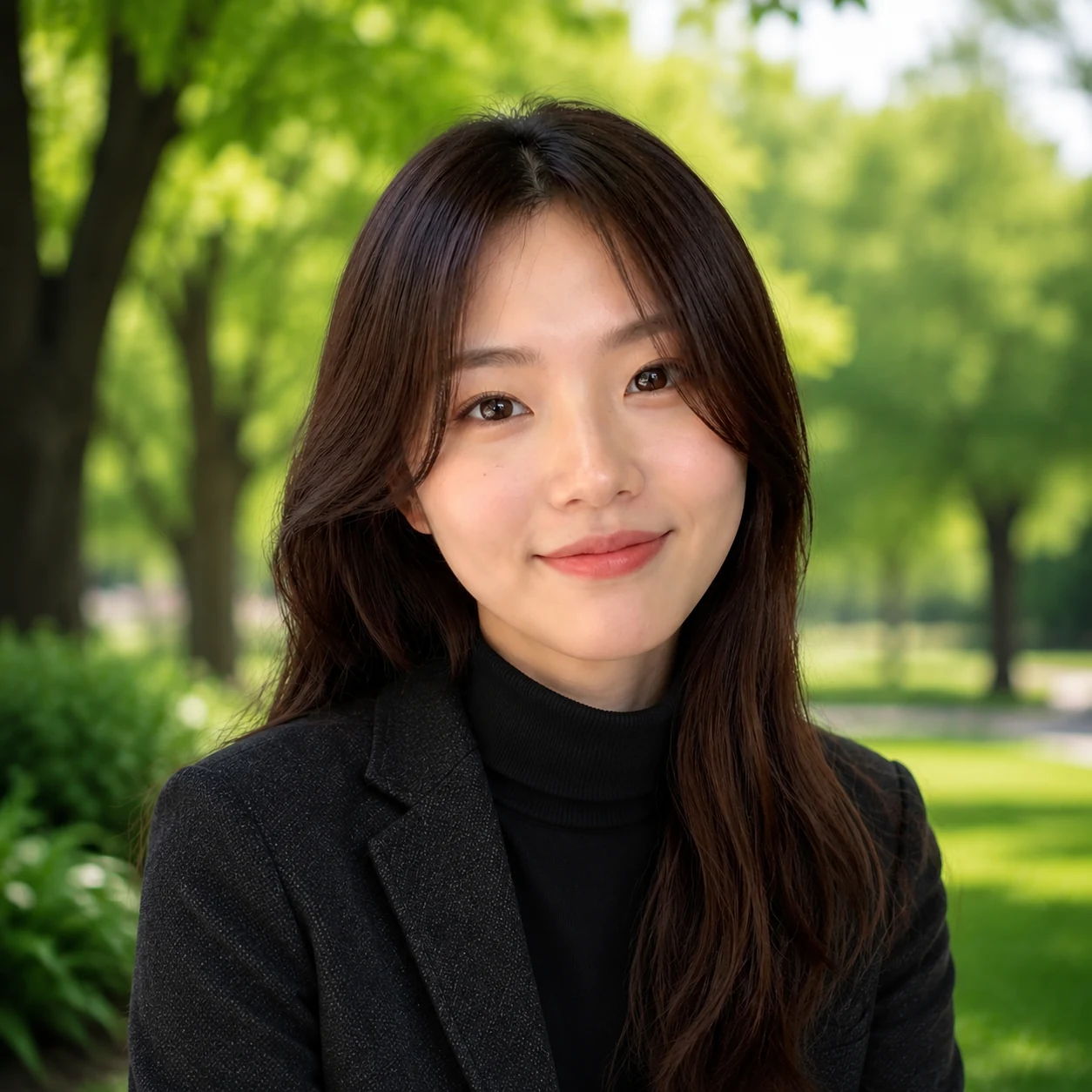
An AI headshot is a professional profile image generated from an existing portrait. It can update your outfit, replace the background, and create a clean business-ready image while keeping your face and natural expression recognizable.


Why choose PiAPI
Users choose visual options instead of editing prompts or backend settings.
The professional headshot prompt stays behind the scenes for a simpler user experience.
The workflow is designed for polished professional headshots, executive profiles, and team pages.
The page can later connect directly to PiAPI's GPT Image 2 image-to-image workflow.
Step 1
Choose one clear photo where the face is visible and not heavily covered.
Step 2
Pick a professional outfit and a background preset using visual buttons.
Step 3
The hidden GPT Image 2 prompt combines the portrait, outfit reference, and backdrop reference.
Step 4
Save the generated headshot for LinkedIn, resumes, portfolios, or company profile pages.
Start with a clear portrait, choose a professional look, and generate a polished profile image.
Pay as you go with GPT Image 2. Looking for a subscription instead? View PiAPI subscription plans.
Pay-as-you-go estimate for each generated headshot.
Headshot guide
Use this guide to choose the right input photo, outfit, and background before generating your AI headshot.
LinkedIn headshot guide
Learn what photo to upload, which outfit and background to choose, and how to create a LinkedIn-ready AI headshot.
Read the guideFAQ
An AI headshot generator turns an uploaded portrait into a polished professional profile image. This tool lets you choose an outfit and backdrop, then generates a LinkedIn-ready headshot from those selections.