
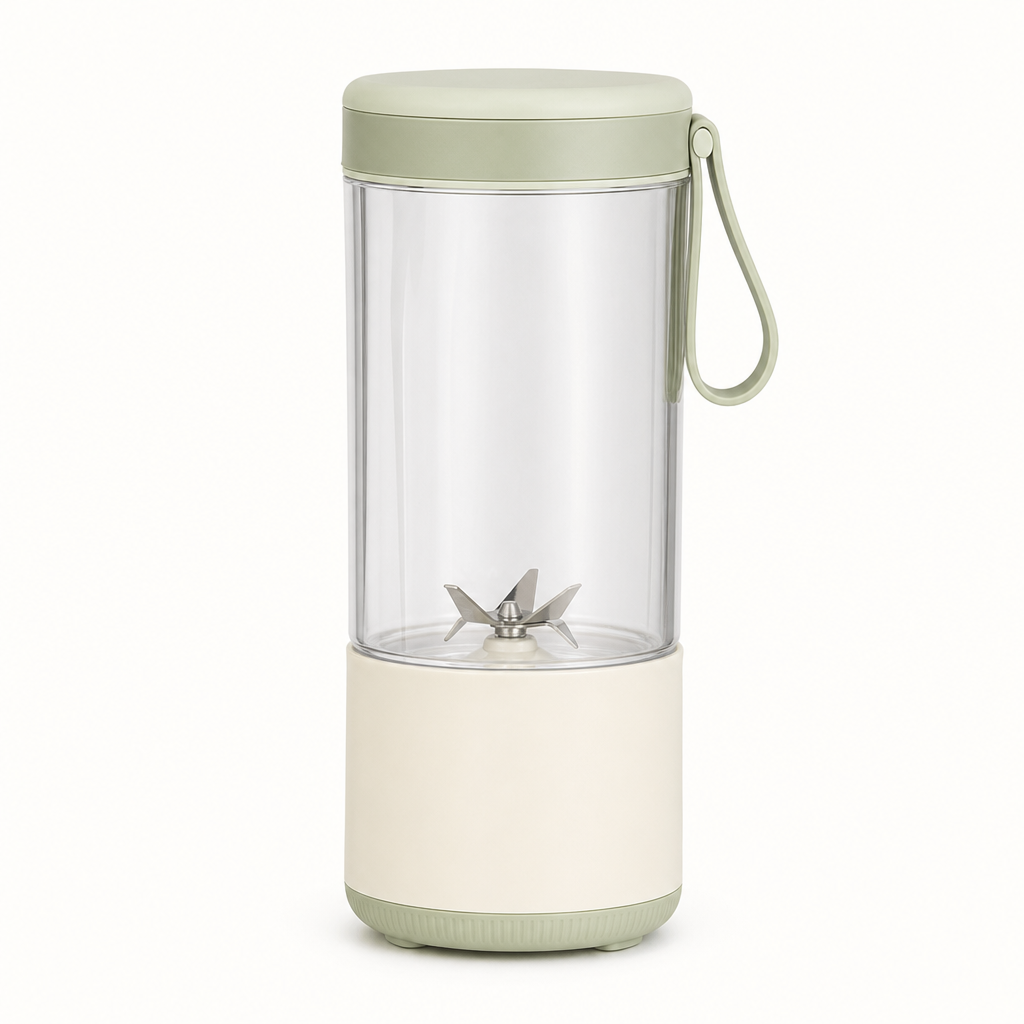
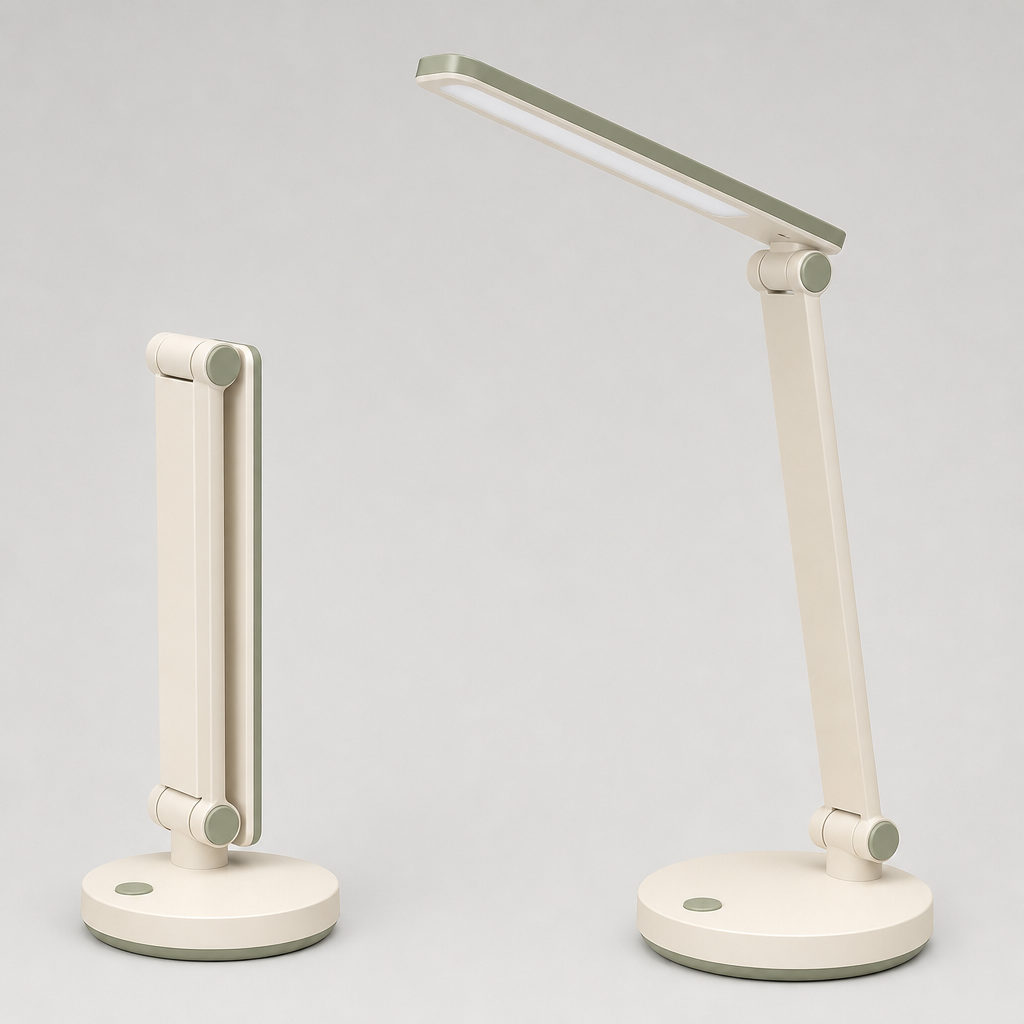
Choose a product image
Upload a clear image or start with a sample. Check that the product details are visible.

예시로 시작한 뒤 내 소재로 바꿔 보세요.
사용량 기반 결제 · 구독 불필요
작업을 한 번 실행해 결과를 확인한 뒤, 입력이나 출력 옵션을 조정해 다음 버전을 만드세요.
Upload a clear image or start with a sample. Check that the product details are visible.
Name the surface, background and lighting. Say which product features should stay consistent.
Inspect shape, labels, colors and proportions. Refine the prompt when a detail needs correction.
It edits an existing product image using GPT Image 2.5 and your scene description. The result is a new image to review.
Image editing can alter details. Check labels, dimensions, colors and small parts before using the result in a product listing.
Describe the surface, background and lighting in the prompt. For example, request a stone counter with soft window light.
Yes. The linked GPT Image API documentation covers image edit submission and task polling.
More questions? See the API docs.