
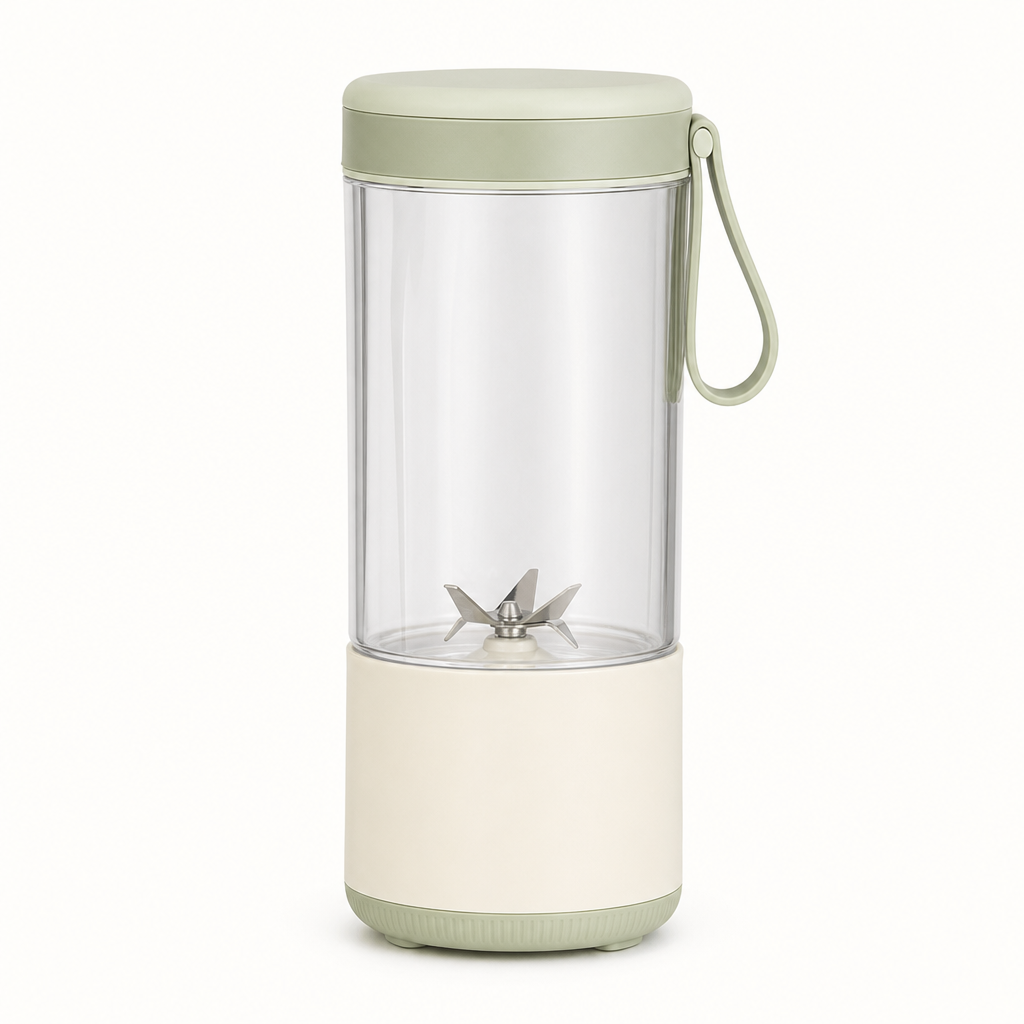
Choose a starting image
Upload the frame you want the video to begin from, or use the sample input.

예시로 시작한 뒤 내 소재로 바꿔 보세요.
사용량 기반 결제 · 구독 불필요
작업을 한 번 실행해 결과를 확인한 뒤, 입력이나 출력 옵션을 조정해 다음 버전을 만드세요.
Upload the frame you want the video to begin from, or use the sample input.
Start with a simple camera movement or subject action. Say what should remain still.
Review motion, subject consistency and framing before downloading or refining the prompt.
Provide one image and a prompt describing the motion. The image is used as the starting frame.
This preset animates a starting image. The advertisement template accepts a product image and script, with optional actor and logo references, for a different workflow.
This preset starts with one image. Use the linked Seedance workspace and API documentation for other supported controls and reference modes.
Generated motion can change small details. Review the subject, edges, text and framing, then adjust the prompt or image when needed.
Yes. The Seedance API docs explain image-to-video submission, task polling and downloading the completed video.
More questions? See the API docs.