
Choose a product image
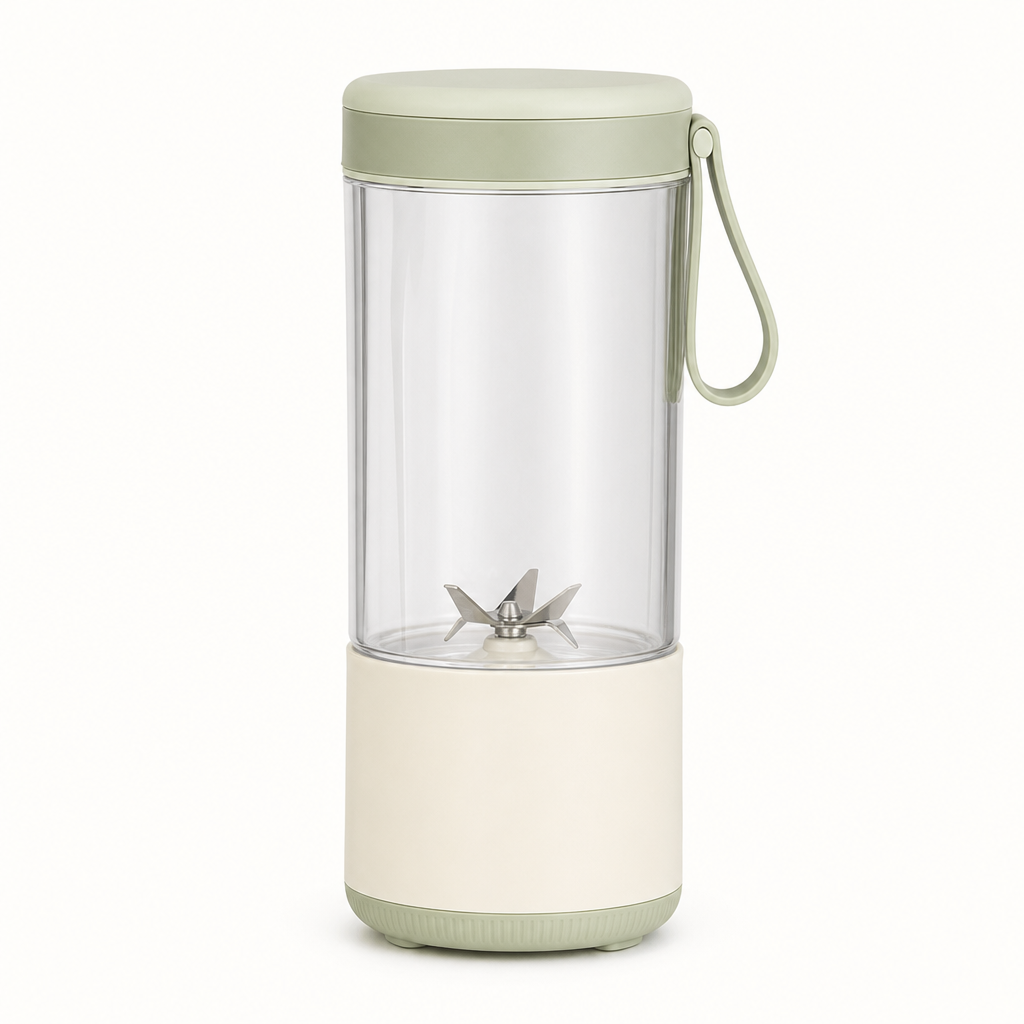
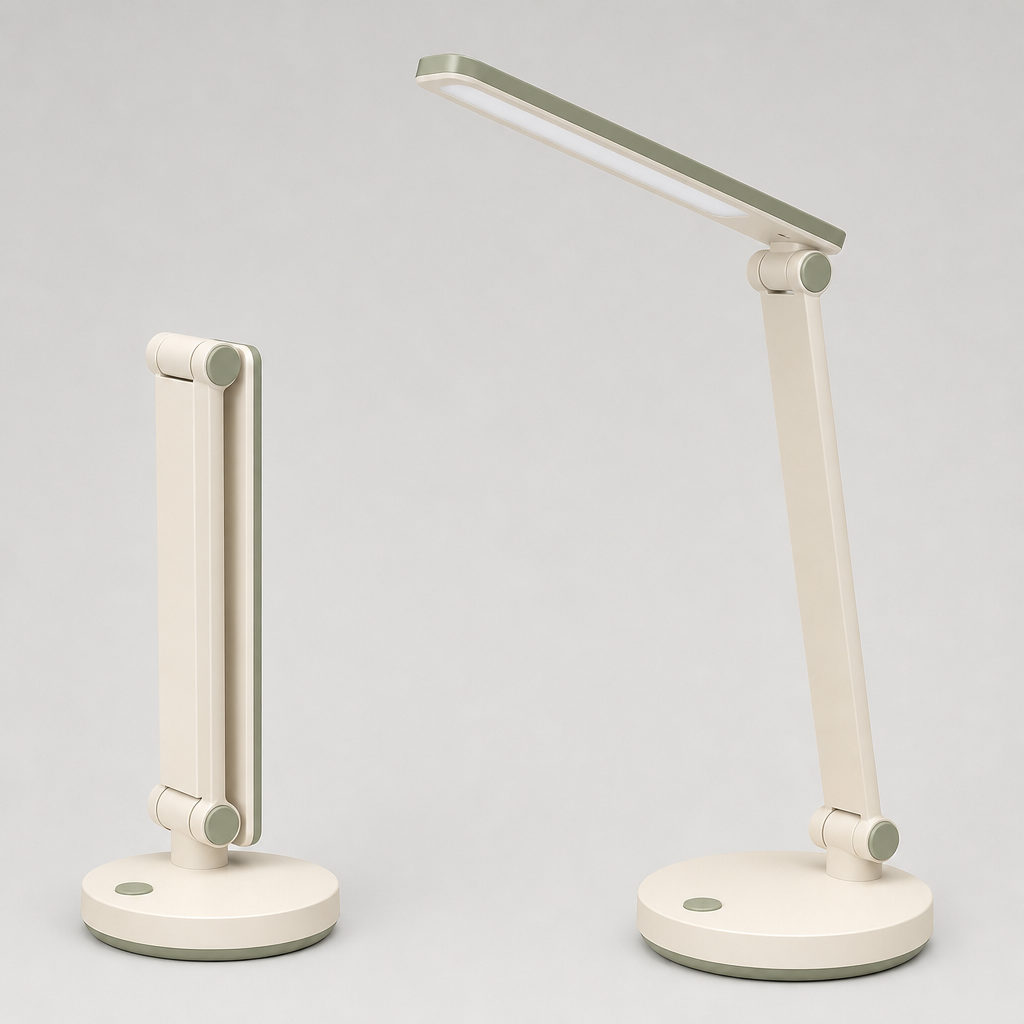
Upload a clear image or start with a sample. Check that the product details are visible.

从示例开始,再换上你自己的素材。
按量付费 · 无需订阅
先跑一次模板任务,查看结果,再调整某个输入或输出选项生成下一版。
Upload a clear image or start with a sample. Check that the product details are visible.
Name the surface, background and lighting. Say which product features should stay consistent.
Inspect shape, labels, colors and proportions. Refine the prompt when a detail needs correction.
It edits an existing product image using GPT Image 2.5 and your scene description. The result is a new image to review.
Image editing can alter details. Check labels, dimensions, colors and small parts before using the result in a product listing.
Describe the surface, background and lighting in the prompt. For example, request a stone counter with soft window light.
Yes. The linked GPT Image API documentation covers image edit submission and task polling.
More questions? See the API docs.