AI Kissing Video from Image: Examples of What Different Photos Generate
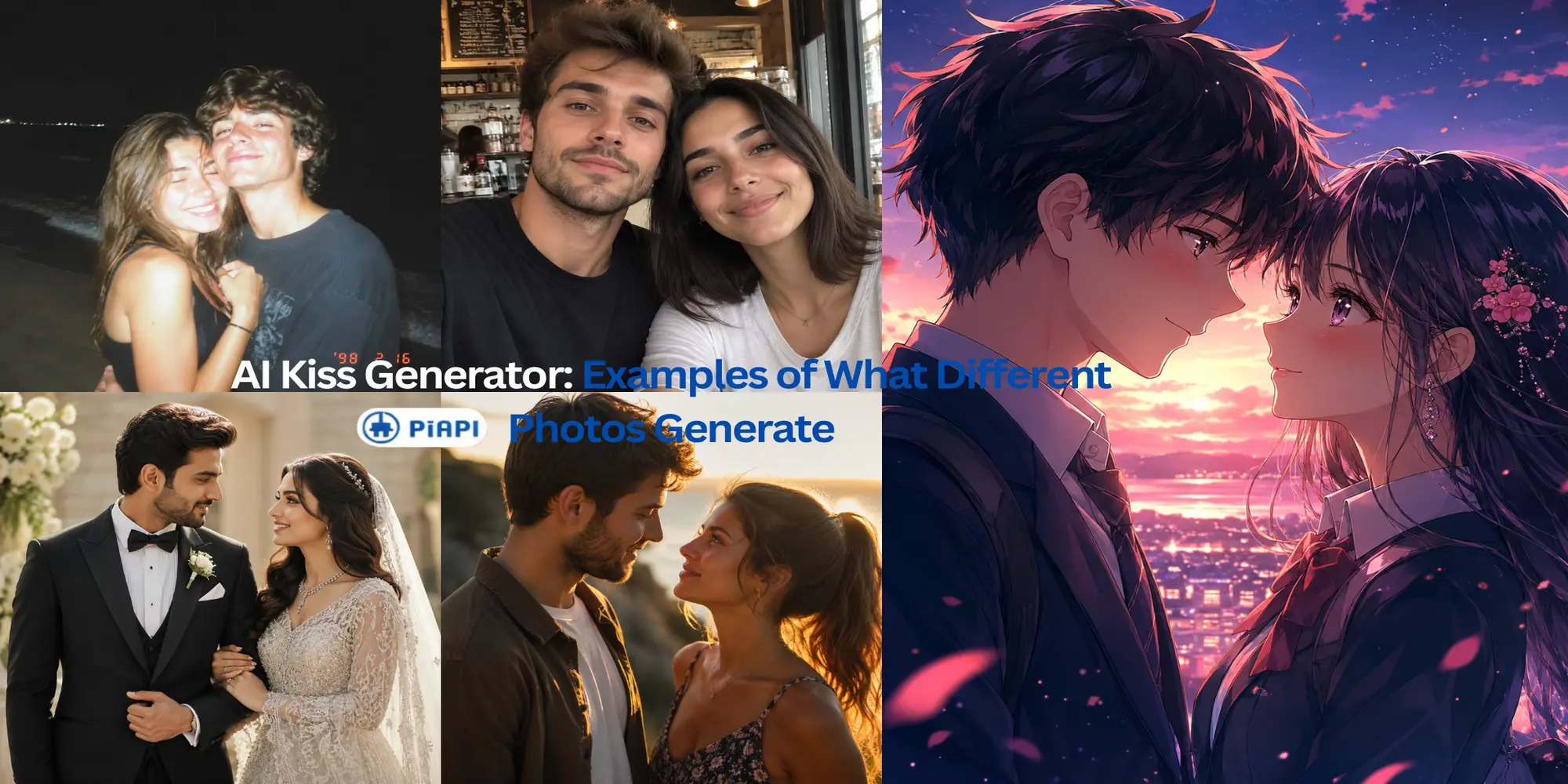
An AI kissing video from image can look very different depending on the photo you upload. A clear close-up of two people may create a smoother result, while a casual selfie, stylized character image, or low-light photo may require more pose conversion from the model.
This guide shows several AI kiss video examples from different image types so you can understand what to expect before generating your own clip. The examples are designed around the kinds of photos people actually try: romantic close-ups, casual selfies, wedding portraits, anime-style images, and low-light beach photos.
If you already have a two-person image ready, you can create an AI kiss video from your image with the PiAPI Kling AI Kiss Generator.
Quick answer: An AI kissing video from image usually works best when the image already contains two clear, close subjects. In the examples below, romantic close-ups, wedding portraits, casual selfies, anime-style images, and even a low-light beach photo all produced usable outputs when the faces and subject placement were readable.
Key Takeaways
- An AI kissing video from image works best when both faces are clear, close, and easy to identify.
- Romantic close-ups and wedding-style portraits usually give the model a cleaner scene to animate.
- Casual selfies can work, but camera angle, crop, and lighting can affect stability.
- Anime and character images can create interesting results, but stylized faces may behave differently from realistic photos.
- Low-light or flash-lit photos can still work when the couple is close together and the faces remain readable.
What Is an AI Kissing Video from Image?
An AI kissing video from image is a short generated video where an AI model turns a still image into a kiss-style motion effect. Instead of filming a real video, the user uploads an image and the model animates the people or characters in that scene.
Definition: An AI kissing video from image is an image-to-video output where a model animates a still image into a short kiss-style scene. The result depends heavily on the uploaded image, especially face visibility, subject distance, lighting, and whether the intended pair is easy to identify.
For best results, the source image usually needs clear visible faces, stable framing, and enough space for the model to move the subjects naturally. The image does not need to be professionally shot, but the model has an easier time when the faces are not cropped, hidden, heavily blurred, or lost in poor lighting.
The PiAPI Kling AI Kiss playground uses a preset kiss effect, so users do not need to write a prompt. The basic workflow is simple: upload a suitable image, generate the video, and review the result.
Which Photo Types Worked Well?
In this test, every photo type produced a usable AI kiss video. The strongest pattern was not one specific image style, but whether the two subjects were close together, easy to identify, and readable enough for the model to animate.
AI Kissing Video Examples from Different Image Types
The examples below are organized by input type. Each section explains what the source image gives the model, how the generated video behaves, and what that example teaches about creating an AI kiss video from a photo.
If a low-light result looks unstable, compare your image with the AI kiss generator troubleshooting guide .
Do You Need One Image or Two Photos?
For this kind of AI kissing video from image workflow, the simplest input is usually one image that already contains two visible people or characters. A single shared image gives the model matching lighting, scale, background, and subject placement.
Some users search for two-photo AI kiss generators, but upload rules vary by tool. For PiAPI Kling AI Kiss, follow the playground upload flow and choose the clearest two-subject image you have.
What These AI Kiss Video Examples Show
The examples are not just a showcase. They are meant to help you choose better input images before using an AI kiss generator.
Main finding: The most reliable AI kiss video examples came from images where the model could clearly identify two subjects and understand their relationship in the frame. Subject placement mattered as much as image style: a clear selfie or low-light couple photo could still work when the people were close together.
The clearest pattern is that face visibility matters most. When both faces are large, sharp, and unobstructed, the model has more useful detail to preserve during motion. Romantic close-ups and wedding portraits often work well because the subjects are already positioned in a way that supports the kiss effect.
Lighting is another major factor. Bright but natural lighting usually gives the model a cleaner source image. Very dark scenes, harsh flash, heavy filters, and strong blur can still generate interesting results, but they are more likely to produce unstable faces or unnatural transitions.
Composition also matters. Two people close together, facing each other, and placed near the center of the frame usually create a clearer setup than crowded scenes or distant full-body shots. Stylized images can work too, but the result should be judged by style consistency rather than pure realism.
Try Your Own AI Kiss Video from Image
If you want to test your own image, open the PiAPI Kling AI Kiss Generator , upload a two-person image, and generate the video from the preset effect.
For the smoothest first test, choose an image where both people are clearly visible, close enough to each other, and not heavily cropped. If the first result looks unstable, try a brighter image, a simpler background, or a photo where both faces are easier to see.
For a broader overview of the tool, read the AI Kiss Generator guide .