

Kling AI Kiss Generator Pricing
Pay-as-you-go access through PiAPI.
Kling 2.6 Standard
$0.20
- 5-second kiss video
- Fixed romantic image-to-video template
Kling 2.6 Pro
$0.33
- 5-second professional kiss video
- Fixed romantic image-to-video template
Kling AI Kiss Generator Features
Create short AI kiss videos from photos using Kling Effects. Upload an image, generate realistic romantic kiss animations, and try the free demo before integrating via PiAPI.
Fixed Kling 2.6 kiss workflow
The mini app uses a focused romantic image-to-video template rather than an open-ended video setup.
Two-subject reference image
For the most stable kiss motion, upload one clear image with two visible subjects and readable faces.
Developer-ready task identity
The quickstart creates a kling video_generation task using Kling 2.6.
Get started
Create your API key
Sign up in the PiAPI workspace and create an API key.Prepare your reference image
Use an image you have permission to use and review the preview before submitting a task.Create a generation task
POST the selected effect to the Kling API.Poll and use the result
Poll the task until it completes, then use the returned video URL in your application.curl -X POST 'https://api.piapi.ai/api/v1/task' \
-H 'X-API-Key: YOUR_API_KEY' \
-H 'Content-Type: application/json' \
-d '{
"model": "kling",
"task_type": "video_generation",
"input": {
"version": "2.6",
"mode": "std",
"duration": 5,
"image_url": "YOUR_IMAGE_URL",
"prompt": "A gentle kiss"
}
}'
# → { "task_id": "9d5a…", "status": "pending" }curl 'https://api.piapi.ai/api/v1/task/{task_id}' \
-H 'X-API-Key: YOUR_API_KEY'
# poll until status = completed
{
"data": {
"status": "completed",
"output": {
"video_url": "https://img.theapi.app/ephemeral/…"
}
}
}$ npm install -g piapi-cli $ piapi run kling-ai-kiss \ version=2.6 \ mode=std \ duration=5 \ image_url=YOUR_IMAGE_URL \ prompt="A gentle kiss" ✓ Task completed! https://img.theapi.app/ephemeral/…
Kling AI Kiss Generator FAQ
What is the Kling AI Kiss Generator?
The Kling AI Kiss Generator is a kiss-focused template on top of Kling Effects that turns a single photo into a short kissing video. You upload an image, we apply a kiss effect, and you get a smooth animation that feels like a live moment. It is built for couples, creators, and brands who want one of the best AI kiss generator style experiences without needing to manage all the Kling Effects options directly. Start with PiAPI today!
What is the use case of Kling kiss generator?
The main use case of the Kling kiss generator is to create kissing AI videos for you and your loved ones. Also check out our romantic AI video generator on the AI proposal page for more AI-generated fun for your loved ones!
How do I make AI kiss videos with the Kling AI Kiss playground?
To learn how to make AI kiss videos, go to our playground on this page, upload a clear photo of your couple or subject, optionally add a short Kling AI kissing prompt describing the mood or style, and click generate. The backend uses a fixed kiss effect so every run creates a consistent kissing video from your image.
Is this AI kiss generator free to try?
Yes, the Kling AI Kiss playground is designed as a free demo experience. When you create a PiAPI account, you get starter credits so you can try the playground and run test generations with our AI kiss free online experience before paying for additional usage.
Can I turn photos into kiss videos with AI for free?
The playground lets you upload a still image and generate a short kiss animation using your free starter credits. It is a quick way to preview how your static photo will look as a Kling AI kissing video before you integrate the API in your own product, and works well if you are looking for an AI kissing effect free test run.
What is the difference between Kling Effects and the Kling AI Kiss template?
The main Kling Effects playground exposes many visual effects, but this template locks the effect to a single kiss animation preset for a simpler workflow. The Kling AI Kiss page focuses only on kiss videos, while the full Kling Effects API is still available if you want to explore other effects later.
Are there refunds?
No, we do not offer refunds. But when you first sign up for a PiAPI Workspace account, you receive free credits to try the Kling effects playground and the PAYG API before paying.
How can I get in touch with your team?
Please email us at support@piapi.ai - we would love to hear your feedback and explore potential collaborations.
Our blog
Kling AI Kiss Generator guides and examples.
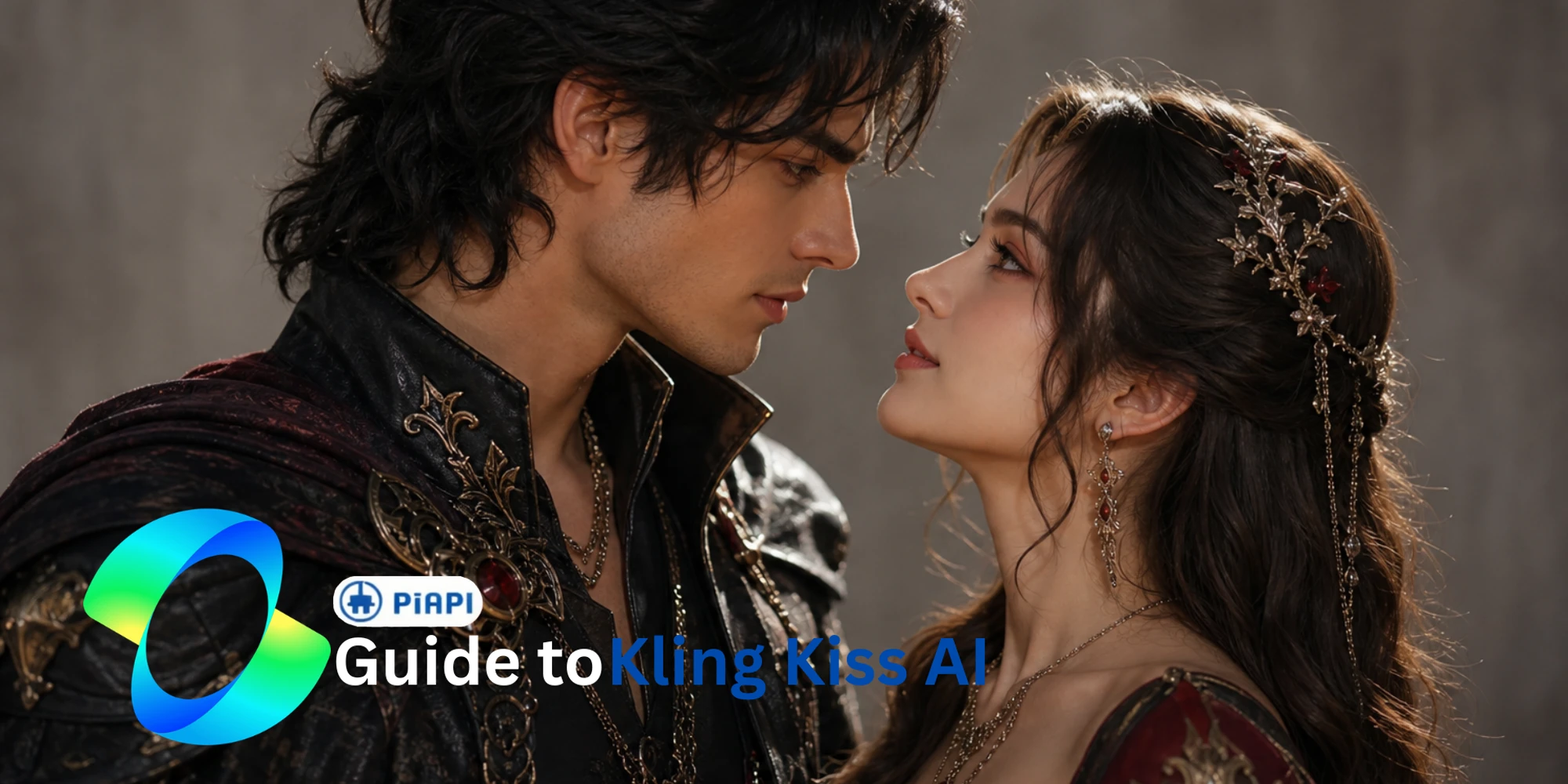
Kling AI Kiss Generator
AI Kiss Generator Guide: How to Create Kling AI Kiss Videos
Learn what an AI kiss generator is, how Kling AI Kiss turns photos into short kissing videos, and how to try the Kling kiss generator on PiAPI.
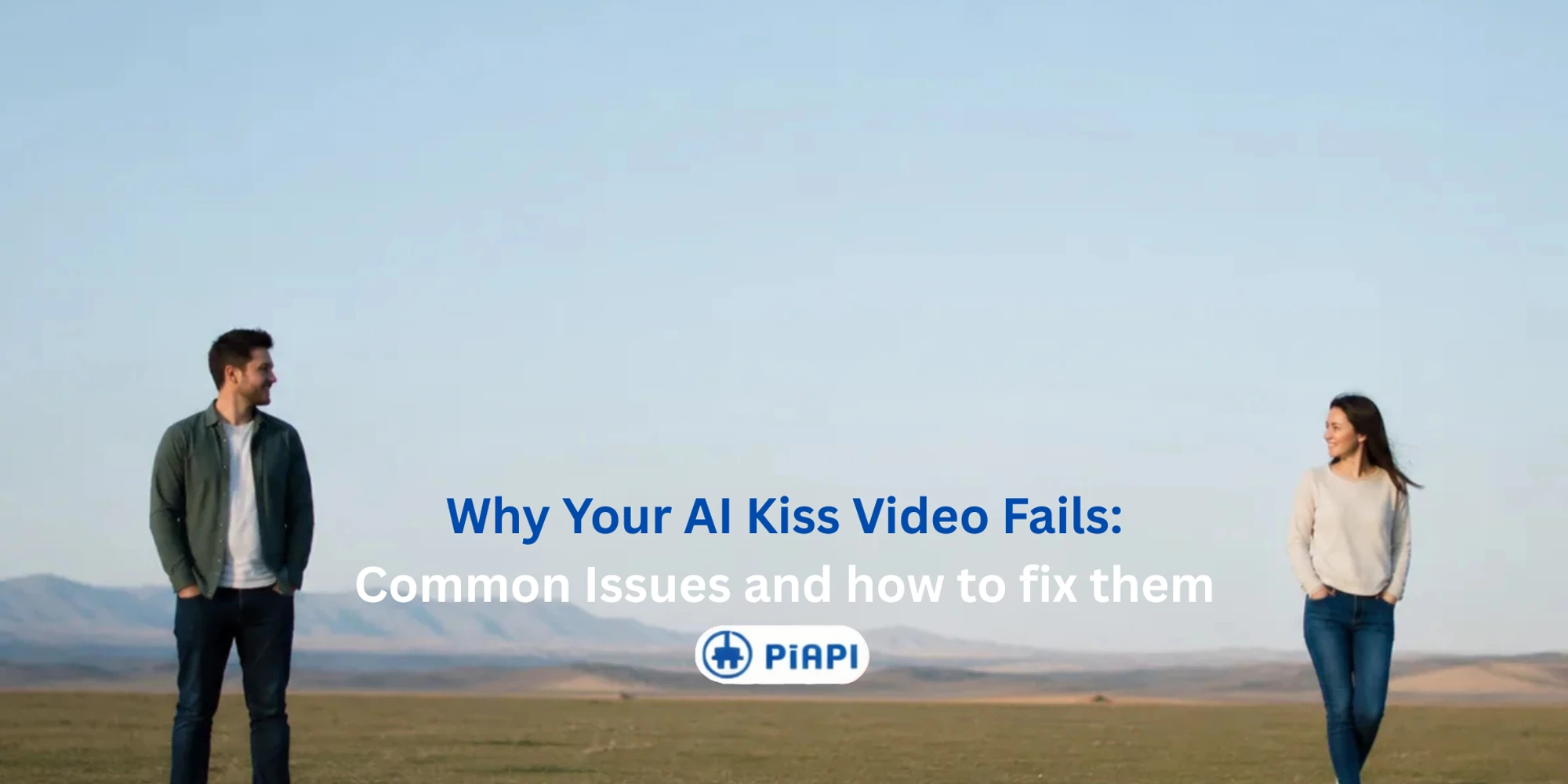
Kling AI Kiss Generator
Why Your AI Kiss Generator Video Fails and How to Fix It
Learn why AI kiss generator videos fail, look blurry, or appear distorted. Fix input image issues and create better Kling AI Kiss videos with PiAPI.
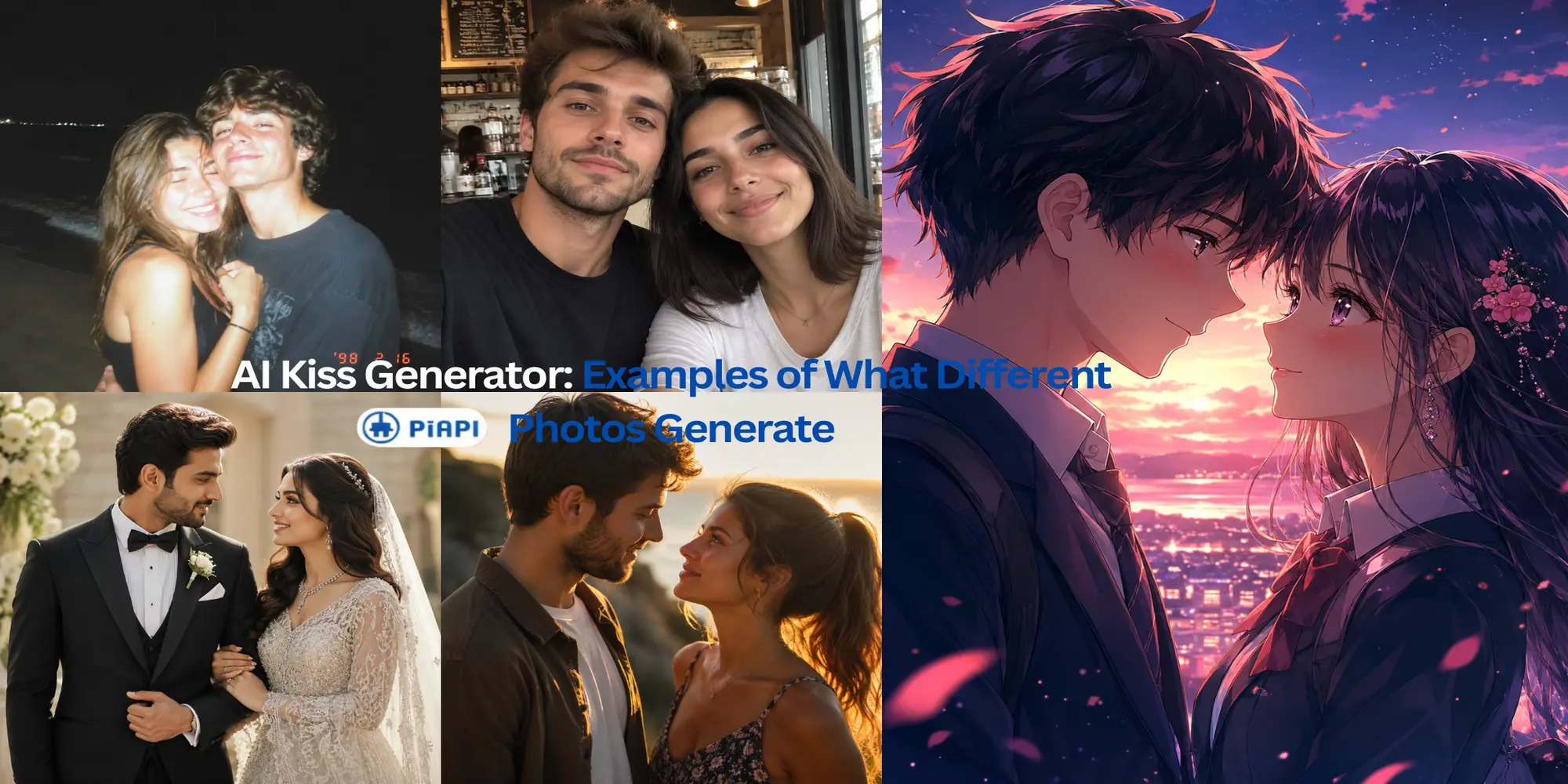
Kling AI Kiss Generator
AI Kissing Video from Image: Examples of What Different Photos Generate
See AI kissing video examples from different image types, including couple photos, character images, wedding portraits, casual selfies, and low-light beach photos.