
Seedance 2.5
from $0.15/s
- 480p — $0.15/s
- 720p — $0.35/s
- 1080p — $0.80/s

Seedance 2.5 API / More story. More control.
Create reference-guided AI video with Seedance 2.5 or Seedance 2.5 Less Restriction, up to 1080p output, and optional image, video, or audio inputs.
Pay-as-you-go access through PiAPI.
from $0.15/s
from $0.165/s
Face references must be uploaded to the Asset Library and verified before use in -less-restriction modes. View Asset Library docs →
Generate a fast 480p draft first, then promote the completed draft task to a 1080p final video.
480p
$0.15/s
draft
1080p
$0.80/s
draft_task_id
Seedance 2.5 keeps the proven Seedance request shape while defining a clear model, resolution, duration, reference, and pricing contract.
Generate 5, 8, 10, 15, 20, 25, or 30-second clips, with 5 seconds as the default.
Generate at 480p, 720p, or 1080p. The legacy page listed 480p and 720p; PiAPI now also supports 1080p generation.
Use seedance-2.5 for the standard workflow. The seedance-2.5-less-restriction task type supports generation with face assets after they pass Private Asset Library review.
Use image, video, and audio references to guide the result. Reference-image aspect ratio takes precedence over the requested aspect ratio.
Refer to supplied media directly in the prompt with @image1, @video1, and @audio1 placeholders.
Test the live Seedance 2.5 task in the playground, then reuse the same model, task type, prompt, and reference contract in your application.
Create in 21:9, 16:9, 9:16, 4:3, 1:1, or 3:4. When an image reference is supplied, its aspect ratio takes precedence.
Output duration is billed at the selected resolution rate. When video references are used, input-video duration is billed at half of that rate.
Prepare the prompt and references, generate with model seedance and a Seedance 2.5 task type, then carry the tested request into your application.
Create a PiAPI account with Google or GitHub, get an API key, and use your free credits to try Seedance 2.5. No business or identity verification is required for PiAPI account signup. Content policies and reference-asset review still apply.
Sign up and grab an API key from the PiAPI workspace — free credits are included on sign-up.
Add credits on the billing page when you are ready to scale beyond the free tier.
POST your first task following the API docs, then poll the task until the result is ready.
Prototype prompts and settings in the the playground above before wiring them into your product.
curl -X POST 'https://api.piapi.ai/api/v1/task' \
  -H 'X-API-Key: YOUR_API_KEY' \
  -H 'Content-Type: application/json' \
  -d '{
  "model": "seedance",
  "task_type": "seedance-2.5",
  "input": {
    "prompt": "A cinematic tracking shot through a neon-lit city street after rain.",
    "duration": 4,
    "resolution": "720p",
    "aspect_ratio": "16:9",
    "mode": "text_to_video"
  }
}'curl 'https://api.piapi.ai/api/v1/task/{task_id}' \
-H 'X-API-Key: YOUR_API_KEY'video_url / video
curl -X POST 'https://api.piapi.ai/api/v1/task' \
  -H 'X-API-Key: YOUR_API_KEY' \
  -H 'Content-Type: application/json' \
  -d '{
  "model": "seedance",
  "task_type": "seedance-2.5",
  "input": {
    "prompt": "A cinematic tracking shot through a neon-lit city street after rain.",
    "duration": 4,
    "resolution": "720p",
    "aspect_ratio": "16:9",
    "mode": "first_last_frames",
    "image_urls": [
      "YOUR_IMAGE_URL"
    ]
  }
}'curl 'https://api.piapi.ai/api/v1/task/{task_id}' \
-H 'X-API-Key: YOUR_API_KEY'video_url / video
curl -X POST 'https://api.piapi.ai/api/v1/task' \
  -H 'X-API-Key: YOUR_API_KEY' \
  -H 'Content-Type: application/json' \
  -d '{
  "model": "seedance",
  "task_type": "seedance-2.5",
  "input": {
    "prompt": "A cinematic tracking shot through a neon-lit city street after rain.",
    "duration": 4,
    "resolution": "720p",
    "aspect_ratio": "16:9",
    "mode": "omni_reference",
    "image_urls": [
      "YOUR_IMAGE_URL"
    ],
    "video_urls": [
      "YOUR_VIDEO_URL"
    ],
    "audio_urls": [
      "YOUR_AUDIO_URL"
    ],
    "omni_reference_task_type": "auto"
  }
}'curl 'https://api.piapi.ai/api/v1/task/{task_id}' \
-H 'X-API-Key: YOUR_API_KEY'video_url / video
curl -X POST 'https://api.piapi.ai/api/v1/task' \
  -H 'X-API-Key: YOUR_API_KEY' \
  -H 'Content-Type: application/json' \
  -d '{
  "model": "seedance",
  "task_type": "seedance-2.5-less-restriction",
  "input": {
    "prompt": "A cinematic tracking shot through a neon-lit city street after rain.",
    "duration": 4,
    "resolution": "720p",
    "aspect_ratio": "16:9",
    "mode": "text_to_video"
  }
}'curl 'https://api.piapi.ai/api/v1/task/{task_id}' \
-H 'X-API-Key: YOUR_API_KEY'video_url / video
curl -X POST 'https://api.piapi.ai/api/v1/task' \
  -H 'X-API-Key: YOUR_API_KEY' \
  -H 'Content-Type: application/json' \
  -d '{
  "model": "seedance",
  "task_type": "seedance-2.5-less-restriction",
  "input": {
    "prompt": "A cinematic tracking shot through a neon-lit city street after rain.",
    "duration": 4,
    "resolution": "720p",
    "aspect_ratio": "16:9",
    "mode": "first_last_frames",
    "image_urls": [
      "YOUR_IMAGE_URL"
    ]
  }
}'curl 'https://api.piapi.ai/api/v1/task/{task_id}' \
-H 'X-API-Key: YOUR_API_KEY'video_url / video
curl -X POST 'https://api.piapi.ai/api/v1/task' \
  -H 'X-API-Key: YOUR_API_KEY' \
  -H 'Content-Type: application/json' \
  -d '{
  "model": "seedance",
  "task_type": "seedance-2.5-less-restriction",
  "input": {
    "prompt": "A cinematic tracking shot through a neon-lit city street after rain.",
    "duration": 4,
    "resolution": "720p",
    "aspect_ratio": "16:9",
    "mode": "omni_reference",
    "auto_upload_assets": true,
    "image_urls": [
      "YOUR_IMAGE_URL"
    ],
    "video_urls": [
      "YOUR_VIDEO_URL"
    ],
    "audio_urls": [
      "YOUR_AUDIO_URL"
    ],
    "omni_reference_task_type": "auto"
  }
}'curl 'https://api.piapi.ai/api/v1/task/{task_id}' \
-H 'X-API-Key: YOUR_API_KEY'video_url / video
Seedance 2.5 is a Seedance AI video task on PiAPI. Use model seedance with task_type seedance-2.5 or seedance-2.5-less-restriction to generate video from a prompt, optionally guided by image, video, or audio references.
Yes. The Seedance 2.5 playground is live on this page and lets you select the standard or Less Restriction task type.
The API accepts integer durations from 4 to 30 seconds and supports 480p, 720p, and 1080p output.
You can provide image, video, and audio references supported by the playground. Use @imageN, @videoN, and @audioN placeholders in the prompt.
Seedance 2.5 is billed per generated second, with rates based on the selected resolution and task type. See the pricing section above for the current dynamically sourced rates.
Yes. Create a PiAPI task with model seedance and either Seedance 2.5 task type, then provide the prompt, duration, resolution, aspect ratio, and any supported reference URLs.
Seedance 2.5 has dedicated standard and Less Restriction task types, supports up to 1080p output, and accepts multimodal references. Seedance 2.0 remains available for existing workflows and its own model variants.
Seedance 2.5 Less Restriction supports generation with face assets that have passed Private Asset Library review. Upload the face asset, wait until its status is Active, then reference the verified asset in the request.
More questions? See the API docs.
Seedance 2.5 API
Seedance 2.5 API
Learn what Seedance 2.5 Less Restriction changes, how reviewed face references fit the workflow, and how to start a policy-qualified API request.
Seedance 2.5 API
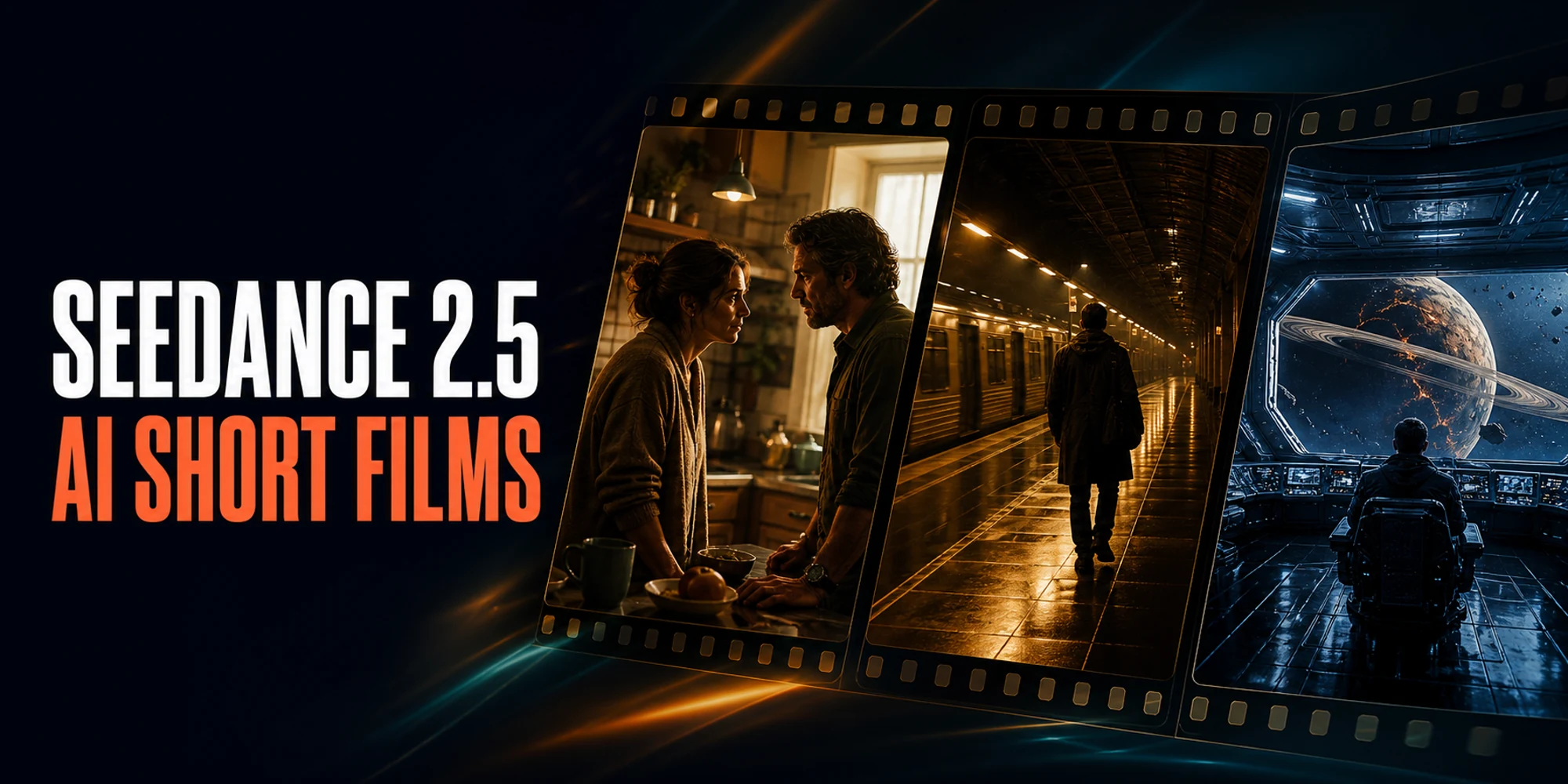
See three Seedance 2.5 short films, then learn a simple creative workflow for scripting dialogue, guiding characters, and shaping a complete 30-second scene.

Seedance 2.5 API
Create Seedance 2.5 product ads with prepared references and reusable 9:16 prompts. See three original examples and the real cost per usable clip.
Seedance 2.5 API
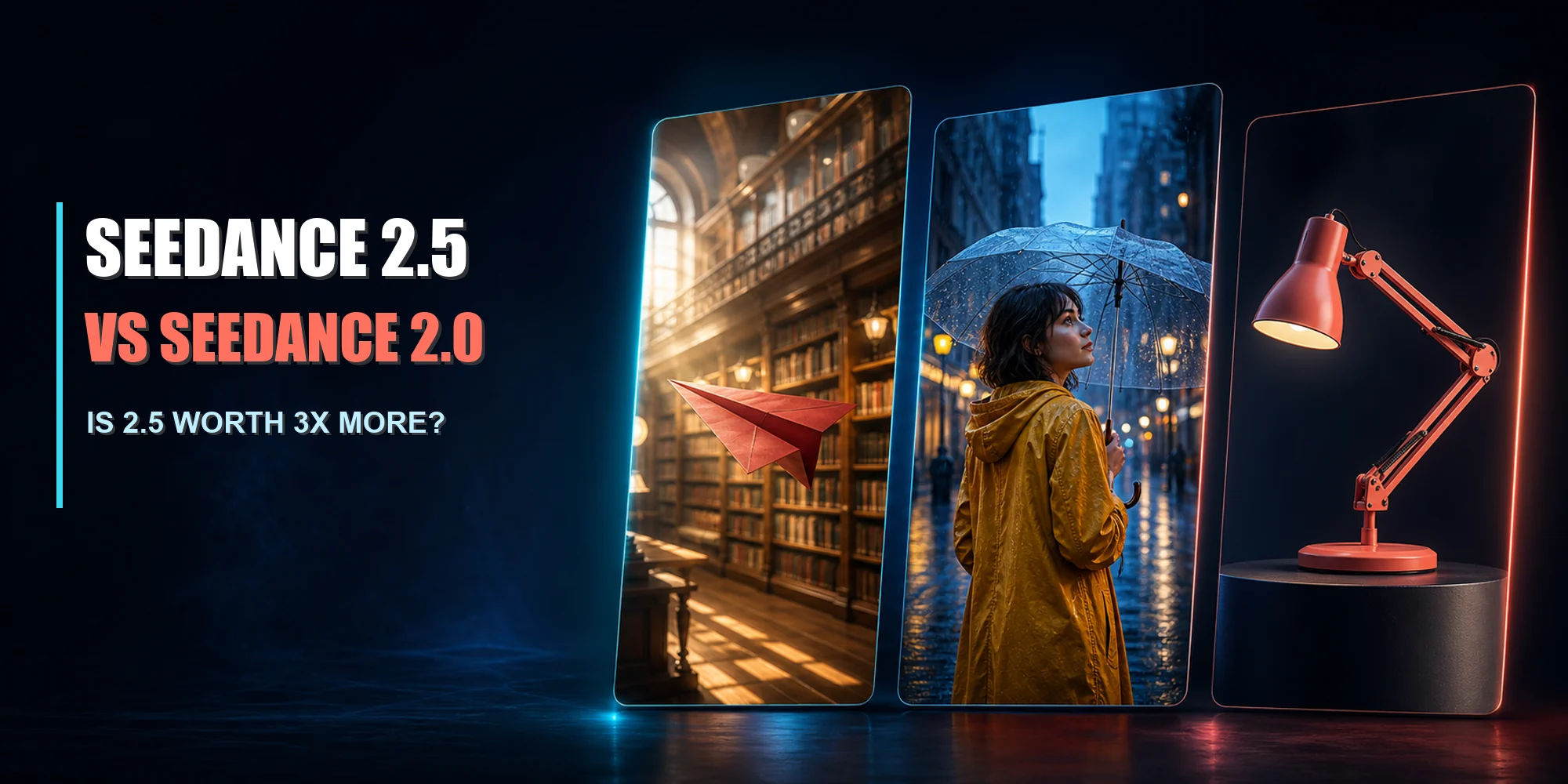
Compare Seedance 2.5 vs Seedance 2.0 using paired PiAPI video tests. See quality, consistency, cost, API differences, and whether 2.5 is worth 3x more.
Seedance 2.5 API
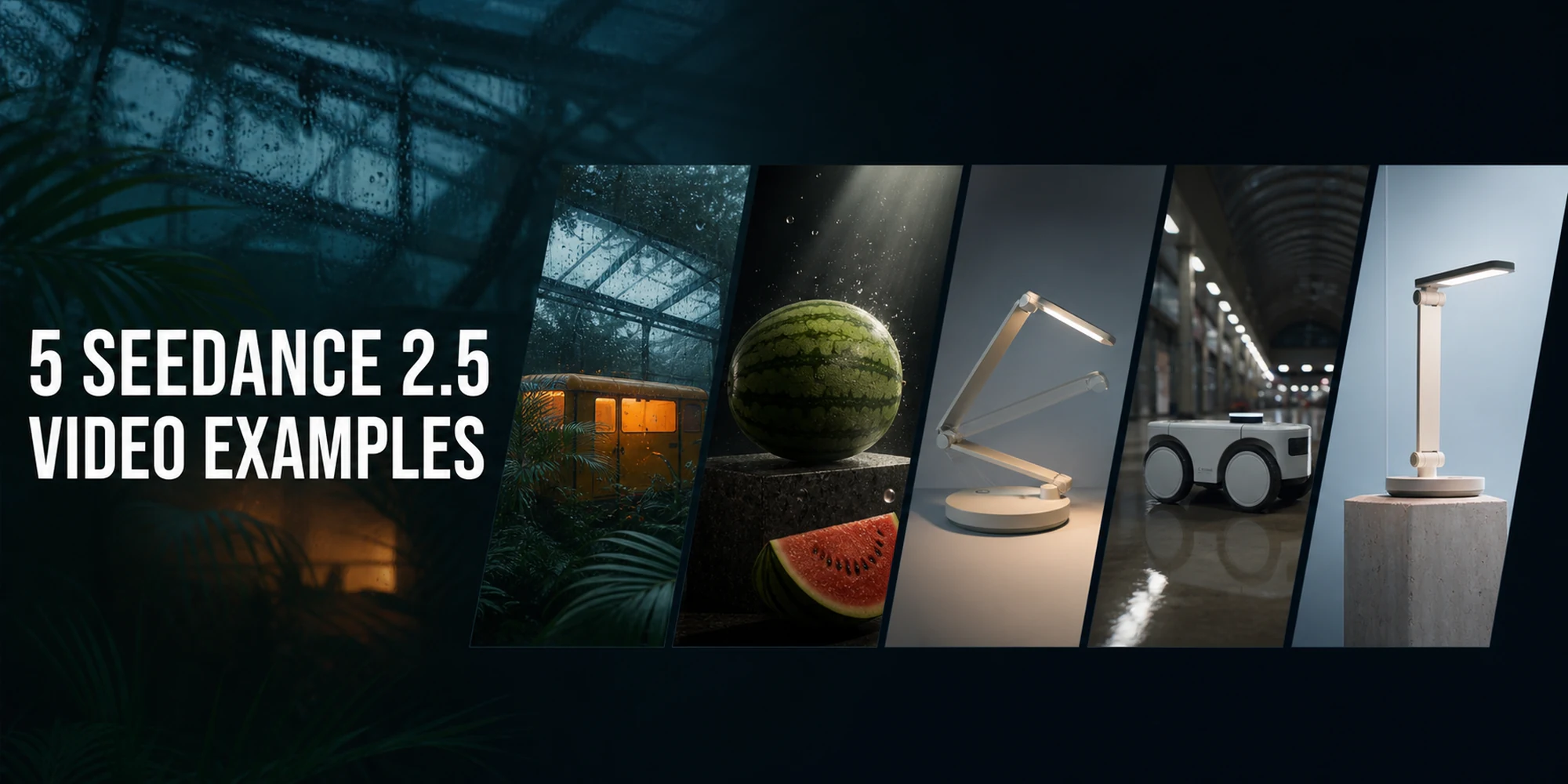
See 5 Seedance 2.5 prompts with real video examples, PiAPI settings, reference inputs, API requests, output costs, and practical lessons for creators.
Seedance 2.5 API
Explore Seedance 2.5 API specifications on PiAPI: model ID, three modes, 1-30 second videos, 480p/720p pricing, reference limits, and access.