Blog
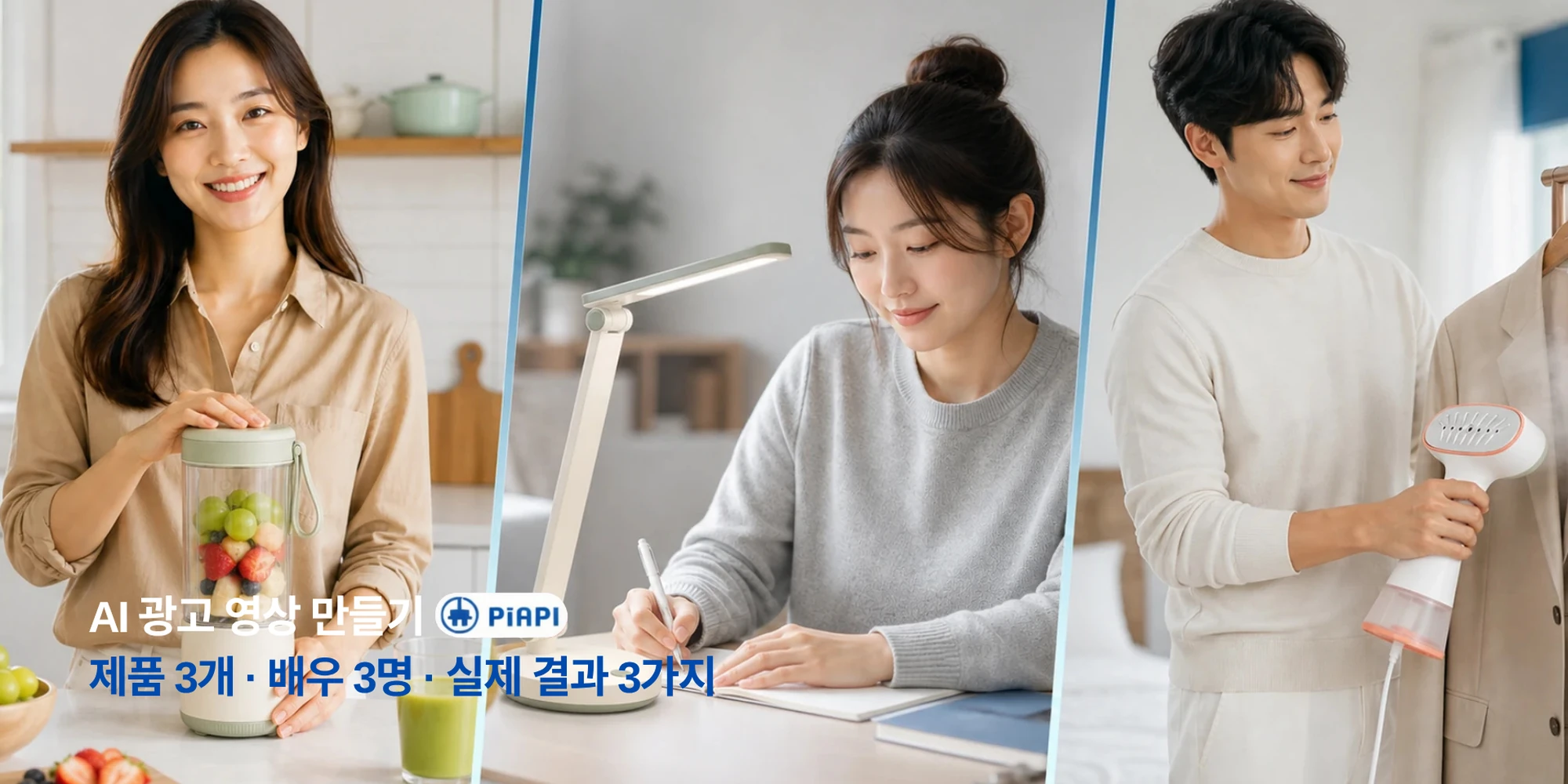
AI Video Ad Generator
Learn how to make product ads for TikTok, Reels, YouTube, and e-commerce with a practical AI video ad workflow.
Read articlePiAPI Playground
商品をアップロードし、必要に応じて出演者やロゴを追加し、台本を書くだけで、Seedanceによるキャンペーン向け広告動画を生成できます。
Create ad video
Product is required. Actor and logo are optional.
Product image
RequiredRequired product reference for the ad.
Actor image
OptionalOptional presenter or UGC creator reference.
Logo image
OptionalOptional logo. Wide logos are normalized before upload.
Format
Duration
Video preview
Generated video will appear here.
No video generated yet.
Format
9:16
Duration
5s
Cost
$1.00
{
"prompt": "Create a professional advertisement video using the uploaded product reference, optional actor reference, optional brand logo, and provided script.\n\nUse the uploaded product reference as the main product being promoted. Show the product clearly and keep its appearance accurate.\n\nNo actor reference is provided. Create a product-focused advertisement using product shots, lifestyle scenes, clean camera movement, captions, and visual storytelling.\n\nUse this script as the main message of the advertisement:\nMeet the product that makes your daily routine easier. Designed for busy days and real results, it helps you save time, stay consistent, and feel confident from the first use. Try it today and see the difference for yourself.\n\nNo brand logo is provided. End with a clean product-focused call to action.\n\nCreate the video in a vertical short-form social ad style. Use a strong hook in the first second, close-up framing, fast pacing, natural creator-style delivery if an actor is provided, quick product cutaways, punchy captions, and visual rhythm suitable for TikTok, Instagram Reels, and YouTube Shorts.\n\nCreate a polished, realistic, conversion-focused advertisement video with a strong opening hook, clear product focus, smooth pacing, and professional commercial styling."
}JPG, PNG, WebP, or BMP. Under 30 MB. Width and height between 300 and 6000 px. Aspect ratio between 0.4 and 2.5.
ワークフロー
このツールは広告クリエイティブをすばやく検証するために作られています。商品リファレンスから始め、任意でブランドや出演者素材を追加し、検証したいチャネル向けの動画広告を生成します。
広告の中心となる商品画像を追加します。生成時の主要なビジュアル参照として使われます。
出演者スタイルの広告には人物画像を、ブランドのエンドフレームにはロゴを追加できます。どちらも任意です。
短いフック、1つか2つのベネフィット、明確なCTAを入れます。台本が広告メッセージを決めます。
縦型、横型、正方形の出力を選択します。各フォーマットに合う広告演出が適用されます。
広告フォーマット
アスペクト比はキャンバスだけでなく広告の雰囲気も変えるべきです。縦型はSNS向けに、横型はよりシネマティックに見えるよう、各フォーマットに合った演出を割り当てます。
TikTok、Instagram Reels、YouTube Shorts
最初の強いフック、クリエイター風のテンポ、クローズアップ、素早い商品カット。
YouTube、Webサイト、商品デモ
広いショット、滑らかなテンポ、上質な照明、ブランド主導のストーリー。
Instagram、Facebook、LinkedInフィード
中央配置、読みやすいビジュアル、商品とメッセージのバランス。
料金
商品広告のテスト、台本比較、キャンペーン素材のオンデマンド生成には従量課金クレジットを利用できます。PiAPIでは継続的な生成ニーズ向けのサブスクリプションプランも提供しています。
サブスクリプションプランを見る利用量ベースのクレジットで広告動画を必要な分だけ生成できます。
複数のフック、商品、台本、広告フォーマットを試せます。
安定した生成量が必要な場合は定期プランを選べます。
ユースケース
同じワークフローで、商品カテゴリ、キャンペーン角度、広告配信面をテストできます。
例
第三者ブランド名や競合素材に頼らず、さまざまな広告スタイルを試すための汎用例です。
入力
商品画像 + 出演者リファレンス + 任意のロゴ
台本サンプル
シンプルな毎日の習慣から始めましょう。この軽い処方が、肌をみずみずしく、なめらかに、一日を迎える準備ができた状態に整えます。
想定スタイル
商品のクローズアップと自然なプレゼンを含む、クリエイター風のフィード広告。
入力
商品画像 + 台本
台本サンプル
毎日の汚れをもっと短時間で。忙しい家庭のために設計されたこの商品は、暮らしのペースを止めずに空間をすっきり保ちます。
想定スタイル
商品中心の構図、キャプション、ライフスタイルカットを含む縦型SNS広告。
入力
商品画像 + 出演者リファレンス + ロゴ
台本サンプル
少しだけリチャージする時間を。現代のルーティンに合わせて設計されたこの商品は、リラックスし、整え、次へ進む準備を助けます。
想定スタイル
広めのショット、温かい照明、ブランド付きエンドフレームを備えた横型コマーシャル。
Related reading
If you are planning product ads, short-form campaigns, or Seedance-based creative workflows, these guides are the most useful next reads.
Blog
Learn how to make product ads for TikTok, Reels, YouTube, and e-commerce with a practical AI video ad workflow.
Read articleFAQ
商品画像、台本、出演者リファレンス、ロゴ、アスペクト比、長さなどの入力から短い広告動画を作成するツールです。キャンペーン案をすばやく検証可能な動画クリエイティブにできます。
いいえ。商品画像と台本が主要な入力です。出演者をアップロードしない場合、商品ショット、ライフスタイルシーン、キャプション、視覚的なストーリーで商品中心の広告を作成します。
はい。ロゴのアップロードは任意です。ロゴがある場合、動画の最後付近に最終CTAと一緒に配置されます。
いいえ。オンデマンド生成には従量課金クレジットを使えます。PiAPIでは継続利用向けのサブスクリプションプランも提供しています。
はい。物理商品の写真の代わりに、清潔な部屋、クリニック、サロン、レストラン料理、ジム風景、店舗外観、完成結果などのサービス参照画像をアップロードできます。
明るく、見やすく、余計な要素が少ない画像を使ってください。商品ならアイテムを明確に、サービスなら環境、結果、顧客体験を見せる画像が適しています。
TikTok、Instagram Reels、YouTube Shortsには9:16。YouTube、Webサイト、コマーシャル風動画には16:9。Instagram、Facebook、LinkedInのフィード広告には1:1を使います。
現在のPlaygroundでは5秒、10秒、15秒を選べます。短い動画は素早いフックに、10-15秒はベネフィットやCTAを入れる余裕があります。
JPG、PNG、WebP、BMP形式で30 MB未満の画像を使用してください。各辺は300 pxより大きく、6000 px未満、アスペクト比は0.4から2.5の範囲にしてください。
はい。Playgroundはアップロード前にロゴを正方形のPNGキャンバスに正規化し、横長すぎるロゴや低すぎるロゴの問題を避けます。
Explore other tools
If you want to keep experimenting beyond ad videos, these tools are a good place to continue.
Tool
Create warm hugging videos from a single uploaded image.
Explore toolTool
Turn photos into short romantic kiss videos with Kling Effects.
Explore toolTool
Make playful squish-style image-to-video animations.
Explore tool