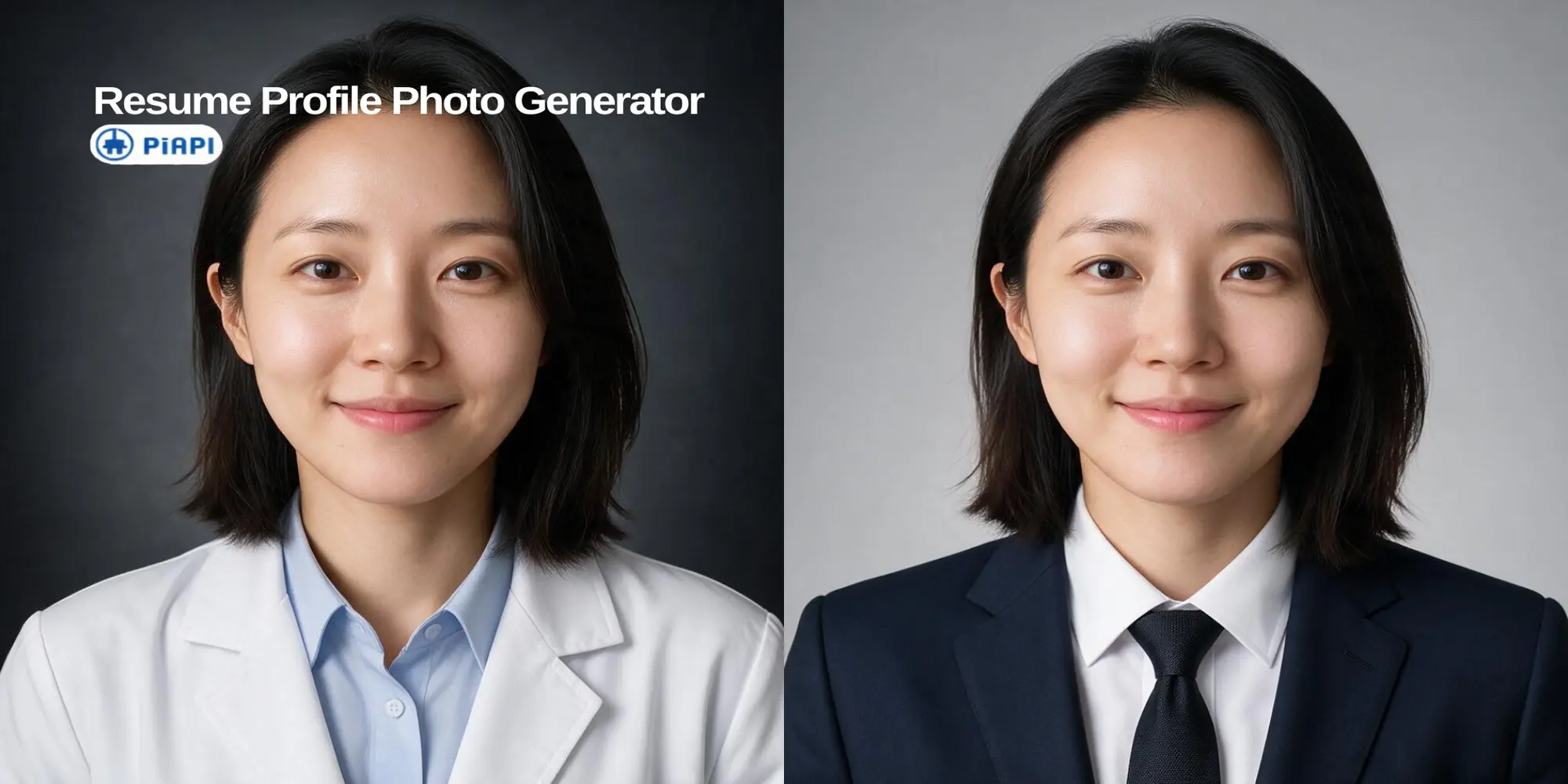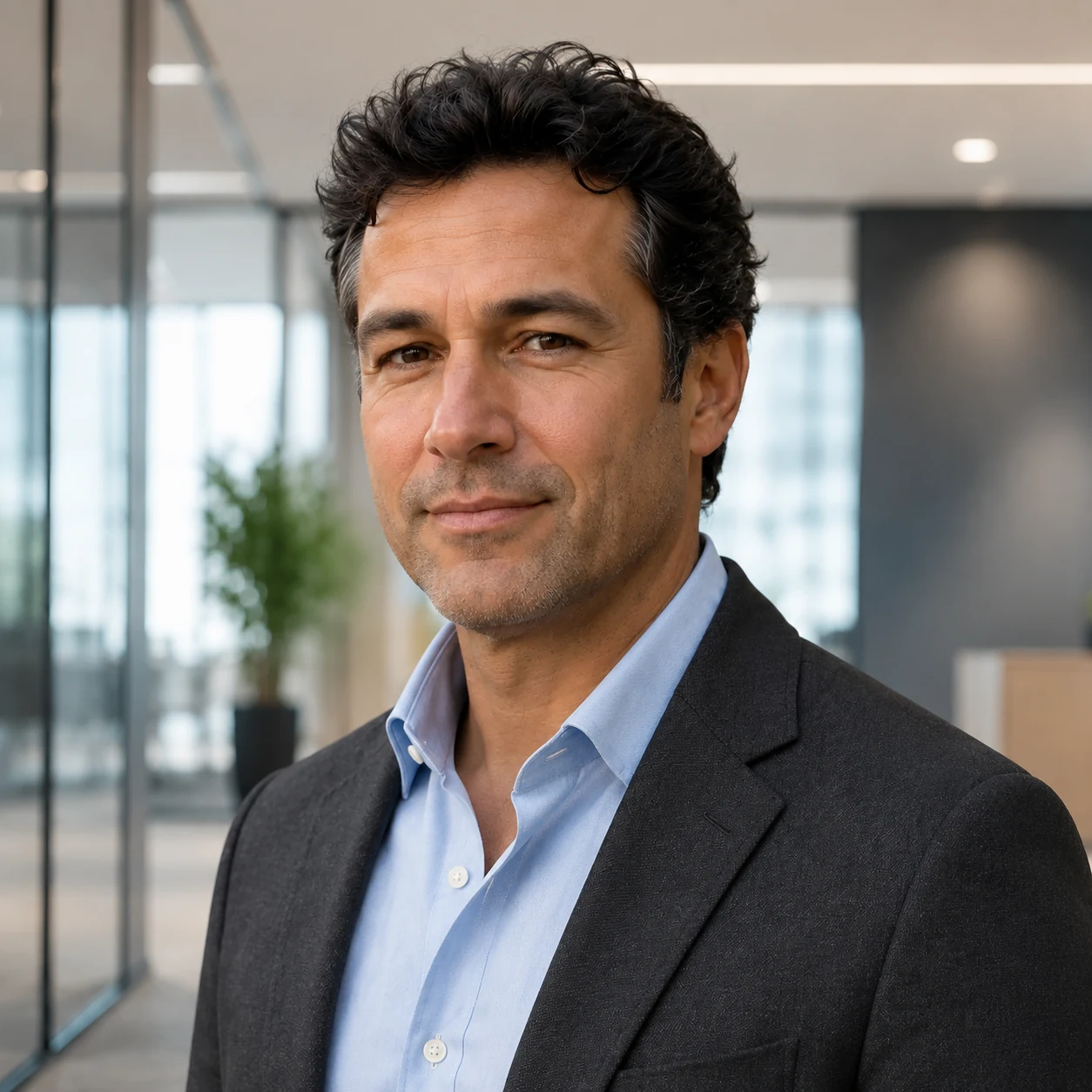
Office headshot
A polished professional profile photo.

Generated with this template
Sign up and grab an API key from the PiAPI workspace — free credits are included on sign-up.
Add credits on the billing page when you are ready to scale beyond the free tier.
POST your first task following the API docs, then poll the task until the result is ready.
Use the API docs and the request example above to iterate on prompts and settings before wiring them into your product.
An AI headshot generator turns an uploaded portrait into a polished professional profile image. This tool lets you choose an outfit and backdrop, then generates a LinkedIn-ready headshot from those selections.
Yes. The page is designed for LinkedIn AI headshots, resume photos, executive profiles, portfolio pages, and team directories. For photo tips, outfit choices, and profile examples, read the LinkedIn AI headshot guide.
Yes. The guided interface uses button-style outfit and backdrop presets so users do not need to write prompts.
This AI headshot generator uses GPT Image 2 through PiAPI's image-to-image workflow.
Use a clear photo with one visible face, natural lighting, and minimal blur. Front-facing or slight three-quarter portraits usually work best.
The tool uses GPT Image 2, estimated at about $0.008 per output image. Reference-image input may add token cost, so exact usage can vary.
The workflow is designed to preserve your face, age, skin tone, hairstyle, and natural expression while changing the outfit and backdrop. Very blurry, filtered, or heavily angled uploads can reduce consistency.
Yes. The output is intended for professional profiles such as LinkedIn, resumes, company team pages, speaker bios, portfolio pages, and executive profiles.
The selected outfit and backdrop are sent as visual references, so the model can match the clothing style and setting without requiring users to write detailed prompts.
More questions? See the API docs.
AI Headshot Generator