Blog
AI Video Ad Generator
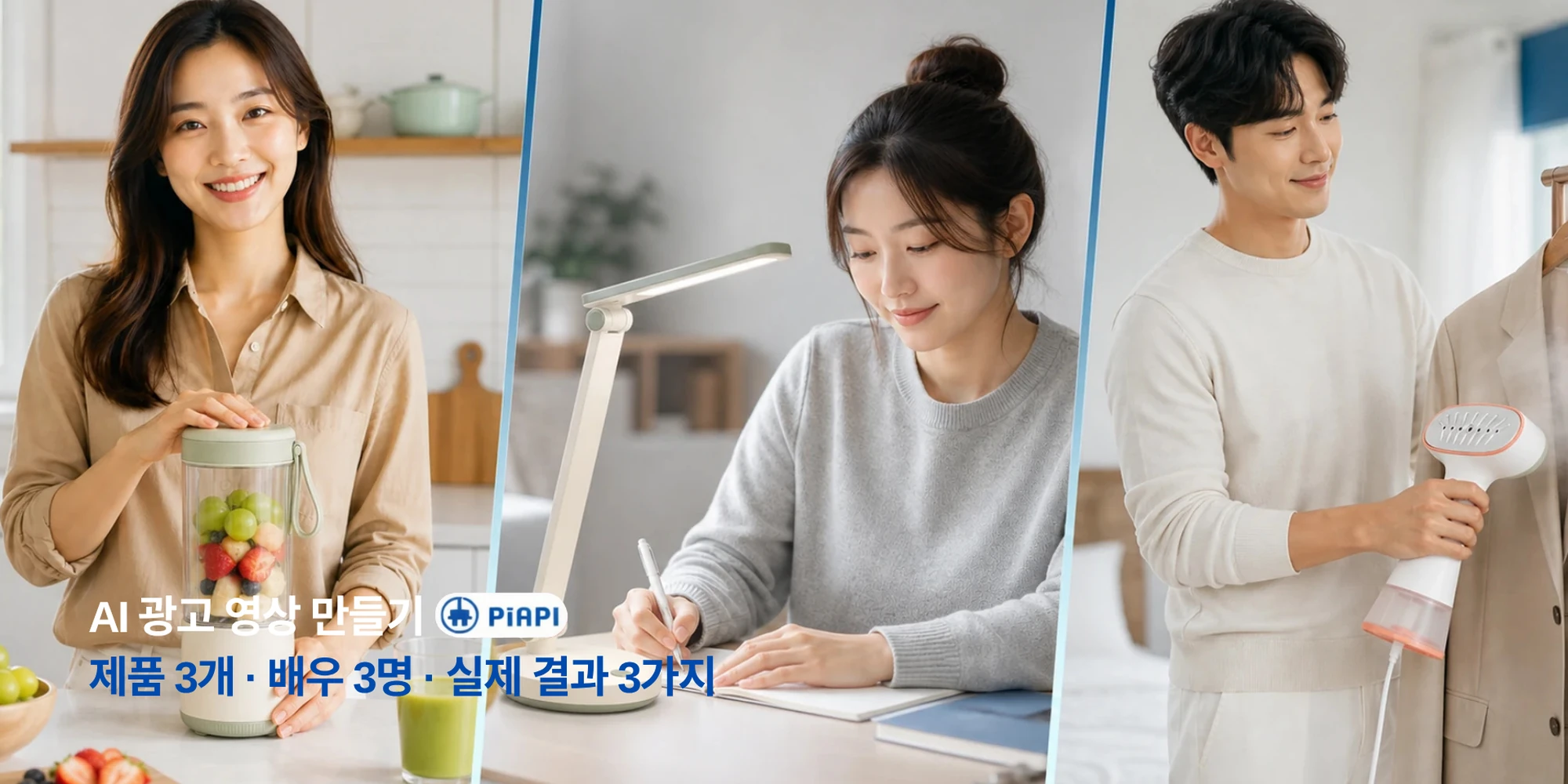
Learn how to make product ads for TikTok, Reels, YouTube, and e-commerce with a practical AI video ad workflow.
Read articlePiAPI Playground
อัปโหลดสินค้า เพิ่มนักแสดงหรือโลโก้ได้ตามต้องการ เขียนสคริปต์ แล้วสร้างวิดีโอโฆษณา Seedance ที่พร้อมใช้ในแคมเปญ.
Create ad video
Product is required. Actor and logo are optional.
Product image
RequiredRequired product reference for the ad.
Actor image
OptionalOptional presenter or UGC creator reference.
Logo image
OptionalOptional logo. Wide logos are normalized before upload.
Format
Duration
Video preview
Generated video will appear here.
No video generated yet.
Format
9:16
Duration
5s
Cost
$1.00
{
"prompt": "Create a professional advertisement video using the uploaded product reference, optional actor reference, optional brand logo, and provided script.\n\nUse the uploaded product reference as the main product being promoted. Show the product clearly and keep its appearance accurate.\n\nNo actor reference is provided. Create a product-focused advertisement using product shots, lifestyle scenes, clean camera movement, captions, and visual storytelling.\n\nUse this script as the main message of the advertisement:\nMeet the product that makes your daily routine easier. Designed for busy days and real results, it helps you save time, stay consistent, and feel confident from the first use. Try it today and see the difference for yourself.\n\nNo brand logo is provided. End with a clean product-focused call to action.\n\nCreate the video in a vertical short-form social ad style. Use a strong hook in the first second, close-up framing, fast pacing, natural creator-style delivery if an actor is provided, quick product cutaways, punchy captions, and visual rhythm suitable for TikTok, Instagram Reels, and YouTube Shorts.\n\nCreate a polished, realistic, conversion-focused advertisement video with a strong opening hook, clear product focus, smooth pacing, and professional commercial styling."
}JPG, PNG, WebP, or BMP. Under 30 MB. Width and height between 300 and 6000 px. Aspect ratio between 0.4 and 2.5.
Workflow
เครื่องมือนี้ออกแบบมาสำหรับการทดสอบ ad creative อย่างรวดเร็ว เริ่มจาก product reference เพิ่ม asset แบรนด์หรือ presenter แล้วสร้างวิดีโอสำหรับช่องทางที่ต้องการ.
เพิ่มรูปสินค้าที่จะเป็นภาพหลักของโฆษณา.
เพิ่มนักแสดงสำหรับโฆษณาแนว presenter หรือโลโก้สำหรับ branded end frame.
ใช้ hook สั้น ๆ จุดขาย 1-2 ข้อ และ CTA ที่ชัดเจน.
เลือกแนวตั้ง แนวนอน หรือสี่เหลี่ยมจัตุรัส.
รูปแบบโฆษณา
Aspect ratio ควรเปลี่ยนทั้ง canvas และ feeling ของคอนเทนต์ โฆษณาแนวตั้งจะเหมาะกับ social-first ส่วนแนวนอนจะให้ความรู้สึก cinematic.
TikTok, Instagram Reels, YouTube Shorts
Hook แรง จังหวะแบบ creator close-up และ product cuts ที่เร็ว.
YouTube, เว็บไซต์, product demos
ช็อตกว้าง จังหวะนุ่ม แสงพรีเมียม และ storytelling ของแบรนด์.
Instagram, Facebook, LinkedIn feeds
องค์ประกอบกลาง ภาพอ่านง่าย และสมดุลระหว่างสินค้าและข้อความ.
ราคา
ใช้ pay-as-you-go credits เพื่อทดสอบ product ads เปรียบเทียบ scripts และสร้าง campaign creatives ตามต้องการ PiAPI ยังมี subscription plans สำหรับการใช้งานต่อเนื่อง.
ดู subscription plansสร้างวิดีโอโฆษณาตามต้องการด้วย usage-based credits.
ลอง hooks, products, scripts และ formats หลายแบบ.
เลือกแผนรายรอบเมื่อต้องการ volume สม่ำเสมอ.
Use Cases
ใช้ workflow เดียวเพื่อทดสอบหมวดสินค้า campaign angles และ ad placements.
ตัวอย่าง
ใช้ตัวอย่างทั่วไปเหล่านี้เพื่อทดสอบสไตล์โฆษณาโดยไม่ใช้แบรนด์บุคคลที่สาม.
Inputs
รูปสินค้า + actor reference + โลโก้ optional
ตัวอย่างสคริปต์
เริ่มจาก routine ประจำวันง่าย ๆ สูตรบางเบานี้ช่วยให้ผิวรู้สึกสดชื่น เรียบเนียน และพร้อมสำหรับวันใหม่.
สไตล์ที่คาดหวัง
โฆษณา feed แบบ creator พร้อม close-up สินค้าและการนำเสนอที่เป็นธรรมชาติ.
Inputs
รูปสินค้า + สคริปต์
ตัวอย่างสคริปต์
จัดการความยุ่งเหยิงในชีวิตประจำวันได้เร็วขึ้น ออกแบบมาสำหรับบ้านที่มีจังหวะชีวิตยุ่ง.
สไตล์ที่คาดหวัง
โฆษณา social แนวตั้งพร้อม product-first framing, captions และ lifestyle shots.
Inputs
รูปสินค้า + actor reference + logo
ตัวอย่างสคริปต์
ใช้เวลาสักครู่เพื่อ recharge สินค้านี้ช่วยให้คุณ relax, reset และพร้อมสำหรับสิ่งต่อไป.
สไตล์ที่คาดหวัง
Commercial แนวนอนที่ polished พร้อมช็อตกว้าง แสงอุ่น และ branded end frame.
Related reading
If you are planning product ads, short-form campaigns, or Seedance-based creative workflows, these guides are the most useful next reads.
Blog
Learn how to make product ads for TikTok, Reels, YouTube, and e-commerce with a practical AI video ad workflow.
Read articleFAQ
คือเครื่องมือที่สร้างวิดีโอโฆษณาสั้นจากรูปสินค้า สคริปต์ actor reference โลโก้ aspect ratio และ duration.
ไม่จำเป็น รูปสินค้าและสคริปต์คือ input หลัก หากไม่มีนักแสดง ระบบจะสร้างโฆษณาแบบ product-focused.
ได้ โลโก้เป็น optional และสามารถแสดงใกล้ช่วงท้ายพร้อม CTA.
ไม่จำเป็น ใช้ pay-as-you-go credits ได้ และ PiAPI ยังมี subscription plans.
ได้ อัปโหลด service reference image เช่น clinic, salon, restaurant dish, gym session หรือผลลัพธ์สุดท้าย.
ใช้รูปที่ชัด แสงดี และไม่รก สำหรับบริการให้แสดง environment, result หรือ customer experience.
9:16 สำหรับ TikTok/Reels/Shorts, 16:9 สำหรับ YouTube/websites, 1:1 สำหรับ feed ads.
Playground รองรับ 5, 10 และ 15 วินาที.
JPG, PNG, WebP หรือ BMP ต่ำกว่า 30 MB, ขนาด 300-6000 px, aspect ratio 0.4-2.5.
ใช่ Playground จะ normalize โลโก้บน square PNG canvas ก่อน upload.
Explore other tools
If you want to keep experimenting beyond ad videos, these tools are a good place to continue.
Tool
Create warm hugging videos from a single uploaded image.
Explore toolTool
Turn photos into short romantic kiss videos with Kling Effects.
Explore toolTool
Make playful squish-style image-to-video animations.
Explore tool