Blog
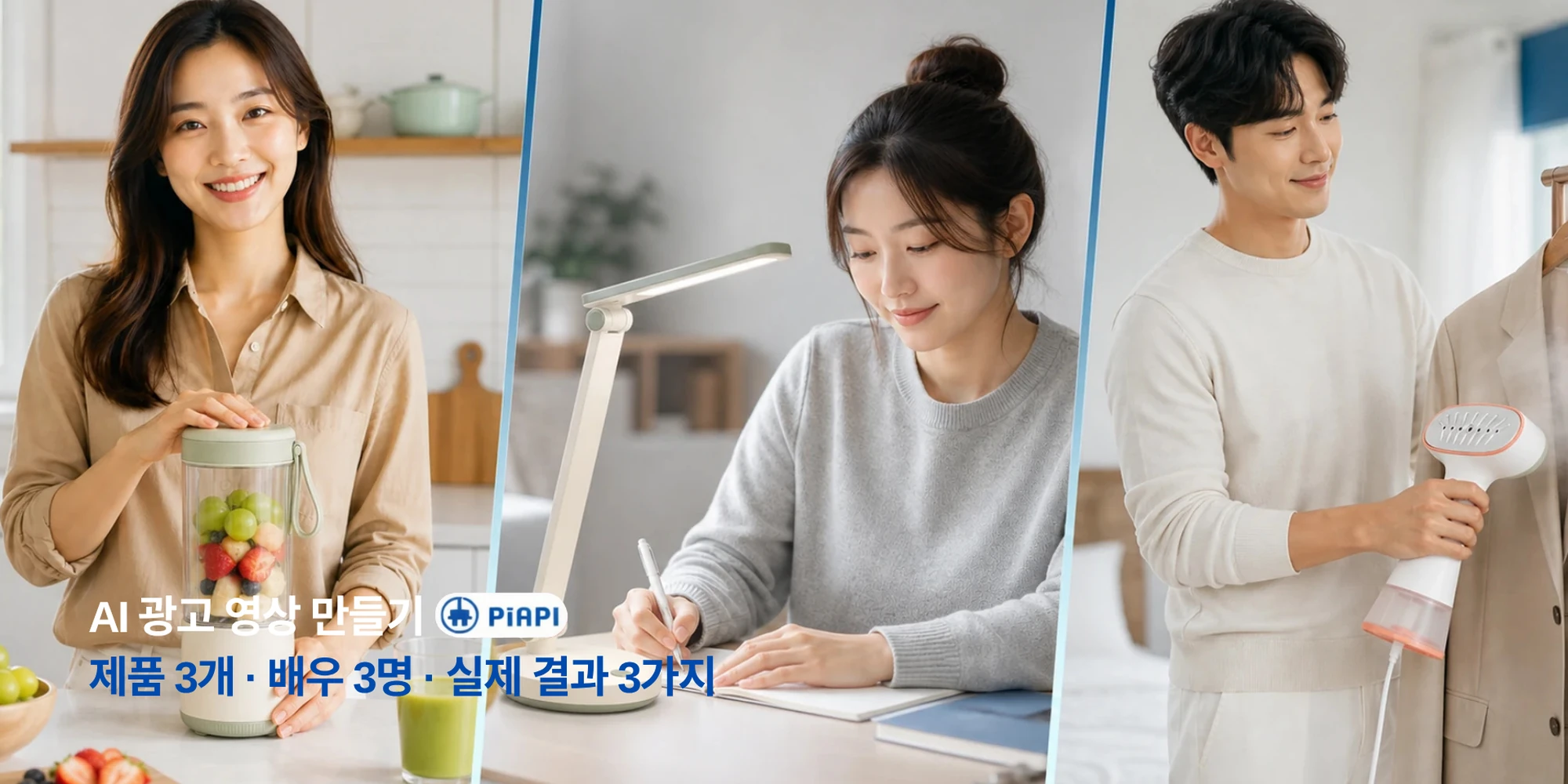
AI Video Ad Generator
Learn how to make product ads for TikTok, Reels, YouTube, and e-commerce with a practical AI video ad workflow.
Read articlePiAPI Playground
上传产品,按需添加演员或 Logo,编写脚本,即可生成由 Seedance 驱动、适合投放的广告视频。
Create ad video
Product is required. Actor and logo are optional.
Product image
RequiredRequired product reference for the ad.
Actor image
OptionalOptional presenter or UGC creator reference.
Logo image
OptionalOptional logo. Wide logos are normalized before upload.
Format
Duration
Video preview
Generated video will appear here.
No video generated yet.
Format
9:16
Duration
5s
Cost
$1.00
{
"prompt": "Create a professional advertisement video using the uploaded product reference, optional actor reference, optional brand logo, and provided script.\n\nUse the uploaded product reference as the main product being promoted. Show the product clearly and keep its appearance accurate.\n\nNo actor reference is provided. Create a product-focused advertisement using product shots, lifestyle scenes, clean camera movement, captions, and visual storytelling.\n\nUse this script as the main message of the advertisement:\nMeet the product that makes your daily routine easier. Designed for busy days and real results, it helps you save time, stay consistent, and feel confident from the first use. Try it today and see the difference for yourself.\n\nNo brand logo is provided. End with a clean product-focused call to action.\n\nCreate the video in a vertical short-form social ad style. Use a strong hook in the first second, close-up framing, fast pacing, natural creator-style delivery if an actor is provided, quick product cutaways, punchy captions, and visual rhythm suitable for TikTok, Instagram Reels, and YouTube Shorts.\n\nCreate a polished, realistic, conversion-focused advertisement video with a strong opening hook, clear product focus, smooth pacing, and professional commercial styling."
}JPG, PNG, WebP, or BMP. Under 30 MB. Width and height between 300 and 6000 px. Aspect ratio between 0.4 and 2.5.
工作流
这款工具面向快速广告创意测试。先上传产品参考图,再按需添加品牌或出镜人物素材,然后为目标渠道生成视频广告。
添加广告中需要重点展示的产品图片。生成器会将它作为主要视觉参考。
如需达人口播风格,可上传演员;如需品牌收尾画面,可上传 Logo。两者都不是必填。
使用简短开场、一两个卖点和明确 CTA。脚本会决定广告的核心信息。
选择竖版、横版或方形输出。每种格式都会对应不同的广告风格方向。
广告格式
画幅变化不应只是画布变化。Playground 会为每种格式匹配合适的创意方向,让竖版广告更像短视频内容,横版广告更具商业片质感。
TikTok、Instagram Reels、YouTube Shorts
开头强钩子、达人式节奏、近景构图、快速产品切换。
YouTube、网站、产品演示
更宽的镜头、更顺滑的节奏、高级光线、品牌叙事。
Instagram、Facebook、LinkedIn 信息流
居中构图、视觉清晰、产品与信息表达平衡。
价格
当你想测试产品广告、比较脚本并按需生成 campaign creatives 时,可使用按量付费 credits。PiAPI 也为有持续生成需求的团队提供订阅计划。
查看订阅计划使用基于用量的 credits 按需生成广告视频。
测试多个 hook、产品、脚本和广告格式。
当工作流需要稳定生成量时,可选择周期性计划。
使用场景
使用同一套流程测试不同产品类别、 campaign angles 和广告位,而不必从零搭建创意流程。
示例
使用这些通用示例测试不同广告风格,无需依赖第三方品牌名称或竞品素材。
输入
产品图片 + 演员参考 + 可选 Logo
脚本示例
从一个简单的日常护理仪式开始。这款轻盈配方让肌肤感觉清爽、柔滑,准备好迎接新的一天。
预期风格
达人风格的信息流广告,包含产品近景和自然的出镜讲述。
输入
产品图片 + 脚本
脚本示例
用更少时间清理日常脏乱。专为忙碌家庭设计,帮助空间保持清爽,而不打断你的生活节奏。
预期风格
竖版社交广告,突出产品构图、字幕和生活方式切换镜头。
输入
产品图片 + 演员参考 + Logo
脚本示例
给自己一点充电时间。为现代生活节奏设计,帮助你放松、重置,并准备好迎接接下来的事。
预期风格
精致横版商业广告,包含更宽镜头、暖色光线和品牌收尾画面。
Related reading
If you are planning product ads, short-form campaigns, or Seedance-based creative workflows, these guides are the most useful next reads.
Blog
Learn how to make product ads for TikTok, Reels, YouTube, and e-commerce with a practical AI video ad workflow.
Read articleFAQ
AI 广告视频生成器会根据产品图片、脚本、演员参考、Logo、画幅和时长等输入创建短广告视频,帮助你快速把 campaign ideas 变成可测试的视频创意。
不需要。产品图片和脚本是核心输入。如果不上传演员,工具会用产品镜头、生活方式场景、字幕和视觉叙事生成产品重点广告。
可以。Logo 上传是可选的。如果提供 Logo,prompt 会在视频接近结尾的位置与最终 CTA 一起展示。
不需要。你可以使用按量付费 credits 按需生成。PiAPI 也为有持续生成需求的用户和团队提供订阅计划。
可以。你可以上传服务参考图,而不是实体产品图,例如干净客厅、诊所内景、沙龙场景、餐厅菜品、健身课程、门店外观或完成效果。
使用清晰、光线充足、干扰少的图片。产品图片应清楚展示物品;服务图片应展示广告要推广的环境、结果或客户体验。
TikTok、Instagram Reels 和 YouTube Shorts 使用 9:16。YouTube、网站和商业片风格视频使用 16:9。Instagram、Facebook 和 LinkedIn 信息流广告使用 1:1。
当前 Playground 支持 5 秒、10 秒和 15 秒。短片适合快速 hook;10-15 秒能容纳更多卖点和 CTA。
使用 30 MB 以下的 JPG、PNG、WebP 或 BMP 图片。每边应大于 300 px、小于 6000 px,画幅比例在 0.4 到 2.5 之间。
会。Playground 会在上传前将 Logo 标准化到方形 PNG 画布,帮助避免 Logo 过宽或过矮导致的问题。
Explore other tools
If you want to keep experimenting beyond ad videos, these tools are a good place to continue.
Tool
Create warm hugging videos from a single uploaded image.
Explore toolTool
Turn photos into short romantic kiss videos with Kling Effects.
Explore toolTool
Make playful squish-style image-to-video animations.
Explore tool