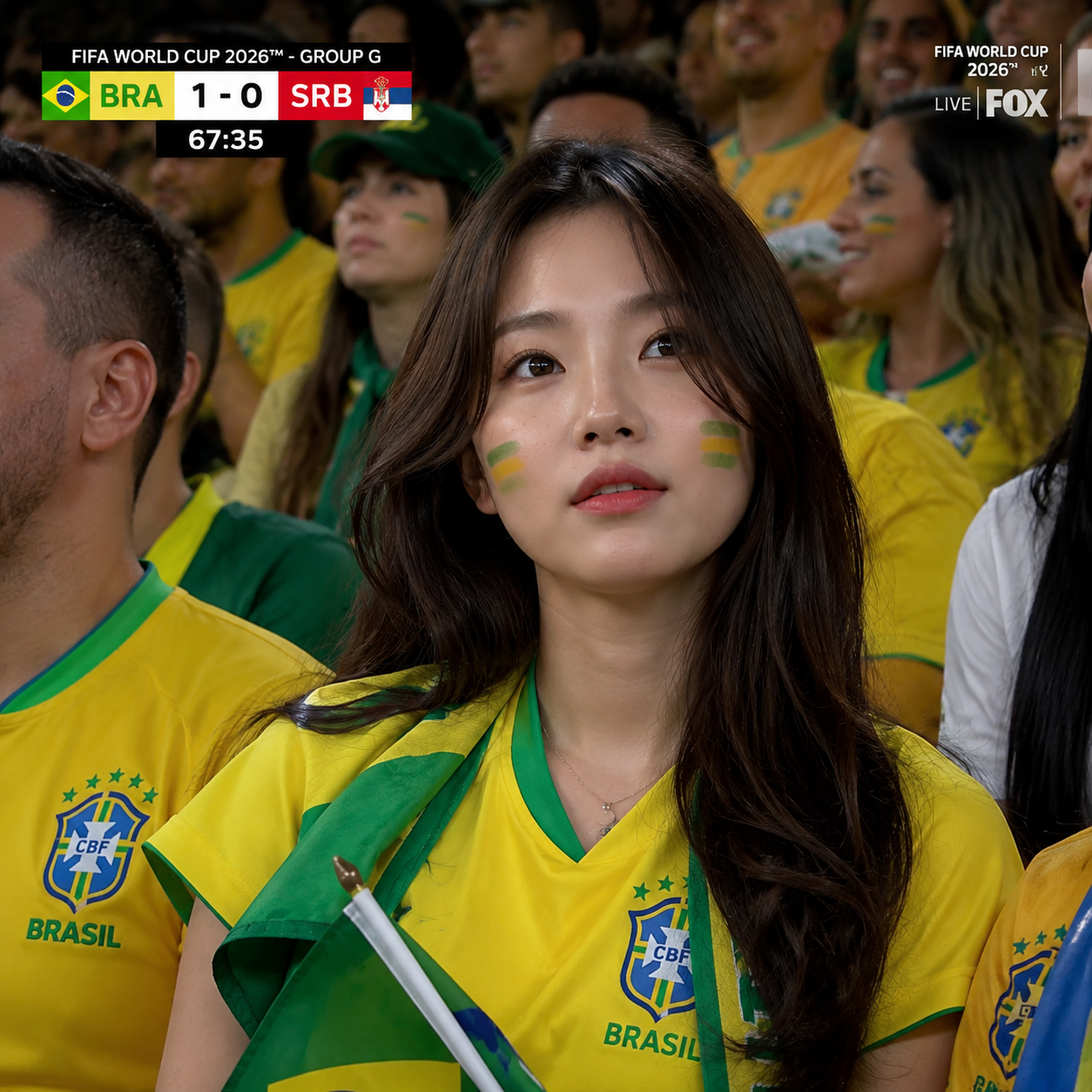
Step 1 / Fan image
PiAPI fan-cam series / 01
Be in the crowd
Turn your portrait into a World Cup-inspired football fan-cam, then animate the moment into a short video. This football AI video workflow keeps image approval and video animation in separate steps.
World Cup-inspired creative tool. PiAPI is not affiliated with FIFA, national teams, or official kit and crest providers.
Fan-cam / Brazil style
Your match-day moment, remade.
Step 1 - World Cup image-to-image
Upload a clear portrait and choose a country style. PiAPI creates a football stadium fan-cam image for you to review before you spend time on animation.
Step 1
Upload a photo, choose a country style, and generate a World Cup-inspired football fan-cam image. The prompt is preset.
Upload an image
Click or drag a file (JPEG, JPG, PNG)
Upload the person photo to transform into the World Cup television fan-cam image.
Choose a national team style, or keep random for a general World Cup broadcast look.

This shows preset sample previews. Sign in and click 'Generate image' to create your own.
Use country style as creative direction. Results are not official FIFA, team, or kit assets.
Step 2 - Animate your approved image
Upload the Step 1 image, choose one of nine natural fan-cam reactions, and create a short World Cup-inspired animation.
Step 2
Upload your approved Step 1 image, choose a fan-cam action, and animate it into a short football video.
Upload an image
Click or drag files (0/1)
Upload the World Cup image generated in Step 1.
Choose how the supporter reacts when they notice the camera.
This shows preset sample previews. Sign in and click 'Generate video' to create your own.
Country-inspired fan styling only. Do not expect official FIFA, team, or kit assets.
Country-style controls
Country style guides the colour palette, crowd mood, supporter styling, and stadium atmosphere. For the best result, use one clear portrait with a visible face and minimal blur.
Example workflow
Each card keeps the full image or clip visible - no editorial crop fighting the result.
Step 1 / Fan image
Step 2 / AI video
Step 2 / AI video
Set 2 / Korea fan-cam
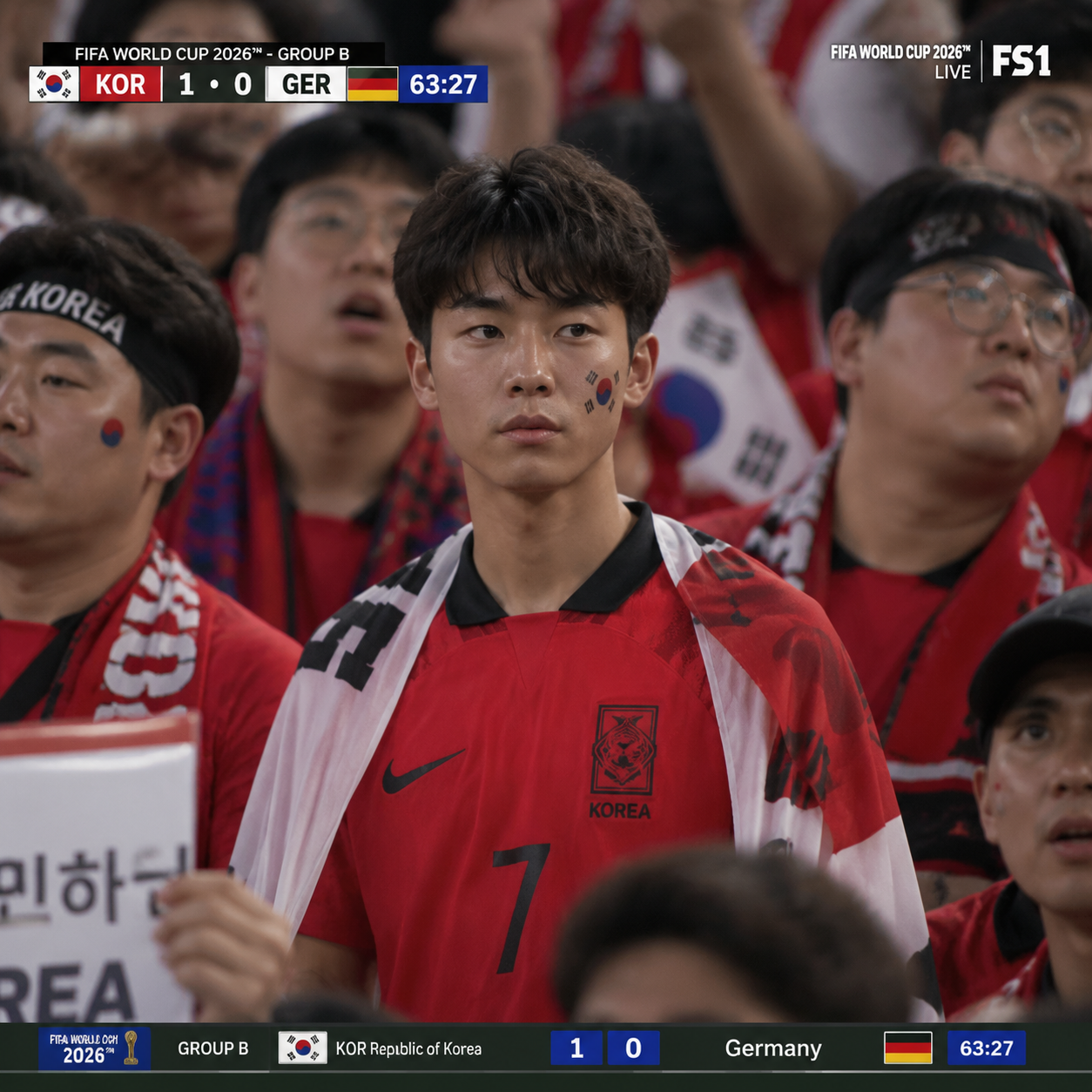
Step 1 / Fan image
Step 2 / AI video
Step 2 / AI video
It is a football AI video workflow that first creates a World Cup-inspired football fan image, then uses that approved image as the starting point for a short AI video.
Yes. Country style guides colours, supporter mood, stadium atmosphere, and crowd energy. It is creative direction, not a promise of official shirts, crests, or branding.
Yes. You can use the same World Cup-inspired fan-cam workflow as a soccer AI video generator, with country styling and a natural reaction selected before animation.
Review the image first to check the face, style, and stadium scene before using it as the input for video animation. A football AI video prompt is built into the fan-cam action you choose, so the approved image remains the visual reference.
Use a clear portrait with one visible face, balanced lighting, and minimal motion blur. If you are asking how to do AI football video, a larger, unobstructed face gives the image and video stages a stronger reference.
No. PiAPI is not affiliated with FIFA or national teams. Use country-inspired colours and fan styling rather than official kits, crests, logos, or tournament marks. For a football AI video trend, this keeps the result creative and fan-inspired rather than official.
Explore more
Switch between Korean Baseball and World Cup modes in the parent hub.
Explore the hubCreate a Korean baseball-inspired fan-cam image, then animate it into a short video in the focused KBO-style workflow.
Explore Korean Baseball modeTurn a portrait into an animated AI avatar video with a dedicated character workflow.
Create an avatarAnimate a still image into a short motion poster when you want a more stylised result.
Animate an image