

Flux Kontext - Intuitive Image Editing with Text Prompts
Flux Kontext is an advanced image-to-image editing model that comprehends both your visuals and creative vision. Created by Black Forest Labs and optimized for production use, this powerful Kontext model enables you to transform, enhance, and reimagine images through natural language commands. From adjusting design elements to completely changing artistic styles, the Kontext API makes complex editing feel effortless.
Kontext Dev Pricing
Pay only for successful generations
Flux Kontext API
$0.02/img /image
Developer-ready API access
Example Use Cases
See what's possible with Flux Kontext across different models and use cases
Background Replacement
Seamlessly replace backgrounds while maintaining perfect subject positioning and lighting consistency
Text Replacement
Precisely edit text on products and branding materials while maintaining typography style and design elements
Product Branding
Update product branding and names while preserving original typography, layout, and design integrity
Hairstyle Change
Transform hairstyles while maintaining facial features and overall composition perfectly
Watercolor Painting
Transform photos into vibrant watercolor paintings with authentic brush textures and paper effects
90s Cartoon Style
Transform realistic photos into vibrant 90s cartoon artwork with bold outlines and flat colors
How to Use
Create your API key
Sign up and grab an API key from the PiAPI workspace — free credits are included on sign-up.
Top up credits
Add credits on the billing page when you are ready to scale beyond the free tier.
Call the API
POST your first task following the API docs, then poll the task until the result is ready.
Iterate in the playground
Prototype prompts and settings in the the playground above before wiring them into your product.
curl -X POST 'https://api.piapi.ai/api/v1/task' \
  -H 'X-API-Key: YOUR_API_KEY' \
  -H 'Content-Type: application/json' \
  -d '{
    "model": "Qubico/flux1-dev-advanced",
    "task_type": "kontext",
    "input": {
      "prompt": "Transform this product photo into a refined watercolor editorial.",
      "width": 1024,
      "height": 1024,
      "image": "YOUR_IMAGE_URL"
    }
  }'

# → { "task_id": "9d5a…", "status": "pending" }
curl 'https://api.piapi.ai/api/v1/task/{task_id}' \
-H 'X-API-Key: YOUR_API_KEY'
# poll until status = completed
{
"data": {
"status": "completed",
"output": {
"image_url": "https://img.theapi.app/ephemeral/…"
}
}
}$ npm install -g piapi-cli $ piapi run flux-kontext \ prompt="Transform this product photo into a refined watercolor editorial." \ width=1024 \ height=1024 \ image=YOUR_IMAGE_URL ✓ Task completed! https://img.theapi.app/ephemeral/…
Frequently asked questions
What is Flux Kontext API?
Flux Kontext API is a powerful image-to-image editing service that allows you to transform images using natural language prompts. It offers multiple model variants (Pro, Max, and Dev) with different speed and quality trade-offs. The API supports various editing tasks including style transfer, object modification, background replacement, text editing, and more. Built by Black Forest Labs, it provides production-ready AI image editing capabilities through simple REST API calls.
Can I use Flux Kontext for commercial projects?
Yes! All Kontext models come with full commercial use rights. You can integrate them into your products, services, and client work without any additional licensing fees or restrictions.
Are there refunds?
No, we do not offer refunds. But when you first sign up for an account on PiAPI's Workspace, you will be given free credits to try our API before making payments!
What image formats are supported?
Kontext supports common image formats including JPEG, PNG, and WebP. Input images should be under 10MB for optimal performance. Output format matches your input format by default, but can be specified in your API request.
Is there a rate limit?
Rate limits depend on your plan and usage patterns. Free tier users have lower limits, while paid users get higher throughput. For high-volume applications, contact us about enterprise plans with custom rate limits and dedicated infrastructure.
More questions? See the API docs.
Our blog
Flux Kontext API

Flux Kontext API
Flux Kontext API (2025): Features, LoRA Training & Pricing via PiAPI
Discover Flux AI Pro and Kontext API via PiAPI — fast, prompt-accurate image generation with LoRA training, Max presets, and enterprise-ready automation.

Flux Kontext API
Flux AI Generator Tutorial (2025) — Learn LoRA, Kontext & Step-by-Step Image Editing
Master Flux AI Generator in 2025: step-by-step guide to LoRA training, Kontext editing, and API workflows. See examples, prompts, and use cases for marketers & developers.
Flux Kontext API
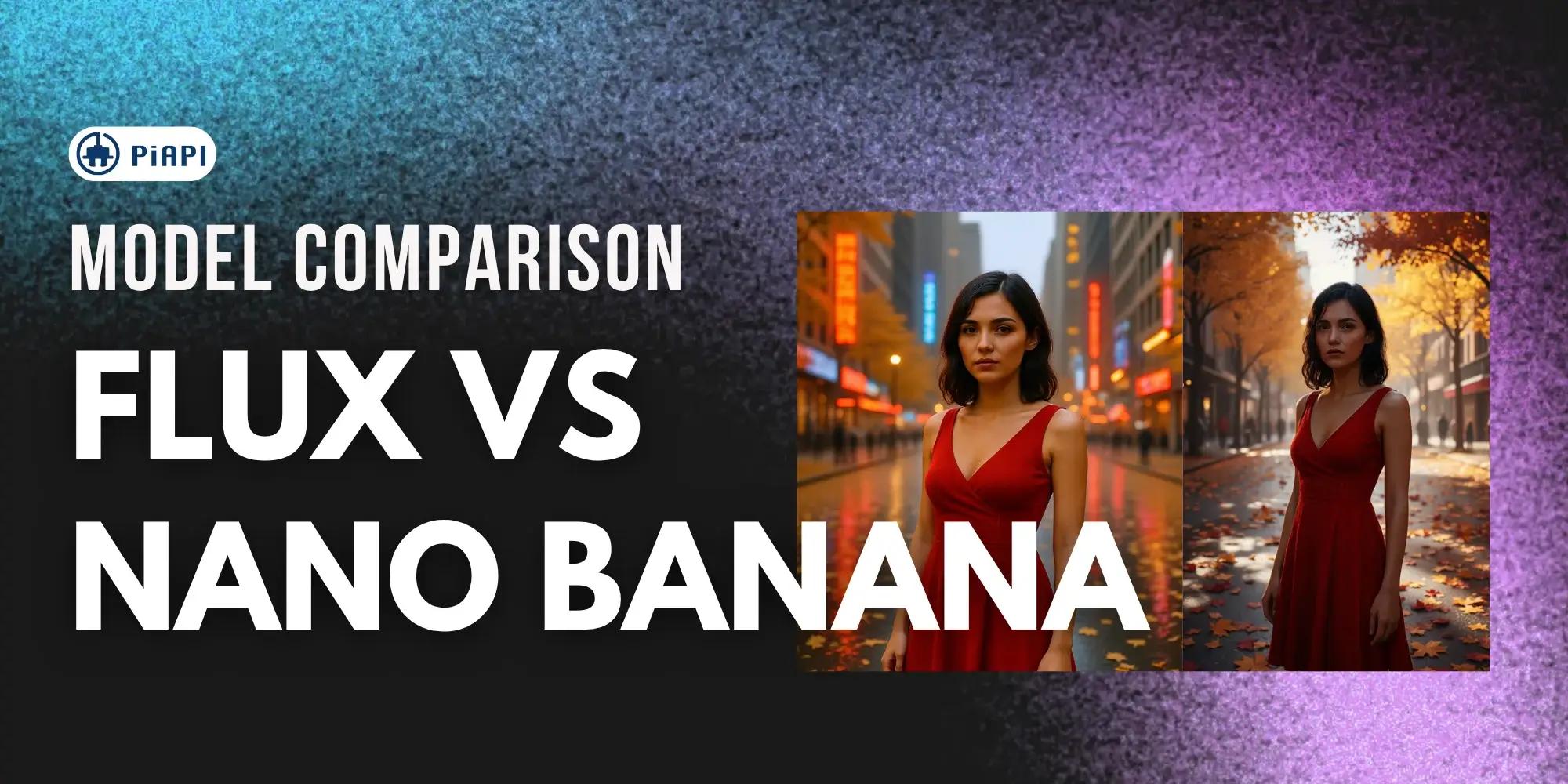
Nano Banana WINS over Flux Kontext: AI Image Editing Showdown
Compare Nano Banana API and Flux Kontext API for AI image generation. See pros, cons, pricing, and which fits your workflow. Test both instantly in PiAPI’s Free Playground — no code required.