Best Free AI Dance Generator to Create Dance Videos Online
An AI dance generator turns a still photo or avatar image into a short dance video. Instead of filming choreography yourself, you can upload a clear image, pair it with a dance reference video, and generate a shareable AI dance video for TikTok, Reels, Shorts, memes, character videos, or creative tests.
PiAPI's AI Dance Generator is built for this exact workflow: input photo plus input dance video, then AI-generated dance output. New PiAPI users receive 0.5 free credits on signup, so you can test eligible playground and Pay-as-you-go API workflows before building a larger video workflow. This guide keeps the process simple, with one example and a small demo playground showing how the inputs work together.
What Is an AI Dance Generator?
An AI dance generator is an image-to-video tool that animates a person, avatar, or character into a dance video. The tool uses the uploaded image as the subject and a dance video as the motion reference, then creates a new video where the subject follows the dance movement.
Quick Answer: To make an AI dance video, upload a clear full-body photo, add a short dance reference video, and generate a new clip where the person or avatar in the photo performs the dance.
This is useful when you want a quick dance video without recording yourself, editing motion manually, or building an animation from scratch.
How to Turn a Photo Into an AI Dance Video
The easiest workflow has three steps:
- Upload an input photo or avatar image.
- Upload or choose an input dance video.
- Generate the AI dance video and preview the result.
For best results, start with a single visible subject. A full-body image usually works better than a cropped portrait because the model has more information about the body, clothing, pose, and proportions. If you want to build this into an app later, the same workflow can connect to the Kling 2.6 API.
What Makes a Good AI Dance Generator?
A good AI dance generator should make the input workflow obvious, keep the subject recognizable, and produce motion that looks usable without heavy editing. For most users, the important checks are simple:
- Can it use a real photo or avatar image?
- Can it follow a dance reference video?
- Does the face and outfit stay consistent enough?
- Is the result easy to preview, download, or share?
That is why this guide focuses on a photo-to-dance workflow instead of a long list of generic AI video tools.
Try the AI Dance Generator Demo
Use this mini playground to understand the workflow before creating your own result.
Example: Create a Dance Video From One Avatar Image
Below is one sample workflow using a full-body avatar image, a short dance reference clip, and the generated AI dance result.
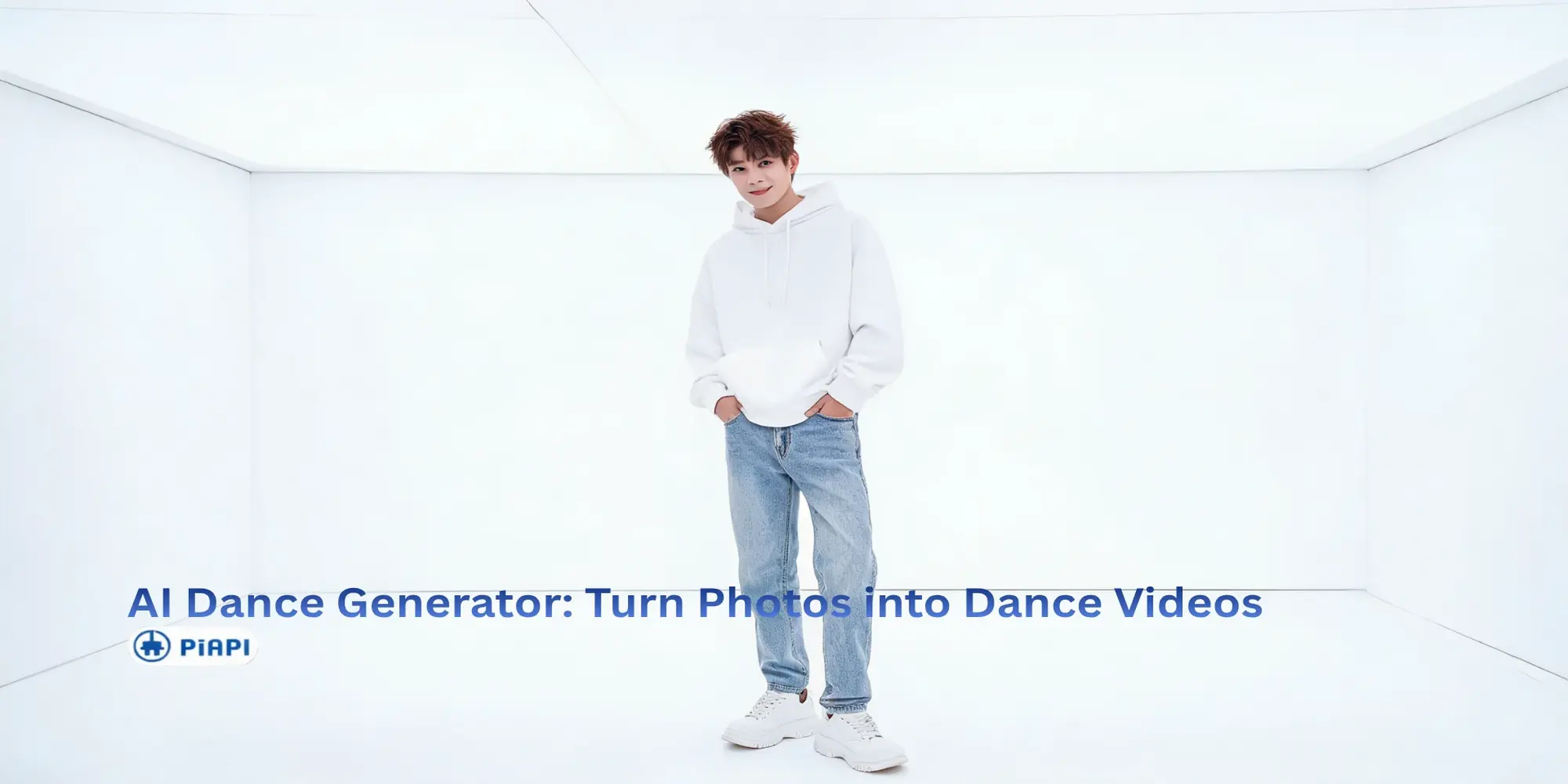
For this example, the input photo is a full-body avatar image with one person standing in a clean studio space. The subject is centered, the face is visible, and the arms and legs are not heavily blocked by other objects.
The input dance video should be short and simple. A 5-10 second single-person dance clip works best for the first test. Choose a reference video with a stable camera, visible full-body movement, and no extra dancers crossing the frame.
The goal is not to make the most complex dance on the first try. A simple reference video makes it easier to judge whether the avatar stays recognizable, the movement looks natural, and the result is usable for social content.
Tips for Better AI Dance Videos
Use a clear full-body image when possible. The face, torso, arms, legs, and feet should be visible so the AI has enough information to animate the subject.
Keep the scene simple. One subject and a clean background usually produce a more stable AI dance video than a crowded scene with several people.
Choose a dance reference video with visible body movement. Avoid clips with fast camera shakes, heavy motion blur, cropped feet, or multiple dancers if you want a cleaner first result.
FAQ
What is the best AI dance generator?
The best AI dance generator is one that lets you create a dance video from a clear input photo and a dance reference video. PiAPI's AI Dance Generator is a strong option if you want a focused playground for testing avatar-to-dance video generation.
Can I make an AI dance video for free?
Yes. New PiAPI users receive 0.5 free credits on signup, which can be used to test eligible playground and Pay-as-you-go API workflows. You may still need to sign in before generating your own video, and credit limits or model costs can change over time.
Can I turn a photo into a dance video with AI?
Yes. Upload a photo as the subject, add a dance reference video, and the AI can generate a new video where the person or avatar follows the dance movement.
What image works best for an AI dance video?
A clear full-body image with one main subject works best. Avoid images where the face, hands, legs, or feet are heavily cropped or hidden.
Create Your AI Dance Video
If you already have a photo and a dance reference video, the next step is to test them together. Open PiAPI's free AI dance video generator, upload your inputs, and generate your first AI dance clip.