

Nano Banana / - Gerador de imagens com IA
Transforme suas ideias em imagens impressionantes instantaneamente com o modelo Gemini 2.5 Flash do Google. Ideal para projetos criativos, conteudo e aplicacoes com IA.
Preco simples e transparente
Pague apenas pelo que usar. Sem assinatura e sem custos ocultos.
Nano Banana 2 API
$0.06-$0.12/img por imagem
Developer-ready API access
Por que escolher Gemini 2.5 Flash Image API?
Experimente a nova geracao de criacao de imagens com IA do Google, otimizada para velocidade, qualidade e custo.
Geracao super-rapida
O modelo Gemini 2.5 Flash entrega imagens de alta qualidade em segundos.
Preco acessivel
Por apenas US$ 0,03 por imagem, obtenha visuais premium com ate 4 imagens por solicitacao.
Tecnologia de IA avancada
Aproveite o modelo Gemini 2.5 Flash com forte capacidade de compreensao de prompts.
Multiplos formatos de saida
Escolha entre JPEG e PNG de acordo com a sua necessidade.
Workspace sem codigo
Teste e gere imagens pela interface web antes de integrar ao seu aplicativo.
API amigavel para desenvolvedores
API REST clara e bem documentada com exemplos praticos.
Infraestrutura confiavel
Infraestrutura robusta em nuvem com escalabilidade automatica.
Suporte a webhook
Receba notificacoes quando a geracao de imagens for concluida.
Uso comercial
Use as imagens geradas com confianca em produtos e campanhas comerciais.
Integrate in Minutes
Create your API key
Sign up and grab an API key from the PiAPI workspace — free credits are included on sign-up.
Top up credits
Add credits on the billing page when you are ready to scale beyond the free tier.
Call the API
POST your first task following the API docs, then poll the task until the result is ready.
Iterate in the playground
Prototype prompts and settings in the the playground above before wiring them into your product.
curl -X POST 'https://api.piapi.ai/api/v1/task' \
  -H 'X-API-Key: YOUR_API_KEY' \
  -H 'Content-Type: application/json' \
  -d '{
    "model": "gemini",
    "task_type": "nano-banana-2",
    "input": {
      "prompt": "A modern smartphone on a reflective surface with water droplets.",
      "aspect_ratio": "1:1",
      "resolution": "1K",
      "output_format": "png"
    }
  }'

# → { "task_id": "9d5a…", "status": "pending" }
curl 'https://api.piapi.ai/api/v1/task/{task_id}' \
-H 'X-API-Key: YOUR_API_KEY'
# poll until status = completed
{
"data": {
"status": "completed",
"output": {
"image_url": "https://img.theapi.app/ephemeral/…"
}
}
}$ npm install -g piapi-cli $ piapi run nano-banana-2 \ prompt="A modern smartphone on a reflective surface with water droplets." \ aspect_ratio=1:1 \ resolution=1K \ output_format=png ✓ Task completed! https://img.theapi.app/ephemeral/…
Perguntas frequentes
O que e Gemini 2.5 Flash Image API?
Gemini 2.5 Flash e o mais recente modelo de geracao de imagens do Google, otimizado para velocidade e qualidade.
Quanto custa gerar imagens?
O preco e de US$ 0,03 por imagem, com ate 4 imagens por solicitacao.
Quais formatos de imagem sao suportados?
Suportamos JPEG e PNG.
Quao rapida e a geracao?
A maioria das imagens e gerada em menos de 10 segundos.
Posso usar as imagens comercialmente?
Sim. As imagens geradas podem ser usadas em produtos e materiais comerciais.
O que e o workspace sem codigo?
Nosso workspace sem codigo em piapi.ai/workspace/nano-banana permite testar prompts e gerar imagens diretamente no navegador.
Voces oferecem suporte a webhook?
Sim. Voce pode receber uma notificacao quando as imagens estiverem prontas.
Como integro a API ao meu aplicativo?
A integracao e simples com nossa API REST. Veja nossa documentacao da API.
Que tipo de prompt funciona melhor?
Prompts detalhados funcionam melhor. Inclua estilo, composicao, iluminacao e atmosfera.
Existe limite de geracao de imagens?
Nao ha limite total rigido, mas cada solicitacao suporta ate 4 imagens.
Como posso entrar em contato com sua equipe?
Envie um email para support@piapi.ai e teremos prazer em ajudar.
More questions? See the API docs.
Our blog
Nano Banana 2 API
Nano Banana 2 API
Nano Banana 2 API (2026): Docs, Pricing, Integration & Code Examples
Use Nano Banana 2 API with ready-to-use code examples, request formats, and integration steps. Quick developer guide to start building with PiAPI in minutes.
Nano Banana 2 API
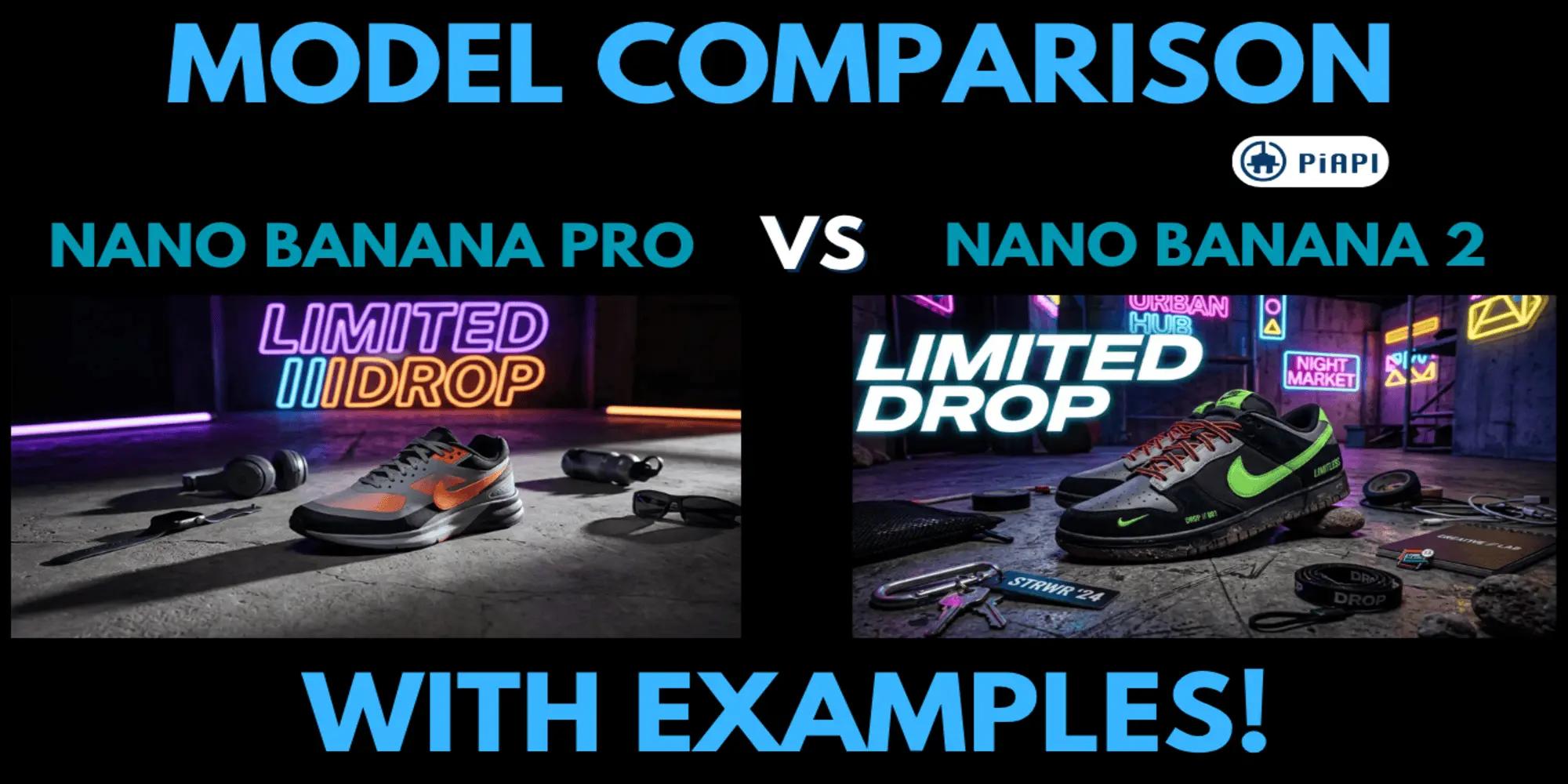
Nano Banana Pro vs Nano Banana 2: Google Nano Banana API Comparison with Examples
Nano Banana Pro vs Nano Banana 2: Google Nano Banana API Comparison and Image Quality Analysis
Nano Banana 2 API
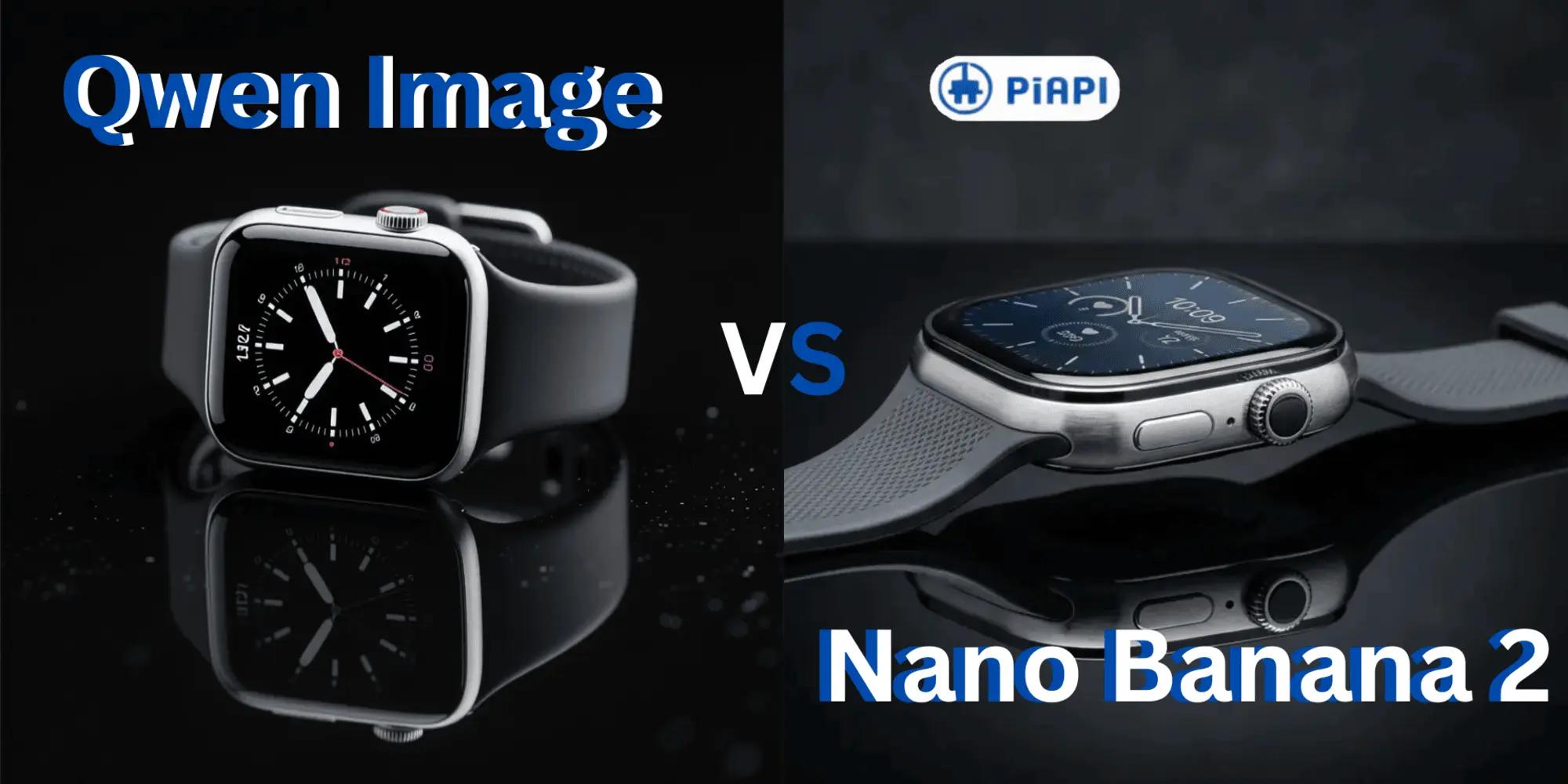
Qwen AI vs Nano Banana 2: Which AI Model API Is Better in 2026?
Compare Qwen AI vs Nano Banana 2 for image generation. Explore API features, pricing, prompt tips, and real examples to choose the best model in 2026.