

GPT Image 1.5 API - API tao va chinh sua hinh anh san sang cho production danh cho nha phat trien!
Duoc ho tro boi OpenAI GPT Image 1.5 la mo hinh tao anh manh me, vuot troi so voi cac phien ban truoc voi toc do nhanh hon toi da 4 lan va chat luong cao hon.
Bang gia GPT Image 1.5 API
Pay-as-you-go access through PiAPI.
GPT Image 1.5 API
$0.009 /anh
Starting price per generated image.
GPT Image 1.5 API
Do chan thuc cao
Xuat sac trong T2I va I2I voi anh sang tu nhien, vat lieu chinh xac va mau sac phong phu.
Toc do tao anh cao
Nhanh hon toi da 4 lan so voi GPT Image 1 trong khi chat luong tot hon.
Bao toan khuon mat va danh tinh
Cho phep chinh sua mang tinh dien anh trong khi giu su nhat quan nhan vat.
Hien thi chu tot hon
Toi uu cho chu sac net va van ban nho day hon voi bo cuc nhat quan.
Hinh anh cau truc phuc tap
Manh trong infographic, so do va bo cuc nhieu khung.
Kiem soat phong cach chinh xac va bam sat prompt
Phu hop cho marketing va thuong hieu, giu lai thanh phan tot.
Kien thuc thuc te va suy luan tot hon
Mo ta chinh xac doi tuong, moi truong va tinh huong.
Kha nang chinh sua
Xuat sac trong them, bot, ket hop, pha tron va chuyen doi.
Hieu nang thuc te da duoc chung minh
Vuot qua cac mo hinh hien co tren bo du lieu Microsoft noi bo trong can chinh prompt va infographic.
Integrate in Minutes
Create your API key
Sign up and grab an API key from the PiAPI workspace — free credits are included on sign-up.
Top up credits
Add credits on the billing page when you are ready to scale beyond the free tier.
Call the API
POST your first task following the API docs, then poll the task until the result is ready.
Iterate in the playground
Prototype prompts and settings in the the playground above before wiring them into your product.
curl -X POST 'https://api.piapi.ai/api/v1/task' \
  -H 'X-API-Key: YOUR_API_KEY' \
  -H 'Content-Type: application/json' \
  -d '{
    "model": "gpt-image-1.5",
    "task_type": "gpt-image-generation",
    "input": {
      "prompt": "A modern city street at night with neon signs and storefront lights, wet pavement reflecting the lights. Cinematic street photography style, shallow depth of field, moody atmosphere, realistic lighting.",
      "n": 1,
      "size": "1024x1024",
      "quality": "low"
    }
  }'

# → { "task_id": "9d5a…", "status": "pending" }
curl 'https://api.piapi.ai/api/v1/task/{task_id}' \
-H 'X-API-Key: YOUR_API_KEY'
# poll until status = completed
{
"data": {
"status": "completed",
"output": {
"image_url": "https://img.theapi.app/ephemeral/…"
}
}
}$ npm install -g piapi-cli $ piapi run gpt-image-1-5 \ prompt="A modern city street at night with neon signs and storefront lights, wet pavement reflecting the lights. Cinematic street photography style, shallow depth of field, moody atmosphere, realistic lighting." \ n=1 \ size=1024x1024 \ quality=low ✓ Task completed! https://img.theapi.app/ephemeral/…
Câu hỏi thường gặp
Ho tro nhung phong cach nao?
Ho tro nhieu phong cach tu anh chan thuc den render nghe thuat.
Co xu ly duoc prompt phuc tap khong?
Co. Duoc thiet ke cho huong dan phuc tap, nhieu doi tuong va canh chi tiet.
Ho tro dinh dang nao?
Ho tro JPG, PNG, WEBP va JPEG voi dau ra do phan giai cao.
More questions? See the API docs.
Our blog
GPT Image 1.5 API
GPT Image 1.5 API
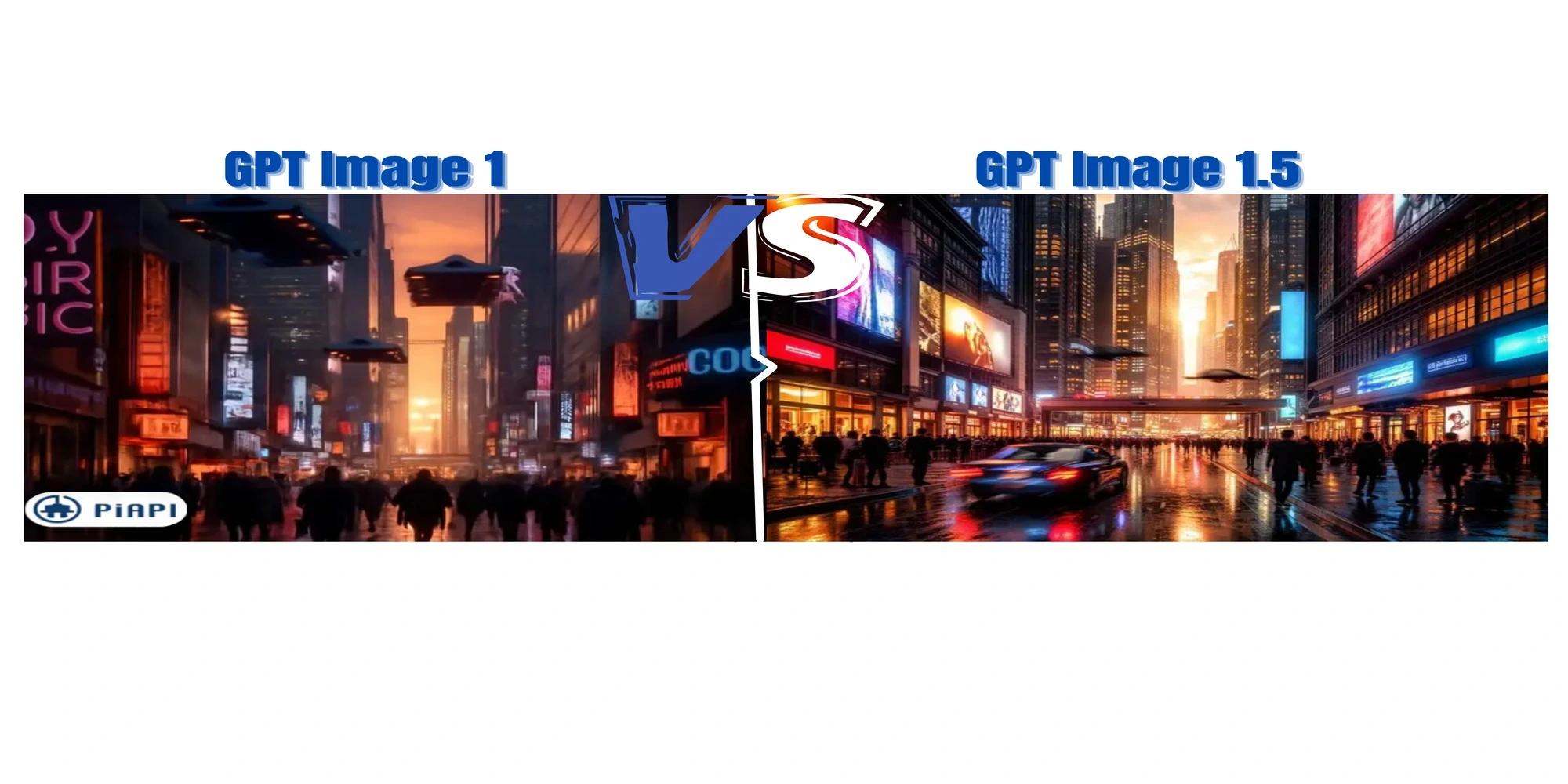
GPT Image 1 vs 1.5 Pricing: Cost Per Image Compared (2026)
Compare GPT Image 1.5 vs GPT Image 1 with insights on image quality, prompt adherence, generation stability, and API pricing.
GPT Image 1.5 API
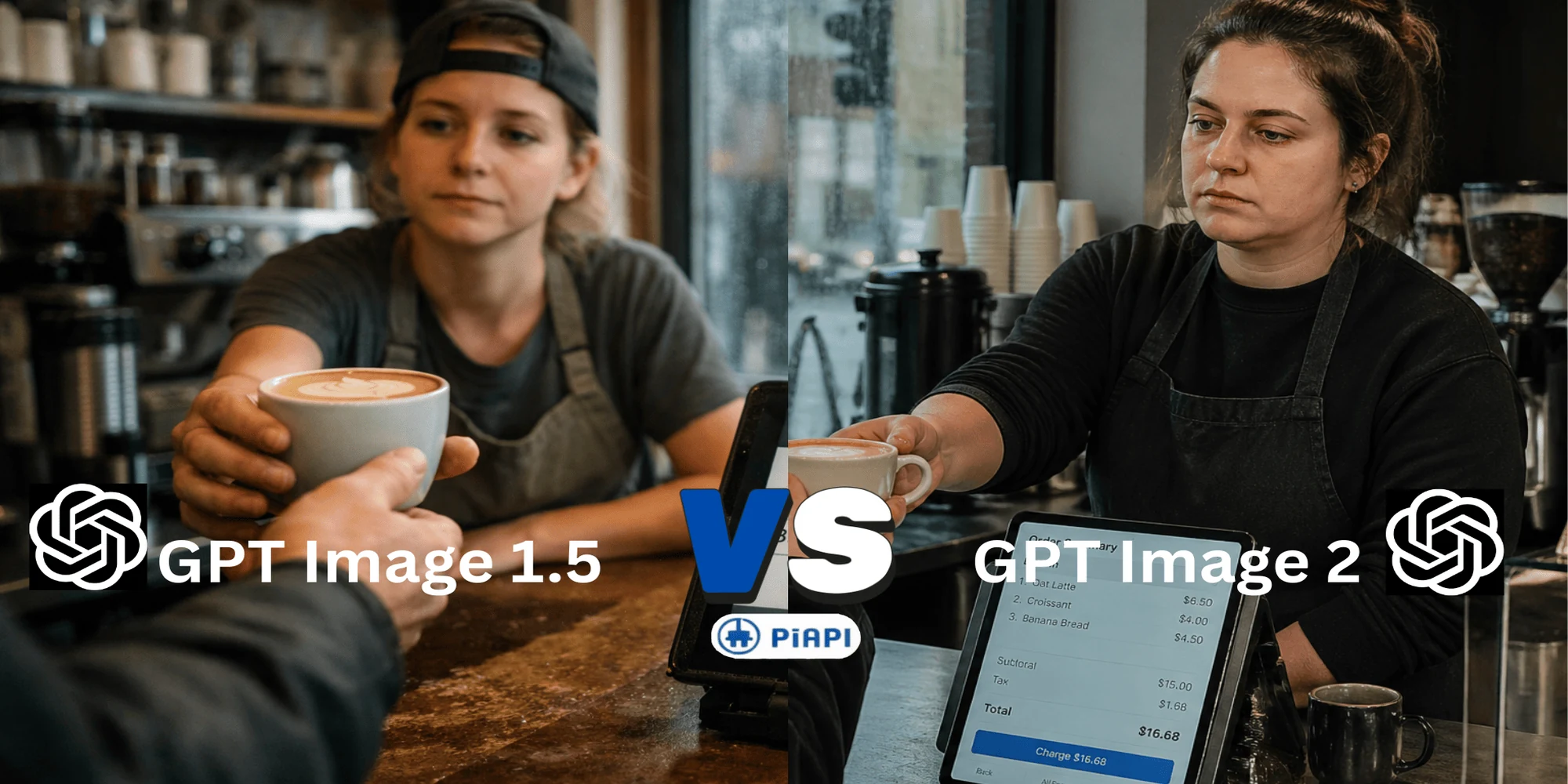
GPT Image 2 vs GPT Image 1.5 API: What's New in OpenAI Image Generation?
Compare GPT Image 2 vs GPT Image 1.5 API. Discover new features, image quality upgrades, pricing differences, prompt tips, and why GPT Image 2 is the latest choice for AI image generation.
GPT Image 1.5 API
GPT Image 1.5 API Guide: Features, Pricing, and Prompt Examples
What is GPT Image 1.5? Explore features, pricing, and how to use the gpt-image-1.5 API for high-quality AI image generation.