

Kling AI & Kling API / 卓越的图像与视频生成,触手可及!
PiAPI 的 Kling AI 与 API 支持 Kuaishou 出品的 Kling 1.0、1.5、1.6、2.0、2.1 视频模型,允许用户体验并将出色的视频生成能力(文生视频、图生视频、视频续写)与虚拟试穿功能集成到你的平台中!
Kling API 定价
Test generation quality above, then choose the Kling version, quality mode, and duration that fit your workflow.
Video generation by version
Kling 3.0
$0.10-$0.20/s /generation
- Standard to Pro with native audio
Kling 3.0 Omni
$0.10-$0.15/s /generation
- 720p Standard to 1080p Pro
Kling 2.6
$0.20-$0.66 /generation
- Per 5s video
- Standard to Pro with native audio
Kling 2.5
$0.20-$0.33 /generation
- Per 5s video
- Standard to Pro
Kling 2.1 Master
$0.96 /generation
- Per 5s video
- Master tier
Kling 1.6
$0.26-$0.46 /generation
- Per 5s video
- Standard to Pro
Capability models
Kling 2.6 Motion Control
$0.065-$0.26/s /generation
- Per second, 2.6 Standard to 3.0 Pro
Kling O1
$0.39-$1.04 /generation
- 5s 720p Standard to 10s 1080p Pro
Kling AI Avatar
$0.052-$0.26/s /generation
- Per second, Standard to Pro
Kling Effects
$0.20-$0.30/gen /generation
- Per generation, all effect templates
Kling Lip Sync
$0.10/5s /generation
- Per 5 seconds of dubbed video
Kling Sound
$0.07/gen /generation
- Per sound generation
Kling Virtual Try-On
$0.007/img /generation
- Per generated image
Kling 2.5 Turbo Pro
$0.28/5s /generation
- 10s $0.56
- Replicate-routed turbo tier
Bring your own account
Host-Your-Account
$10/seat/month /generation
- Connect your own Kling accounts!
- Access to all our Kling API features
- Hosting multiple accounts supported
- Load Balancer for multi-accounts
Build with Kling video generation
Capabilities from the production model page.
支持图生视频!
Kling AI 1.6、2.0 及 2.1 是最强大的 AI 模型套件,能够基于原始图像生成动态视频,同时遵循文本提示进行精细控制。
专业摄像机运镜
先进的三维时空注意力模块支持多种摄像机运动方式,可生成具有复杂电影感构图的沉浸式视频内容。
视频续写
我们的 API 支持对原始视频进行多次续写扩展,每次延伸额外增加 4.5 秒内容,并可通过文本提示精准控制续写效果。
Kling AI 虚拟试穿
由 Kling AI 图像生成引擎驱动,虚拟试穿 API 支持单件或多件服装作为输入;你还可以上传模特图片,让模特穿上指定服装!
精准物理仿真
凭借 Kuaishou 自研模型架构与大规模训练数据集,Kling 能够精准模拟现实世界的物理规律,生成符合真实物理约束的视频内容。
异步 API 调用
我们的 API 采用异步调用设计,支持回调函数,用户可以提交任务后在任务完成时收到通知,避免程序阻塞中断。
强大的概念可视化能力
通过卓越的语义理解能力与私有训练的 Diffusion Transformer 模型,Kling 能够将用户的想象力转化为具体画面,生成现实中难以复现的场景。
每一帧都是电影级画质
借助自研三维变分自编码器,Kling 能够生成 1080p 高清视频,视觉效果震撼,涵盖宏大壮阔的风景到精细入微的特写镜头。
灵活的画面比例
无论你是用于社交媒体内容批量生产、娱乐创作还是其他用途,我们的技术均可生成多种画面比例,满足各类视频使用场景。
Get started with the Kling API
Create your API key
Sign up and grab an API key from the PiAPI workspace — free credits are included on sign-up.
Top up credits
Add credits on the billing page when you are ready to scale beyond the free tier.
Call the API
POST your first task following the API docs, then poll the task until the result is ready.
Iterate in the playground
Prototype prompts and settings in the the playground above before wiring them into your product.
curl -X POST 'https://api.piapi.ai/api/v1/task' \
  -H 'X-API-Key: YOUR_API_KEY' \
  -H 'Content-Type: application/json' \
  -d '{
    "model": "kling",
    "task_type": "video_generation",
    "input": {
      "version": "2.6",
      "mode": "std",
      "duration": 5,
      "aspect_ratio": "16:9",
      "prompt": "A quiet morning scene"
    }
  }'

# → { "task_id": "9d5a…", "status": "pending" }
curl 'https://api.piapi.ai/api/v1/task/{task_id}' \
-H 'X-API-Key: YOUR_API_KEY'
# poll until status = completed
{
"data": {
"status": "completed",
"output": {
"video_url": "https://img.theapi.app/ephemeral/…"
}
}
}$ npm install -g piapi-cli $ piapi run kling-api \ version=2.6 \ mode=std \ duration=5 \ aspect_ratio=16:9 \ prompt="A quiet morning scene" ✓ Task completed! https://img.theapi.app/ephemeral/…
Kling API FAQ
什么是 Kling?
是由 Kuaishou(快手)开发的前沿视频生成 AI 模型。快手是全球最大的短视频社交平台之一,用户规模超过 4 亿。该模型支持用户通过文本提示、静态图像或已有视频生成高质量、高真实感的视频内容。
什么是 Kling API?
由于 Kuaishou 目前尚未为 Kling 模型提供官方 API,PiAPI 主动出击,为全球开发者构建了非官方的 Kling API,让你能够将文生视频、图生视频、视频续写等能力集成到自己的应用或平台中!
使用 Kling API 可以生成哪些类型的视频?
我们的 Kling API 可帮助用户生成各类电影级视频。API 还支持对原始视频进行续写扩展,每次扩展增加 4.5 秒内容,并可通过文本提示精准控制!
Kling 模型目前有哪些限制?
部分情况下,生成视频的分辨率可能未能达到用户期望(如 1080p),但随着 Kuaishou 推理基础设施的持续优化,这一问题有望随算力提升逐步得到解决。
Kling API 生成的视频可以用于商业用途吗?
建议等待 Kuaishou 发布关于此问题的更多官方说明。目前所有生成的视频均带有 Kling 水印,部分用户可能会尝试使用第三方工具去除水印。
More questions? See the API docs.
Latest Kling guides
Practical setup, model comparisons, and production tips—six highlights on mobile, with more in the blog.
Kling API
How to Use the Kling Image-to-Video API with Python
Create a Kling image-to-video task through PiAPI with Python, save the task ID, poll for the video URL, and handle failures without duplicate submissions.
Kling API
Bring Your Own Kling Account: API Access via PiAPI
Bring your existing Kling account into an API workflow with PiAPI Host-your-account. Explore seat pricing, account credits, and availability in the dashboard.
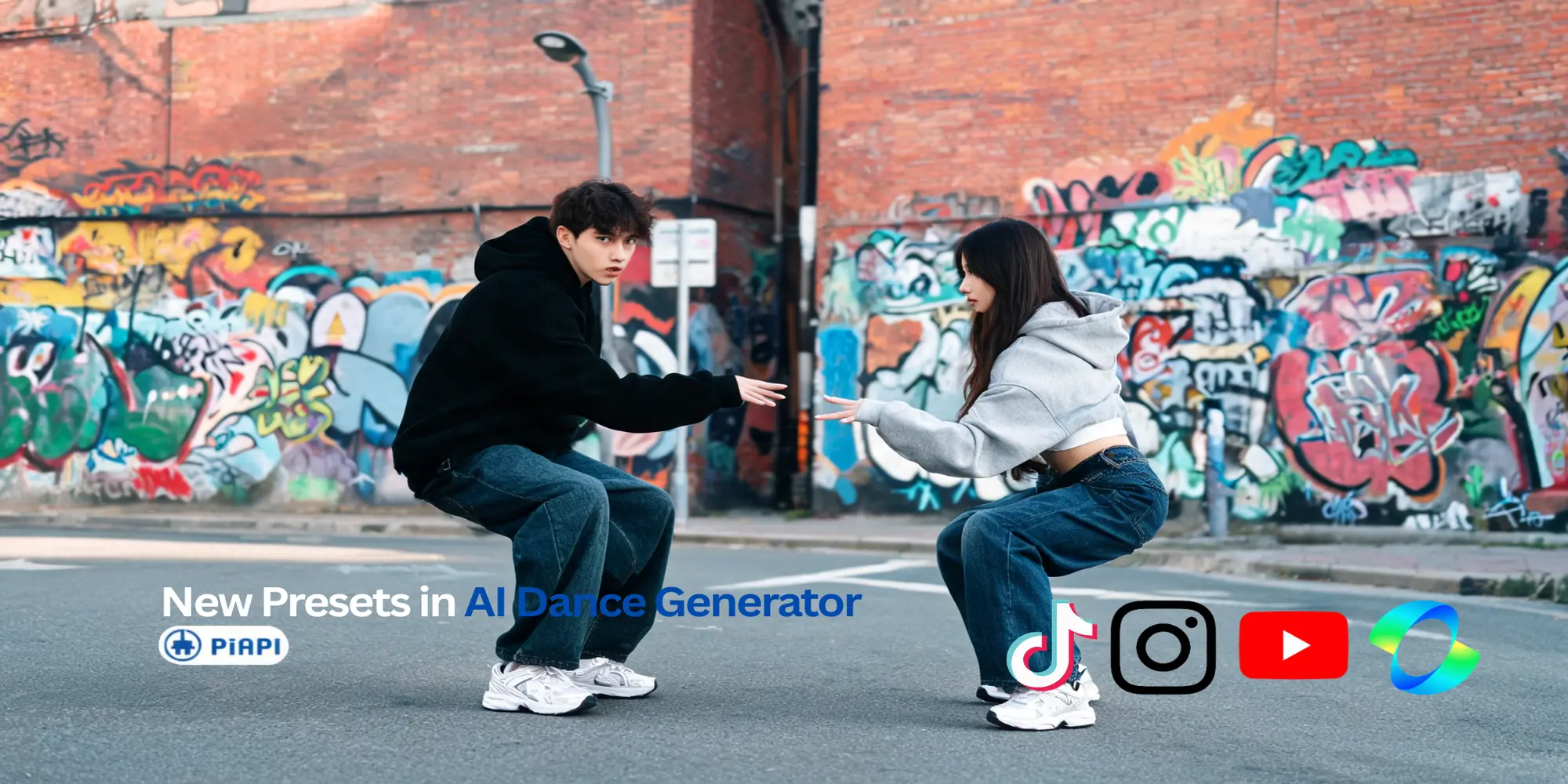
Kling API
New Working Dance Presets for PiAPI's Kling 2.6 Dance Generator
PiAPI's Kling 2.6 Dance Generator now includes new working dance presets while still supporting custom reference video uploads for your own motion style.
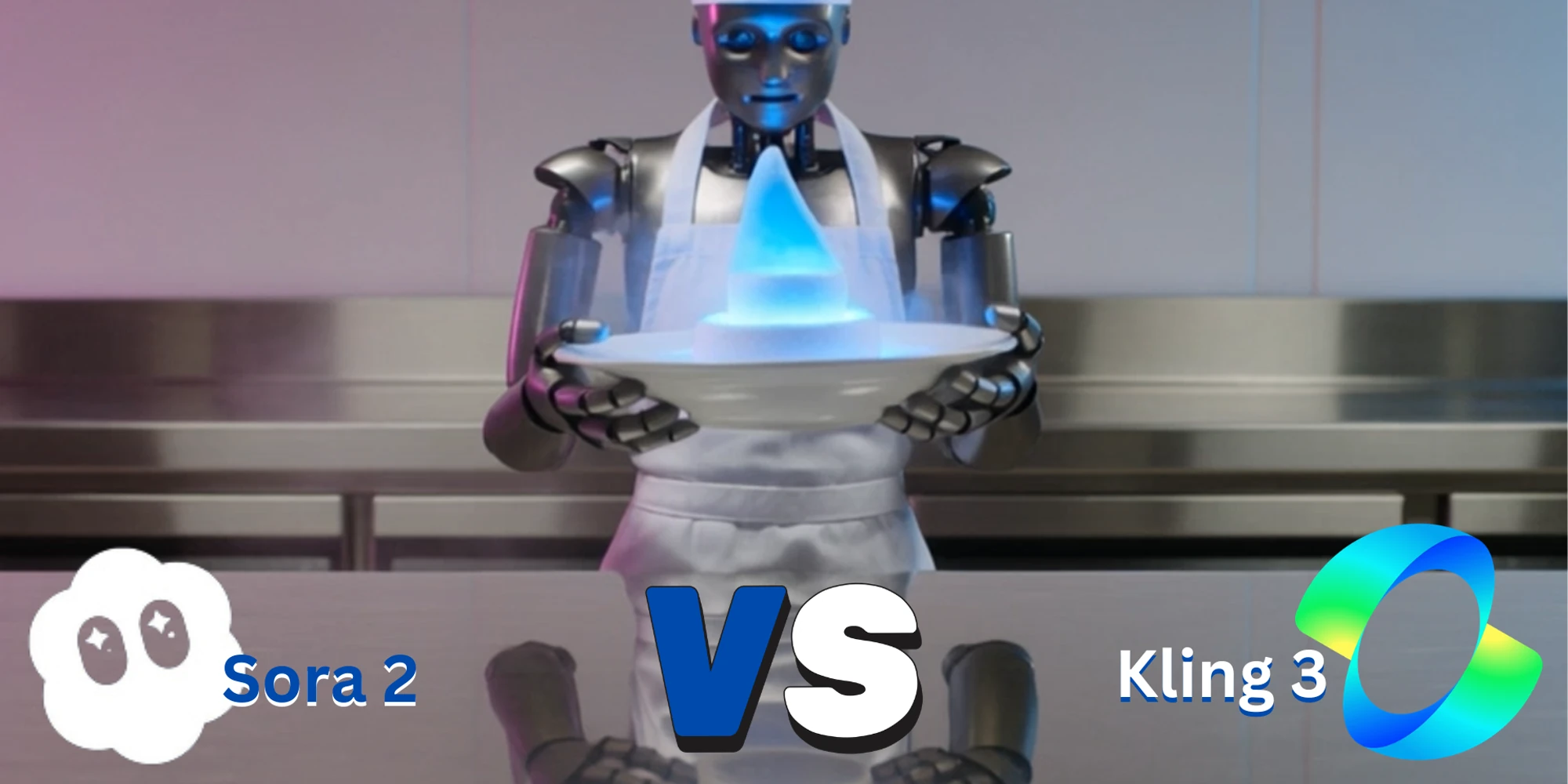
Kling API
Kling 3 vs Sora 2: Which AI Video Model Should You Use?
Compare Kling 3 vs Sora 2 for AI video generation, API access, pricing, prompt following, motion quality, and production workflows. Test both models in one playground.
Kling API
클링 AI 3.0 vs 시댄스 비교: 어떤 AI 영상 생성기가 더 좋을까? (2026)
클링 AI 3.0와 시댄스를 비교해 화질, 가격, 생성 속도, 사용성, API 지원까지 한눈에 확인하세요. 어떤 AI 영상 생성기가 더 적합한지 알아보세요.
Kling API
Kling AI Avatar: Full Guide with Examples (Standard vs Pro Quality)
Learn how Kling AI Avatar works with real examples and a clear Standard vs Pro quality comparison. Discover features, use cases, and how to choose the right output for production.
Kling API
Kling O1 API Guide: How to Use Kling AI API for Cinematic Video Generation
Learn how to use the Kling O1 API for AI video generation. Explore Kling AI API features, pricing, documentation, and prompt examples for cinematic workflows.
Kling API
Kling 3.0 vs Kling 3.0 Omni: Which Model Is Better for AI Video Generation?
Compare Kling 3.0 and Kling 3.0 Omni across video quality, motion realism, and production use cases to decide which AI video model performs better.
Kling API
Kling 3.0 vs Kling 2.6: Latest Kling AI Version Comparison (2026)
Compare Kling 3.0 and Kling 2.6 APIs in 2026 across prompt adherence, realism, resolution, artifacts, control, and generation speed. Learn which Kling AI API fits your workflow.

Kling API
How to Automate Glass Fruit Cutting Videos with Make.com and Kling API
Automate daily ASMR videos with Make.com and PiAPI’s Kling API. Start with the viral glass fruit cutting prompt, then scale into a self-running Shorts and Reels channel. No code needed—just prompts, automation, and PiAPI’s 20+ AI models.

Kling API
Kling API Pricing, Features, and Documentation — Everything You Need to Know (2025)
Discover Kling AI pricing, features, and API docs. Learn how PiAPI simplifies Kling API integration for creators and developers.

Kling API
Kling AI Censorship Explained (2025): Why Developers Switch to PiAPI for Creative Freedom
Frustrated by Kling’s restrictions? Discover why developers are switching to PiAPI for unrestricted AI video generation—with access to models like GPT-4o and Luma.

Kling API
Build Viral AI Videos with Kling + GPT-4o via PiAPI
Access Kling, GPT-4o, and more via one API. Learn how developers use PiAPI to build custom AI video workflows—no platform limits, just full model control.

Kling API
Using Kling API to animate toys like Popal
In this blog we will be using Kling API to animate toys like Popal

Kling API
Kling API vs Pika API (Kling Effects vs Pikaffects)
In this blog we will be comparing Kling's Kling Effects with Pika Art's Pikaffects!

Kling API
Bring Historical Figures to life using AI like Kling API
In this blog we use Kling API to bring historical figures to life!

Kling API
Kling Elements through Kling API
Using the Kling Elements Feature through Kling API

Kling API
Kling 1.6 Model through Kling API
Use the Kling 1.6 API through PiAPI, in this blog we will compare the differences between Kling 1.5 and Kling 1.6

Kling API
How PiAPI's Kling AI API is better than the Official Kling AI API (cost, speed, and features)!
In this blog we discuss on how PiAPI's Kling AI API is better than the Official Kling AI API in terms of cost, speed, and features!

Kling API
Crush it Melt it through Pika API , Kling API & Luma API
In this blog we will be exploring the new Crush It Melt It trend and see if Luma API and Kling API can do as well as Pika API!

Kling API
The Motion Brush Feature through Kling API
Interested about the newly released Kling Motion Brush Feature? Want to use Motion Brush through Kling API? Check out our comparison blog for more!

Kling API
Using Kling API & Midjourney API to Create an Animated Custom Wallpaper
Using Kling API and Midjourney API to create visually stunning wallpapers! For example an anime wallpaper, a wallpaper of the character Yoshii Toragana from Shogun, and a Warhammer 40k Wallpaper.

Kling API
Kling 1.5 vs 1.0 - A Comparison through Kling API
A detailed comparison between Kling 1.5 and it's predecessor Kling 1.0, using Kling API to generate the videos compared.