

Kling AI & Kling API / 卓越的圖像與視頻生成,觸手可及!
PiAPI 的 Kling AI 與 API 支援 Kuaishou 出品的 Kling 1.0、1.5、1.6、2.0、2.1 視頻模型,允許用戶體驗並將出色的視頻生成能力(文生視頻、圖生視頻、視頻續寫)與虛擬試穿功能整合到你的平台中!
Kling API 定價
Test generation quality above, then choose the Kling version, quality mode, and duration that fit your workflow.
Video generation by version
Kling 3.0
$0.10-$0.20/s /generation
- Standard to Pro with native audio
Kling 3.0 Omni
$0.10-$0.15/s /generation
- 720p Standard to 1080p Pro
Kling 2.6
$0.20-$0.66 /generation
- Per 5s video
- Standard to Pro with native audio
Kling 2.5
$0.20-$0.33 /generation
- Per 5s video
- Standard to Pro
Kling 2.1 Master
$0.96 /generation
- Per 5s video
- Master tier
Kling 1.6
$0.26-$0.46 /generation
- Per 5s video
- Standard to Pro
Capability models
Kling 2.6 Motion Control
$0.065-$0.26/s /generation
- Per second, 2.6 Standard to 3.0 Pro
Kling O1
$0.39-$1.04 /generation
- 5s 720p Standard to 10s 1080p Pro
Kling AI Avatar
$0.052-$0.26/s /generation
- Per second, Standard to Pro
Kling Effects
$0.20-$0.30/gen /generation
- Per generation, all effect templates
Kling Lip Sync
$0.10/5s /generation
- Per 5 seconds of dubbed video
Kling Sound
$0.07/gen /generation
- Per sound generation
Kling Virtual Try-On
$0.007/img /generation
- Per generated image
Kling 2.5 Turbo Pro
$0.28/5s /generation
- 10s $0.56
- Replicate-routed turbo tier
Bring your own account
Host-Your-Account
$10/seat/month /generation
- Connect your own Kling accounts!
- Access to all our Kling API features
- Hosting multiple accounts supported
- Load Balancer for multi-accounts
Build with Kling video generation
Capabilities from the production model page.
支援圖生視頻!
Kling AI 1.6、2.0 及 2.1 是最強大的 AI 模型套件,能夠基於原始圖像生成動態視頻,同時遵循文字提示進行精細控制。
專業攝影機運鏡
先進的三維時空注意力模組支援多種攝影機運動方式,可生成具有複雜電影感構圖的沉浸式視頻內容。
視頻續寫
我們的 API 支援對原始視頻進行多次續寫擴展,每次延伸額外增加 4.5 秒內容,並可透過文字提示精準控制續寫效果。
Kling AI 虛擬試穿
由 Kling AI 圖像生成引擎驅動,虛擬試穿 API 支援單件或多件服裝作為輸入;你還可以上傳模特兒圖片,讓模特兒穿上指定服裝!
精準物理模擬
憑藉 Kuaishou 自研模型架構與大規模訓練資料集,Kling 能夠精準模擬現實世界的物理規律,生成符合真實物理約束的視頻內容。
非同步 API 呼叫
我們的 API 採用非同步呼叫設計,支援回呼函式,用戶可以提交任務後在任務完成時收到通知,避免程式阻塞中斷。
強大的概念視覺化能力
透過卓越的語義理解能力與私有訓練的 Diffusion Transformer 模型,Kling 能夠將用戶的想像力轉化為具體畫面,生成現實中難以重現的場景。
每一幀都是電影級畫質
借助自研三維變分自動編碼器,Kling 能夠生成 1080p 高清視頻,視覺效果震撼,涵蓋宏大壯闊的風景到精細入微的特寫鏡頭。
靈活的畫面比例
無論你是用於社群媒體內容批量生產、娛樂創作還是其他用途,我們的技術均可生成多種畫面比例,滿足各類視頻使用場景。
Get started with the Kling API
Create your API key
Sign up and grab an API key from the PiAPI workspace — free credits are included on sign-up.
Top up credits
Add credits on the billing page when you are ready to scale beyond the free tier.
Call the API
POST your first task following the API docs, then poll the task until the result is ready.
Iterate in the playground
Prototype prompts and settings in the the playground above before wiring them into your product.
curl -X POST 'https://api.piapi.ai/api/v1/task' \
  -H 'X-API-Key: YOUR_API_KEY' \
  -H 'Content-Type: application/json' \
  -d '{
    "model": "kling",
    "task_type": "video_generation",
    "input": {
      "version": "2.6",
      "mode": "std",
      "duration": 5,
      "aspect_ratio": "16:9",
      "prompt": "A quiet morning scene"
    }
  }'

# → { "task_id": "9d5a…", "status": "pending" }
curl 'https://api.piapi.ai/api/v1/task/{task_id}' \
-H 'X-API-Key: YOUR_API_KEY'
# poll until status = completed
{
"data": {
"status": "completed",
"output": {
"video_url": "https://img.theapi.app/ephemeral/…"
}
}
}$ npm install -g piapi-cli $ piapi run kling-api \ version=2.6 \ mode=std \ duration=5 \ aspect_ratio=16:9 \ prompt="A quiet morning scene" ✓ Task completed! https://img.theapi.app/ephemeral/…
Kling API FAQ
什麼是 Kling?
是由 Kuaishou(快手)開發的前沿視頻生成 AI 模型。快手是全球最大的短視頻社群平台之一,用戶規模超過 4 億。該模型支援用戶透過文字提示、靜態圖像或現有視頻生成高品質、高真實感的視頻內容。
什麼是 Kling API?
由於 Kuaishou 目前尚未為 Kling 模型提供官方 API,PiAPI 主動出擊,為全球開發者建構了非官方的 Kling API,讓你能夠將文生視頻、圖生視頻、視頻續寫等能力整合到自己的應用程式或平台中!
使用 Kling API 可以生成哪些類型的視頻?
我們的 Kling API 可幫助用戶生成各類電影級視頻。API 還支援對原始視頻進行續寫擴展,每次擴展增加 4.5 秒內容,並可透過文字提示精準控制!
Kling 模型目前有哪些限制?
部分情況下,生成視頻的解析度可能未能達到用戶期望(如 1080p),但隨著 Kuaishou 推理基礎設施的持續優化,這一問題有望隨算力提升逐步得到解決。
Kling API 生成的視頻可以用於商業用途嗎?
建議等待 Kuaishou 發布關於此問題的更多官方說明。目前所有生成的視頻均帶有 Kling 浮水印,部分用戶可能會嘗試使用第三方工具移除浮水印。
More questions? See the API docs.
Latest Kling guides
Practical setup, model comparisons, and production tips—six highlights on mobile, with more in the blog.
Kling API
How to Use the Kling Image-to-Video API with Python
Create a Kling image-to-video task through PiAPI with Python, save the task ID, poll for the video URL, and handle failures without duplicate submissions.
Kling API
Bring Your Own Kling Account: API Access via PiAPI
Bring your existing Kling account into an API workflow with PiAPI Host-your-account. Explore seat pricing, account credits, and availability in the dashboard.
Kling API
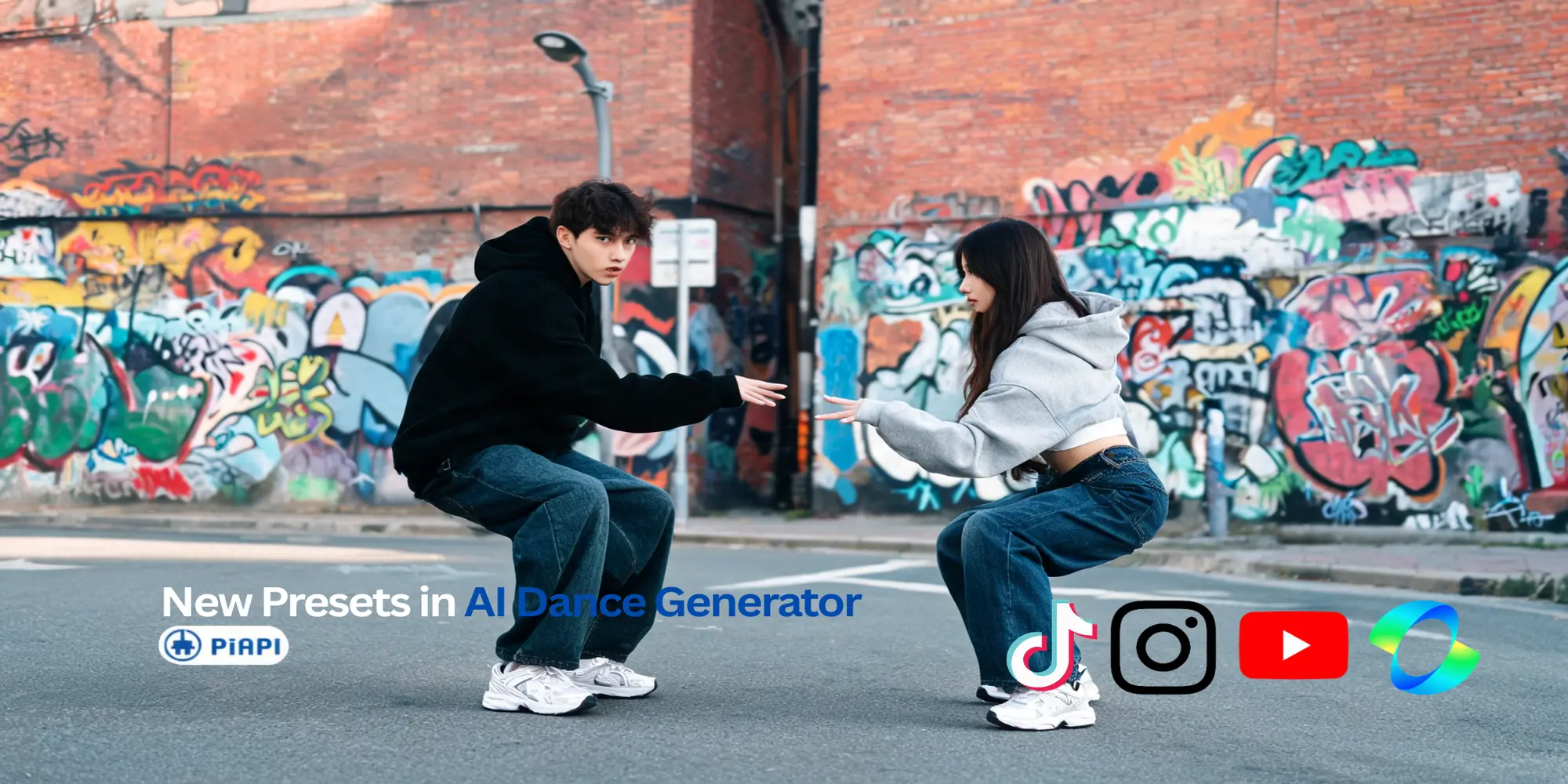
New Working Dance Presets for PiAPI's Kling 2.6 Dance Generator
PiAPI's Kling 2.6 Dance Generator now includes new working dance presets while still supporting custom reference video uploads for your own motion style.
Kling API
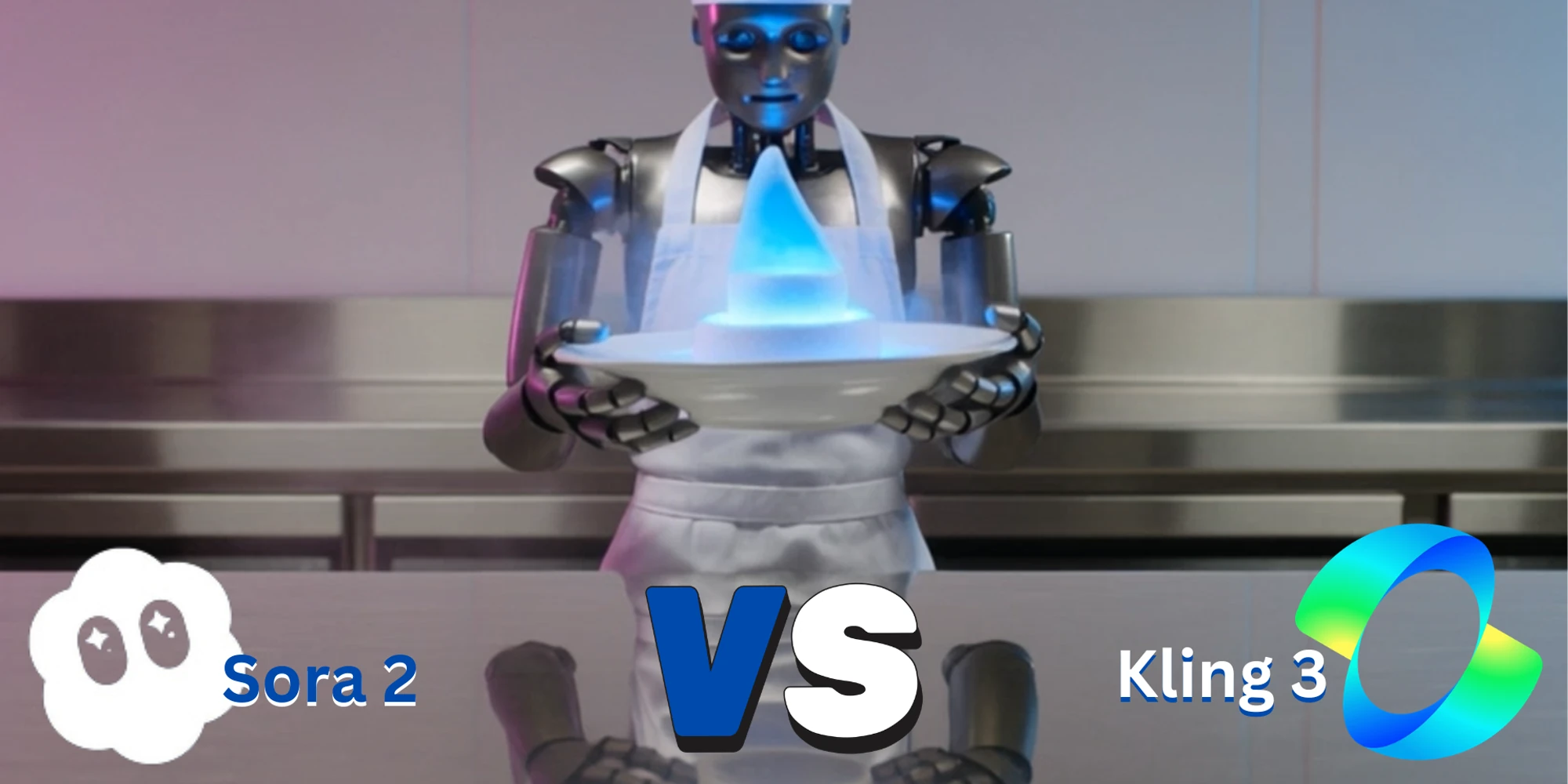
Kling 3 vs Sora 2: Which AI Video Model Should You Use?
Compare Kling 3 vs Sora 2 for AI video generation, API access, pricing, prompt following, motion quality, and production workflows. Test both models in one playground.
Kling API
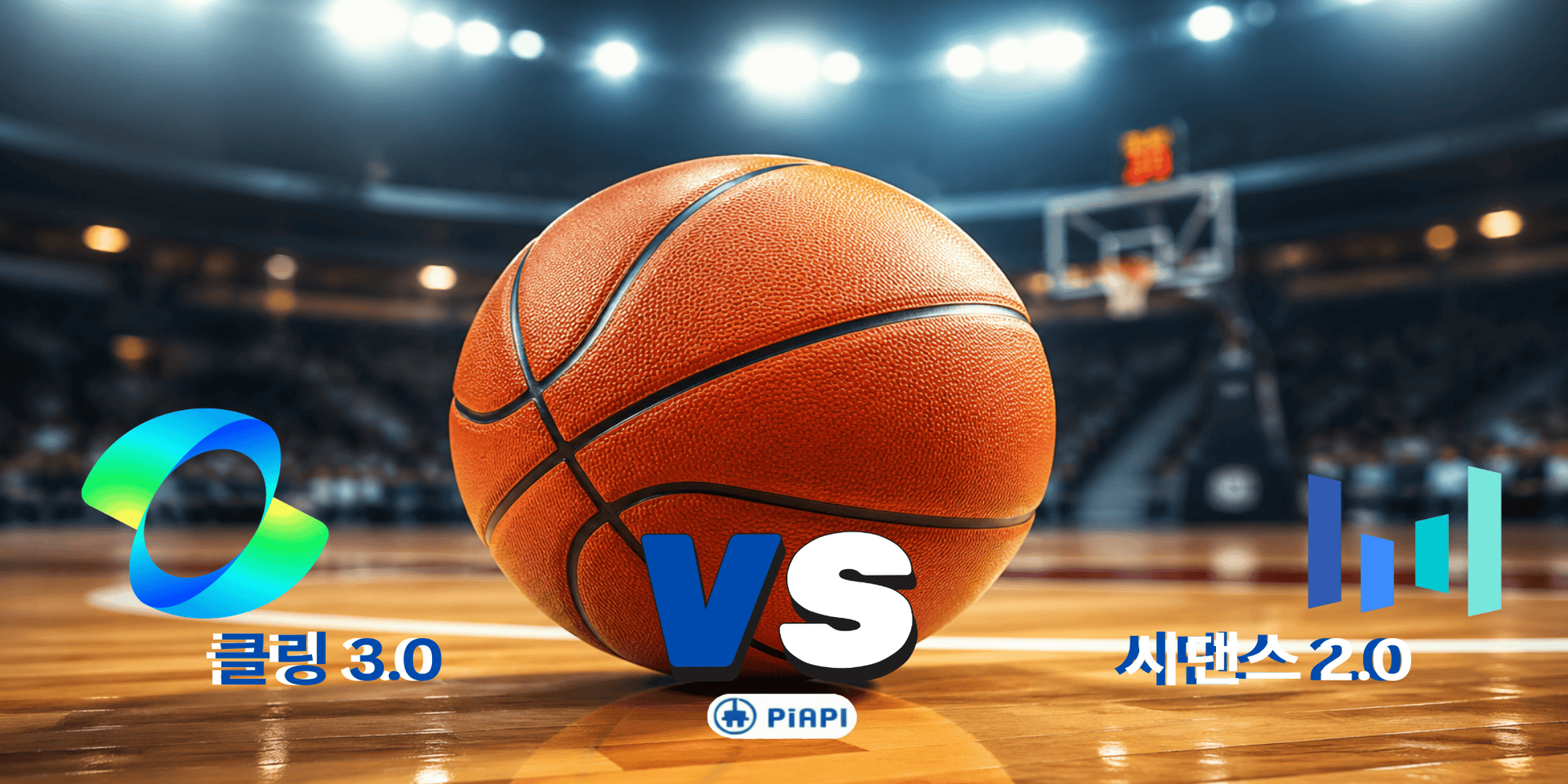
클링 AI 3.0 vs 시댄스 비교: 어떤 AI 영상 생성기가 더 좋을까? (2026)
클링 AI 3.0와 시댄스를 비교해 화질, 가격, 생성 속도, 사용성, API 지원까지 한눈에 확인하세요. 어떤 AI 영상 생성기가 더 적합한지 알아보세요.
Kling API
Kling AI Avatar: Full Guide with Examples (Standard vs Pro Quality)
Learn how Kling AI Avatar works with real examples and a clear Standard vs Pro quality comparison. Discover features, use cases, and how to choose the right output for production.
Kling API
Kling O1 API Guide: How to Use Kling AI API for Cinematic Video Generation
Learn how to use the Kling O1 API for AI video generation. Explore Kling AI API features, pricing, documentation, and prompt examples for cinematic workflows.
Kling API
Kling 3.0 vs Kling 3.0 Omni: Which Model Is Better for AI Video Generation?
Compare Kling 3.0 and Kling 3.0 Omni across video quality, motion realism, and production use cases to decide which AI video model performs better.
Kling API
Kling 3.0 vs Kling 2.6: Latest Kling AI Version Comparison (2026)
Compare Kling 3.0 and Kling 2.6 APIs in 2026 across prompt adherence, realism, resolution, artifacts, control, and generation speed. Learn which Kling AI API fits your workflow.

Kling API
How to Automate Glass Fruit Cutting Videos with Make.com and Kling API
Automate daily ASMR videos with Make.com and PiAPI’s Kling API. Start with the viral glass fruit cutting prompt, then scale into a self-running Shorts and Reels channel. No code needed—just prompts, automation, and PiAPI’s 20+ AI models.

Kling API
Kling API Pricing, Features, and Documentation — Everything You Need to Know (2025)
Discover Kling AI pricing, features, and API docs. Learn how PiAPI simplifies Kling API integration for creators and developers.

Kling API
Kling AI Censorship Explained (2025): Why Developers Switch to PiAPI for Creative Freedom
Frustrated by Kling’s restrictions? Discover why developers are switching to PiAPI for unrestricted AI video generation—with access to models like GPT-4o and Luma.

Kling API
Build Viral AI Videos with Kling + GPT-4o via PiAPI
Access Kling, GPT-4o, and more via one API. Learn how developers use PiAPI to build custom AI video workflows—no platform limits, just full model control.

Kling API
Using Kling API to animate toys like Popal
In this blog we will be using Kling API to animate toys like Popal

Kling API
Kling API vs Pika API (Kling Effects vs Pikaffects)
In this blog we will be comparing Kling's Kling Effects with Pika Art's Pikaffects!

Kling API
Bring Historical Figures to life using AI like Kling API
In this blog we use Kling API to bring historical figures to life!

Kling API
Kling Elements through Kling API
Using the Kling Elements Feature through Kling API

Kling API
Kling 1.6 Model through Kling API
Use the Kling 1.6 API through PiAPI, in this blog we will compare the differences between Kling 1.5 and Kling 1.6

Kling API
How PiAPI's Kling AI API is better than the Official Kling AI API (cost, speed, and features)!
In this blog we discuss on how PiAPI's Kling AI API is better than the Official Kling AI API in terms of cost, speed, and features!

Kling API
Crush it Melt it through Pika API , Kling API & Luma API
In this blog we will be exploring the new Crush It Melt It trend and see if Luma API and Kling API can do as well as Pika API!

Kling API
The Motion Brush Feature through Kling API
Interested about the newly released Kling Motion Brush Feature? Want to use Motion Brush through Kling API? Check out our comparison blog for more!

Kling API
Using Kling API & Midjourney API to Create an Animated Custom Wallpaper
Using Kling API and Midjourney API to create visually stunning wallpapers! For example an anime wallpaper, a wallpaper of the character Yoshii Toragana from Shogun, and a Warhammer 40k Wallpaper.

Kling API
Kling 1.5 vs 1.0 - A Comparison through Kling API
A detailed comparison between Kling 1.5 and it's predecessor Kling 1.0, using Kling API to generate the videos compared.